114 Version 3.3
Operator’s Manual Configuration
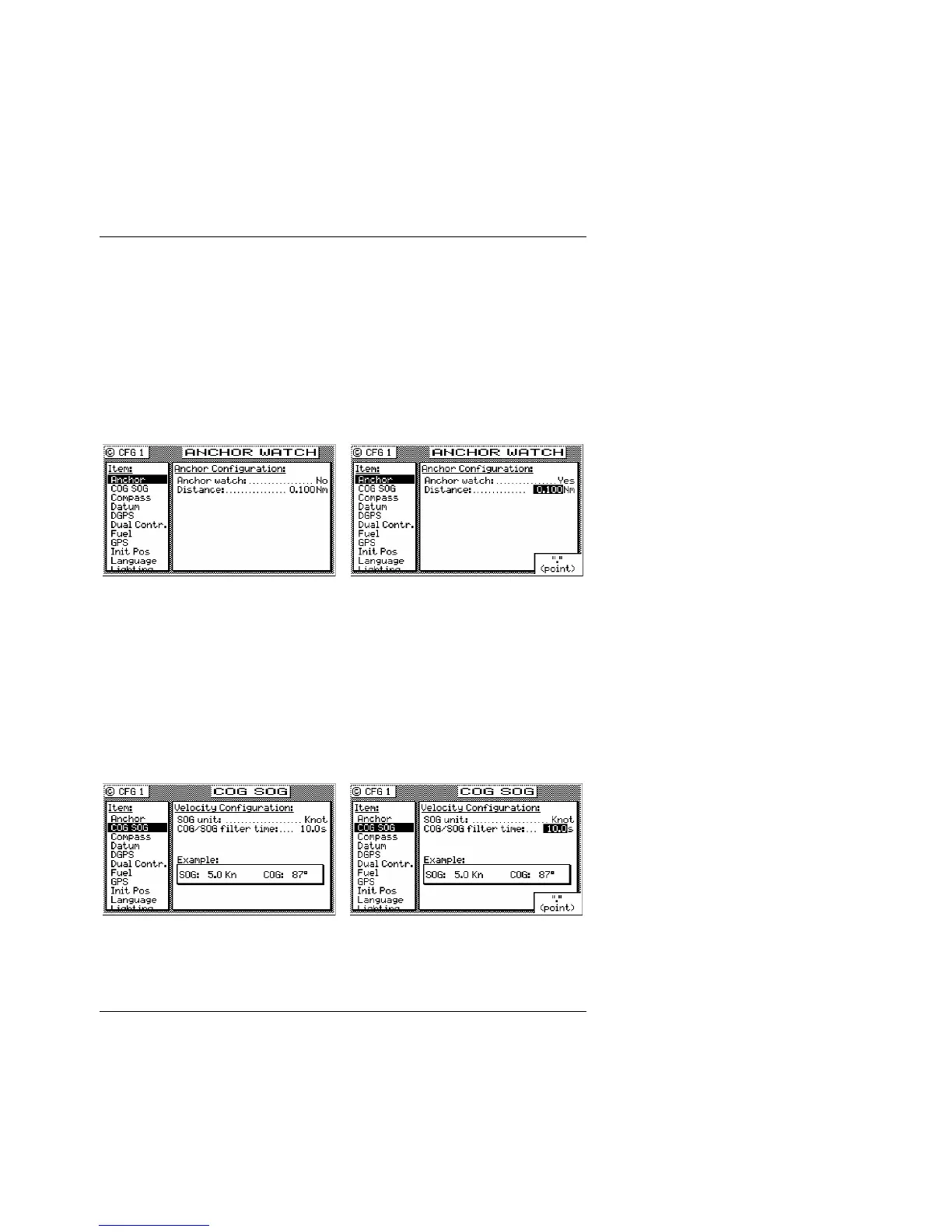
Anchor - Anchor Watch Alarm
This screen allows you to drop anchor, and set in a maximum drift
radius. When you actually drop the anchor, set the alarm to Yes and
set the maximum drift distance. The receiver will remember the
drop coordinates and provide an alarm if the antenna drifts beyond
the maximum distance you enter. If you are on a large commercial
ship, don’t forget that the anchor may be several hundred feet from
the receiver antenna. You will need to consider this when setting in
the distance.
COG SOG - Course & Speed Filter Settings & Setup
This screen controls the Speed Over Ground (SOG) units of
measure (Meters per second, Kilometers per hour, Miles per hour,
or Knots). You can also set a filter time to average your speed and
course over ground measurements. This helps to smooth these
measurements on the display and NMEA output, a particularly
useful tool for slow moving vessels and vehicles. The default filter
setting is 10 seconds.



 To Next Page