58 Version 3.3
Operator’s Manual Waypoint
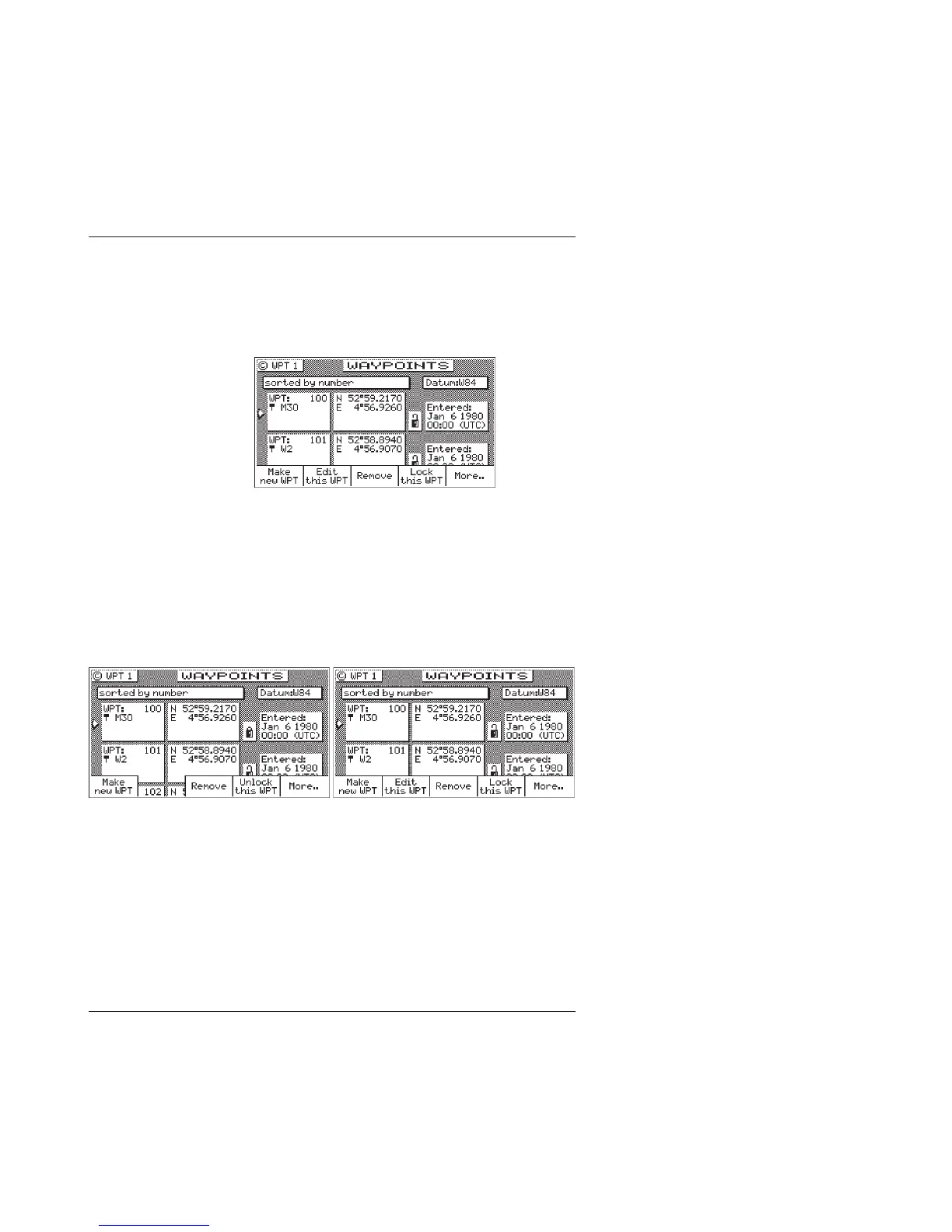
To lock a waypoint
1. Select the WPT key until the WPT1 screen is displayed.
2. Move the cursor to the desired waypoint.
3. Press the E key.
4. Press the Lock this WPT softkey.
5. Press the E key.
To unlock a waypoint
1. Select the WPT key until the WPT1 screen is displayed.
2. Move the cursor to the desired waypoint.
3. Press the E key.
4. Press the Unlock this WPT softkey.
5. Press the E key.
If you simply want to modify the waypoint, Edit this WPT will
be displayed on the bottom left of the screen.



 To Next Page