128 Version 3.3
Operator’s Manual Configuration
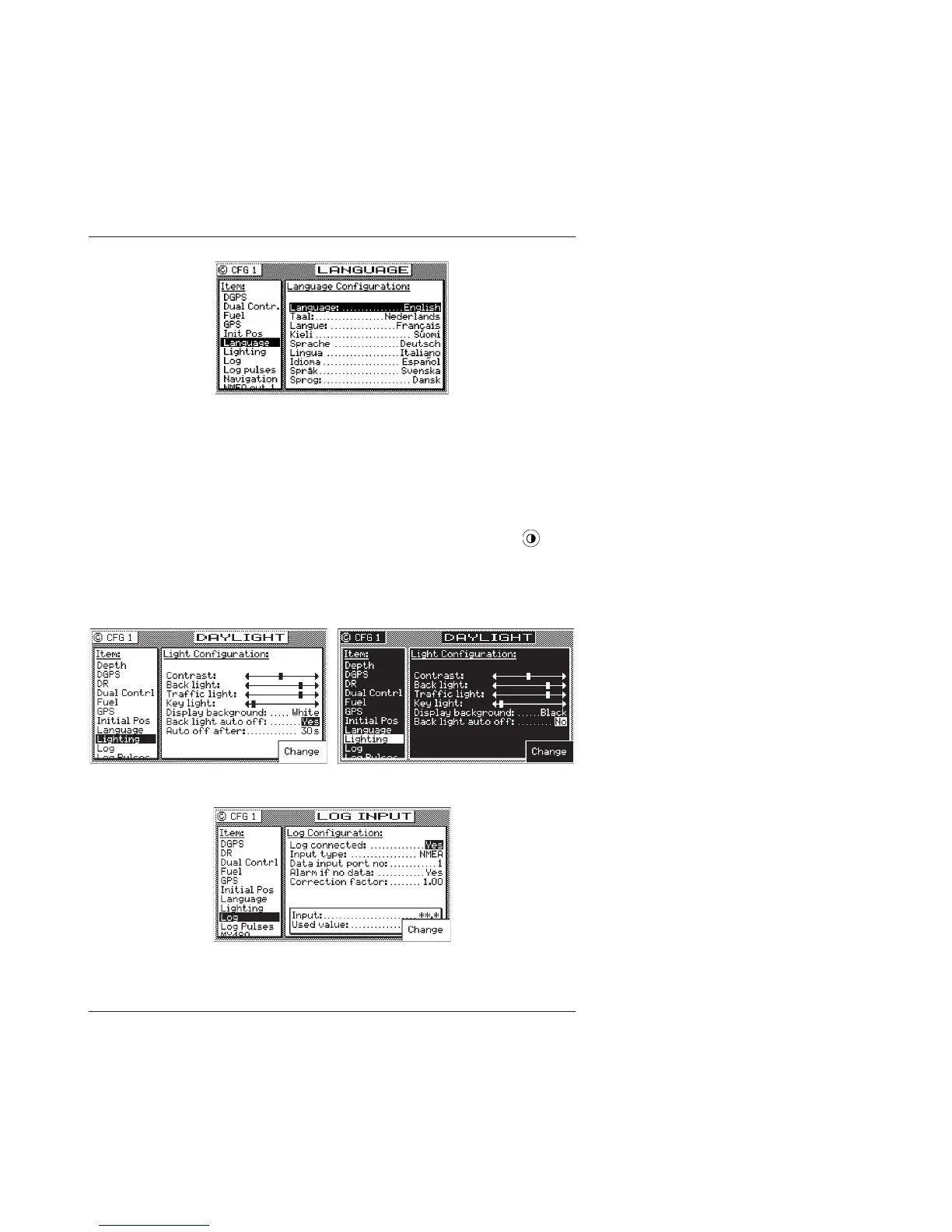
Press the E key. Use the cursor key to scroll down the list until you
find the desired language. Press the E key again. The CFG menu
list will resort the menu selections in alphabetical order based on
the language selected.
Lighting - Display/Keyboard Light & Contrast Control
There are two basic display setups. The light function key ( )
allows you to instantly switch between two predefined screens
(Daylight & Nightlight).
Basically, you can create one of two Daylight configurations:
and one of two Nightlight configurations:
Choose the two setups which you find most appealing as your
standard configuration.



 To Next Page