Version 3.3 57
Waypoint Operator’s Manual
Note: Locked waypoints can not be over written by
waypoints downloaded from the NMEA port or
saved by the Mark or MOB functions.
9. Then press the E function key to end editing.
You can press the E key when you finish editing a waypoint,
this is treated the same as pressing the Done softkey. Pressing
Done allows you to continue editing and entering other
waypoints.
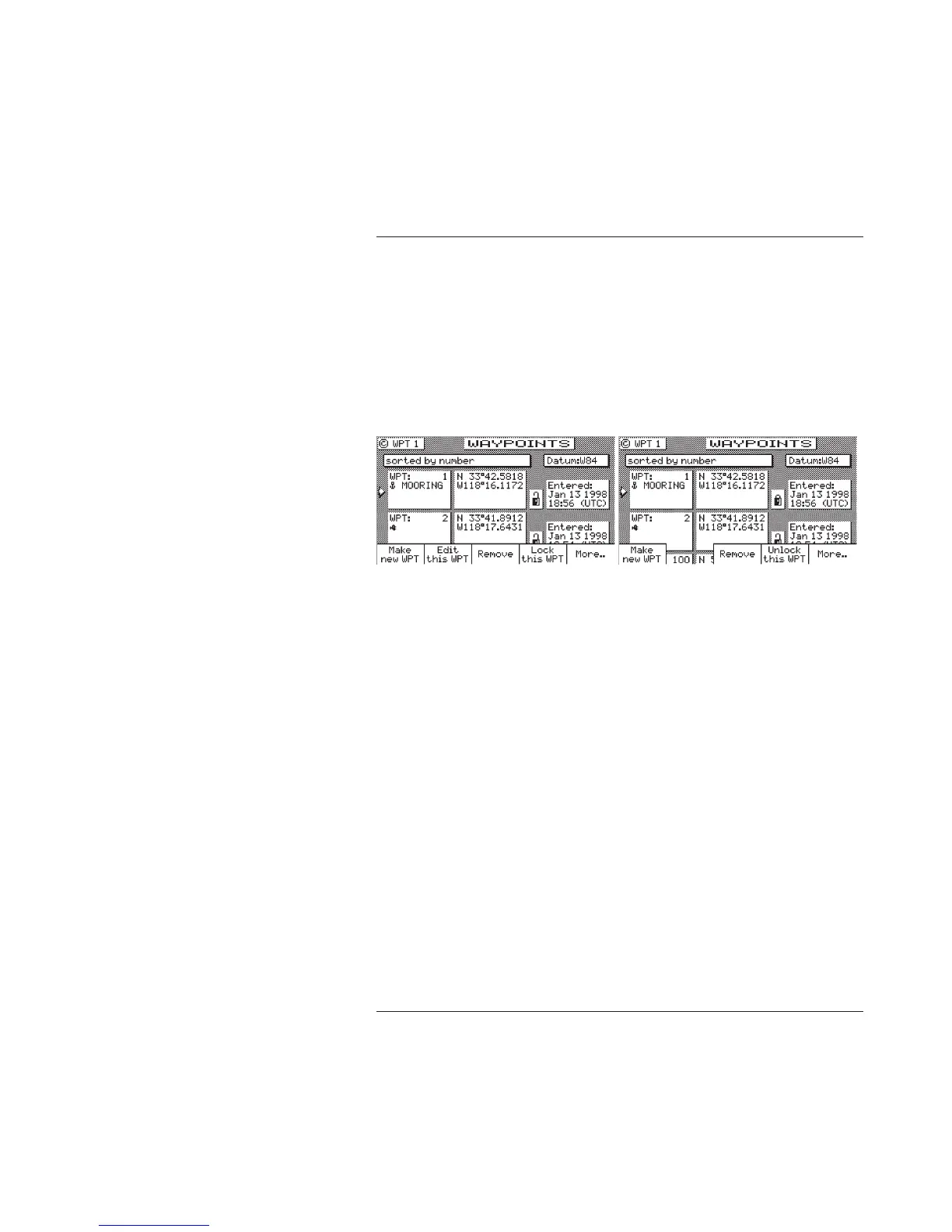
Waypoint Lock/Unlock
Locking a waypoint forces the user to consciously unlock the
waypoint before it can be modified, and prevents the waypoint from
being overwritten when waypoints are being input over the data
port. Note that when a waypoint received on the data port has the
same waypoint number as a locked waypoint already stored in the
receiver, the waypoint data received on the data port is disregarded
and lost. Waypoints are locked by one of three methods: 1) by
selecting Lock this WPT when in the waypoint bank edit mode for a
particular waypoint; 2) by selecting Lock this WPT when in the
waypoint bank edit mode; or 3) by incorporating a waypoint into a
route stored in RTE2 and then locking the route.
Waypoints that are locked from the waypoint bank are indicated by
a closed padlock in the display. Waypoints that are party to a locked
route will display a message indicating that waypoint can not be
modified.



 To Next Page