62 Version 3.3
Operator’s Manual Waypoint
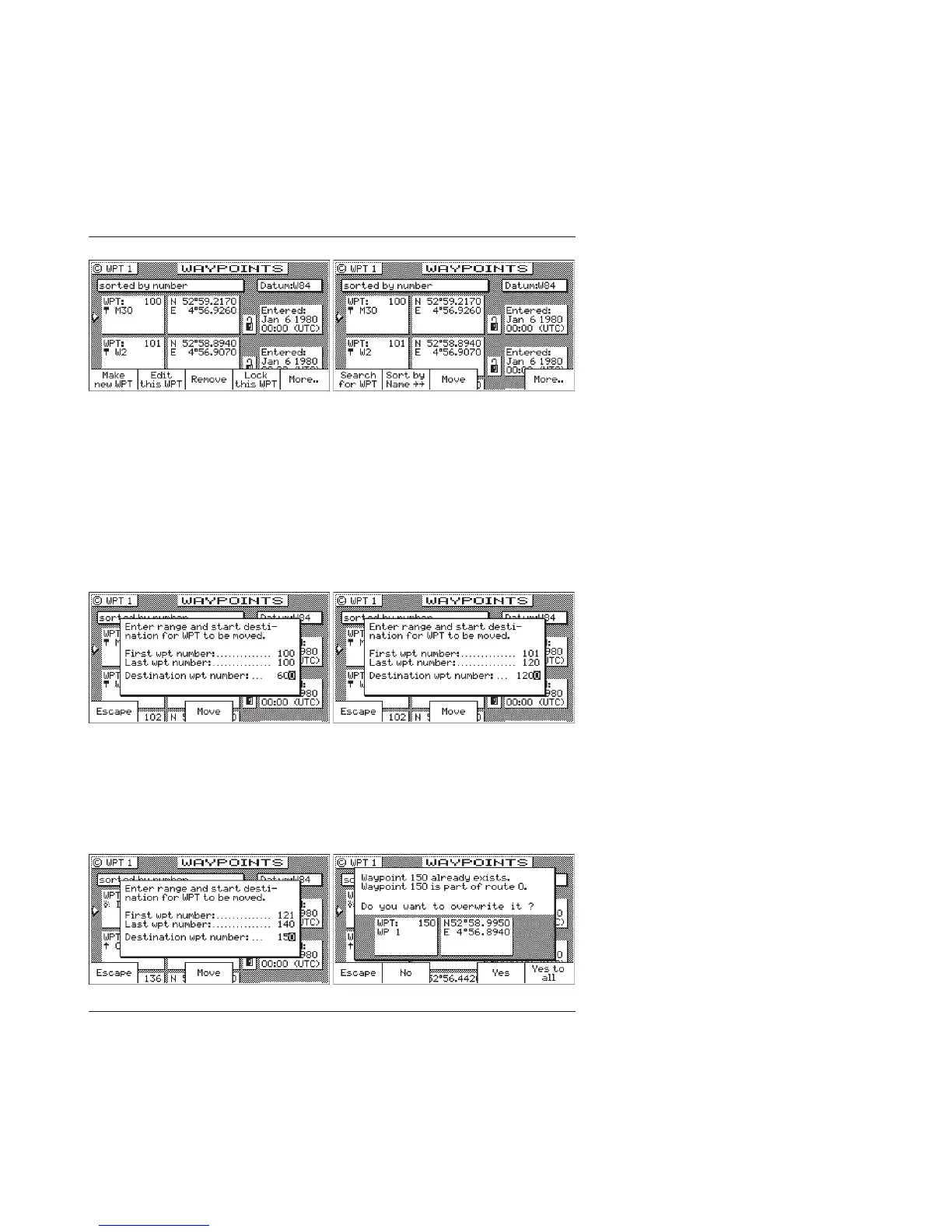
5a. To move a single waypoint, enter the original waypoint number
on the First WPT Number and Last WPT Number.
5b.To move a range of waypoints, enter the first and last waypoint
numbers to move on the First WPT Number and Last WPT
Number. Keep in mind that the receiver will sort these
waypoints numerically and all waypoints between the entered
numbers will be moved to the new location.
6. Enter the waypoint number where you want the first waypoint
moved to in Destination WPT Number.
If the destination waypoint number is already being used, you
will be prompted to either overwrite the first waypoint (Yes; and
each subsequent waypoint that is to be overwritten, confirming
each waypoint one at a time), overwrite all the waypoints (Yes
To All), not overwrite any waypoints (No), or Escape back to
base softkey menu.



 To Next Page