Version 3.3 97
Position Operator’s Manual
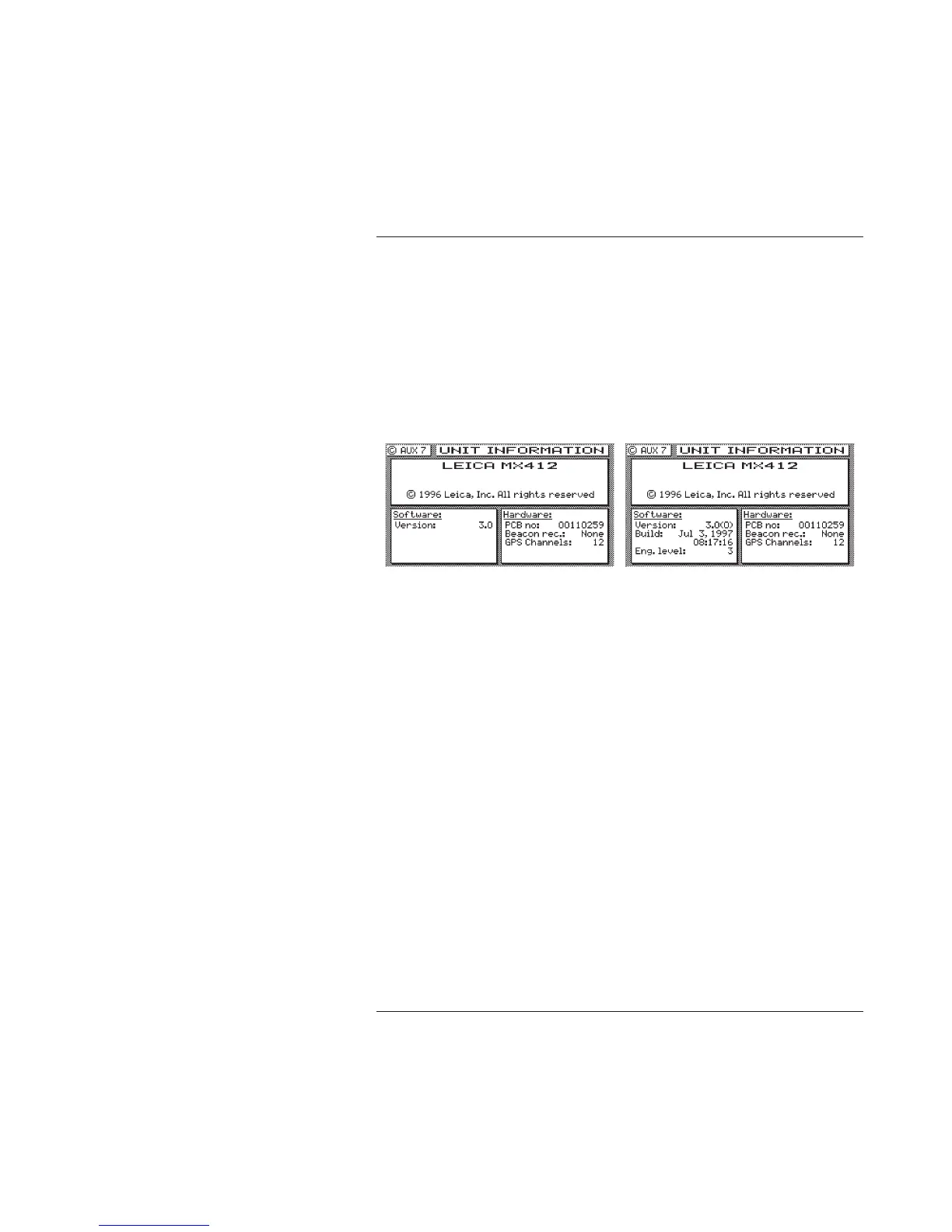
serial number of your receiver. If you are having problems with
your receiver, refer to this screen for information to provide to
customer service people.
A special softkey sequence displays sub-version levels, the actual
software build date and time, and allows access to a selftest
sequence. This information is useful to the technician and our Field
Engineers when troubleshooting, as it may indicate an interim
software release level to the cause of a receiver problem. To
activate the screen, press the left most softkey three (3) times.
Additional information in the Software window will be displayed.
This also activates several engineering screens (the same as turning
Engineering Display to Yes in CFG1 Operation). Refer to Appendix
C - Engineering Mode for more details.



 To Next Page