190 Version 3.3
Operator’s Manual Appendix E - Demonstration Mode
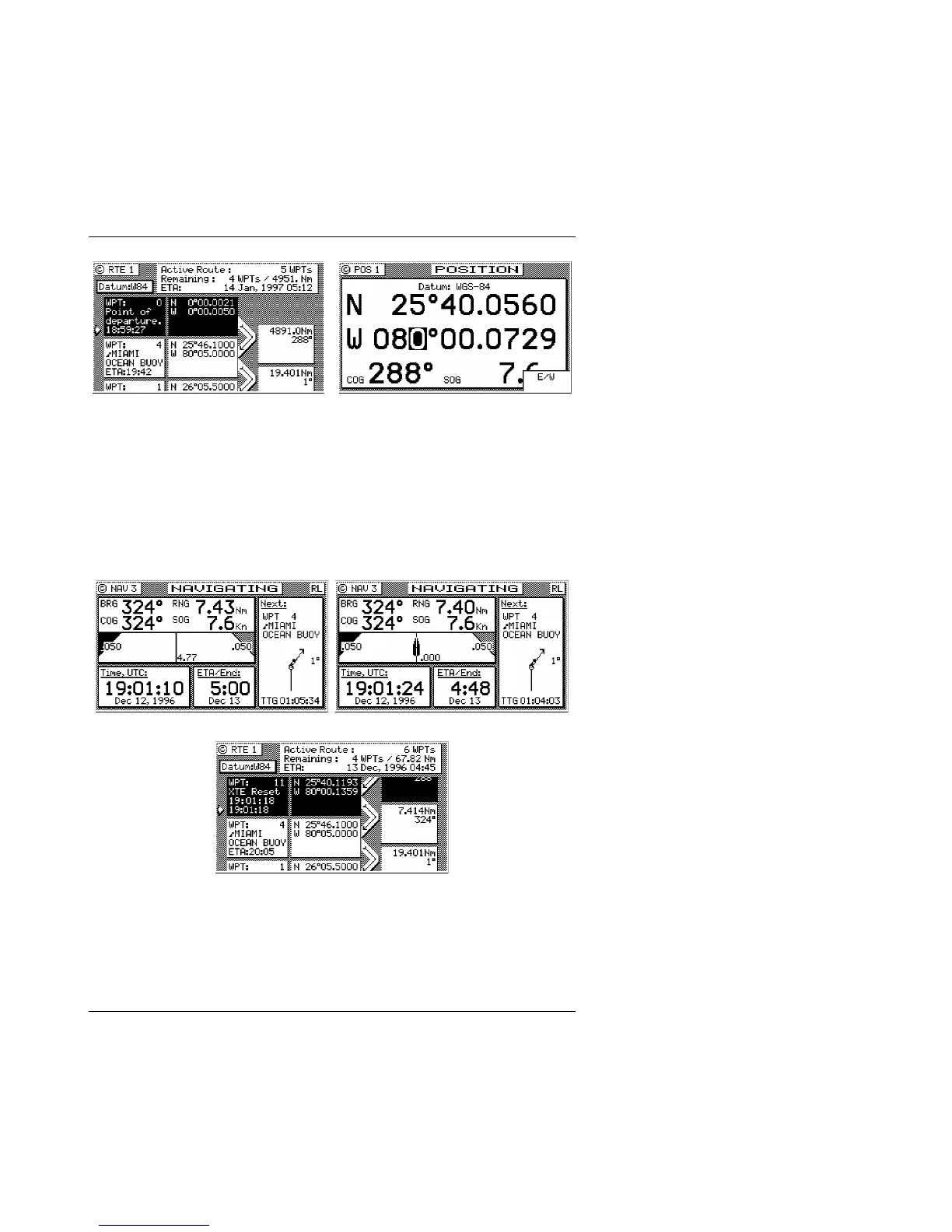
Before you adjust your position, set your WPT Pass Criterion to
Distance in the CFG1 Navigation screen. To adjust your position,
pick a point near your first waypoint. A distance of 1 or 2 miles
from the first waypoint is good to start with. Go to the POS1 screen
and press E.
Next, press the NAV function key, then the E key. Press the Reset
XTE softkey. Press the E key. This resets your cross-track error and
updates the active route in RTE1 with the adjusted position.
Now just use the receiver as you normally would. You can output
NMEA 0183 data records to other devices. However, be careful,
other instruments will interpret the data as completely valid. So,
don’t run the Demonstration Mode while you are underway and
connected to devices that are being used in real time, like your
autopilot.



 To Next Page