34 Version 3.3
Operator’s Manual Route
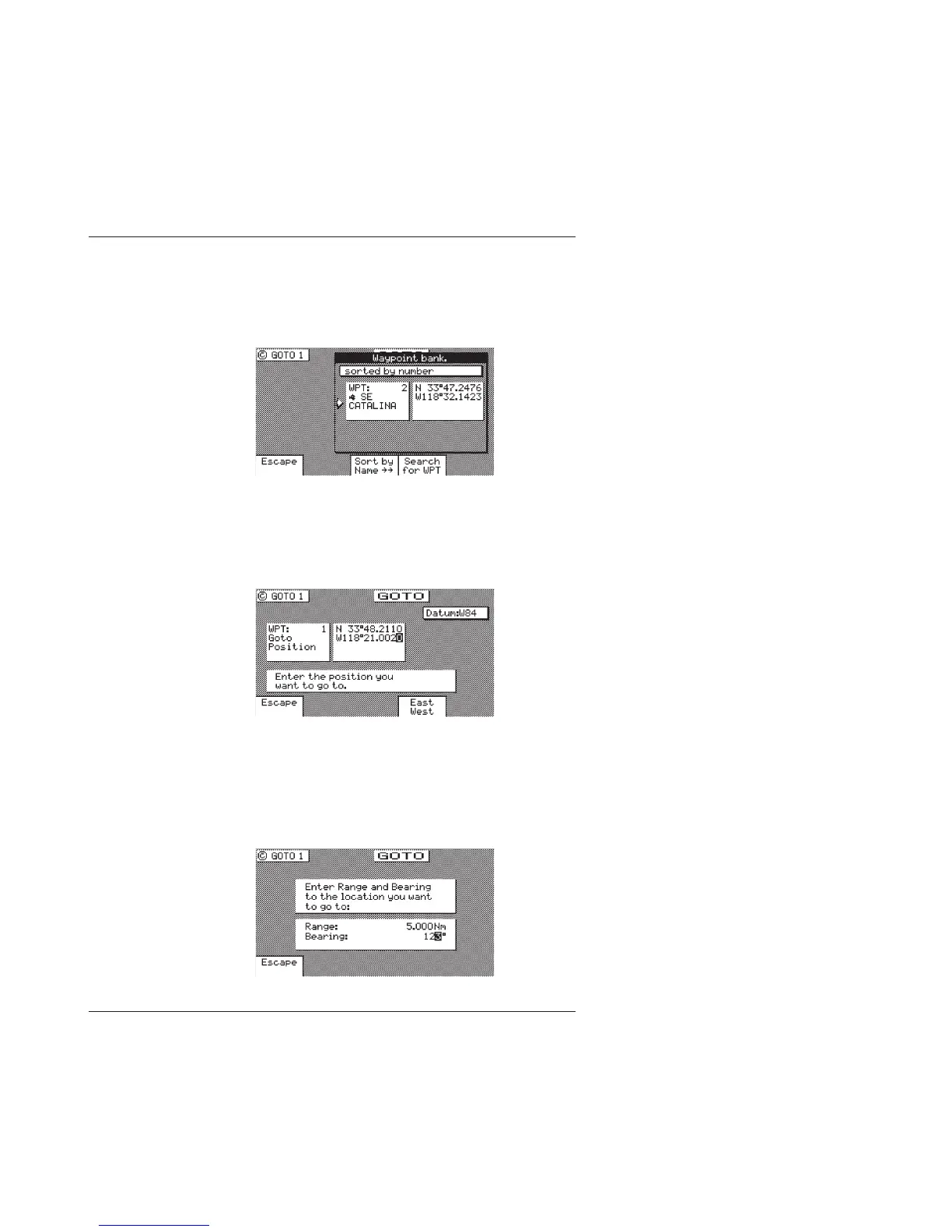
Choose In Bank - allows you to scroll through the Waypoint
Bank. Align the cursor with the desired waypoint and press
the E key. The waypoint is automatically inserted in to the
active route and the unit will revert to the NAV screens,
displaying bearing and distance to this waypoint.
Lat. Lon., Grid Point, Loran C TD’s, Decca LOP’s - allows
you to define a coordinate and description, which is also
stored at the next available waypoint location in the
Waypoint Bank. Once the coordinates are defined, press the
E key to copy the waypoint to the active route.
Bearing Range - allows you to define a coordinate by
specifying the bearing and range from your present posi-
tion, which is also stored at the next available waypoint
location in the Waypoint Bank. After entering the desired
bearing and range, press the E key. The newly defined
waypoint is copied to the active route automatically.



 To Next Page