Version 3.3 45
Route Operator’s Manual
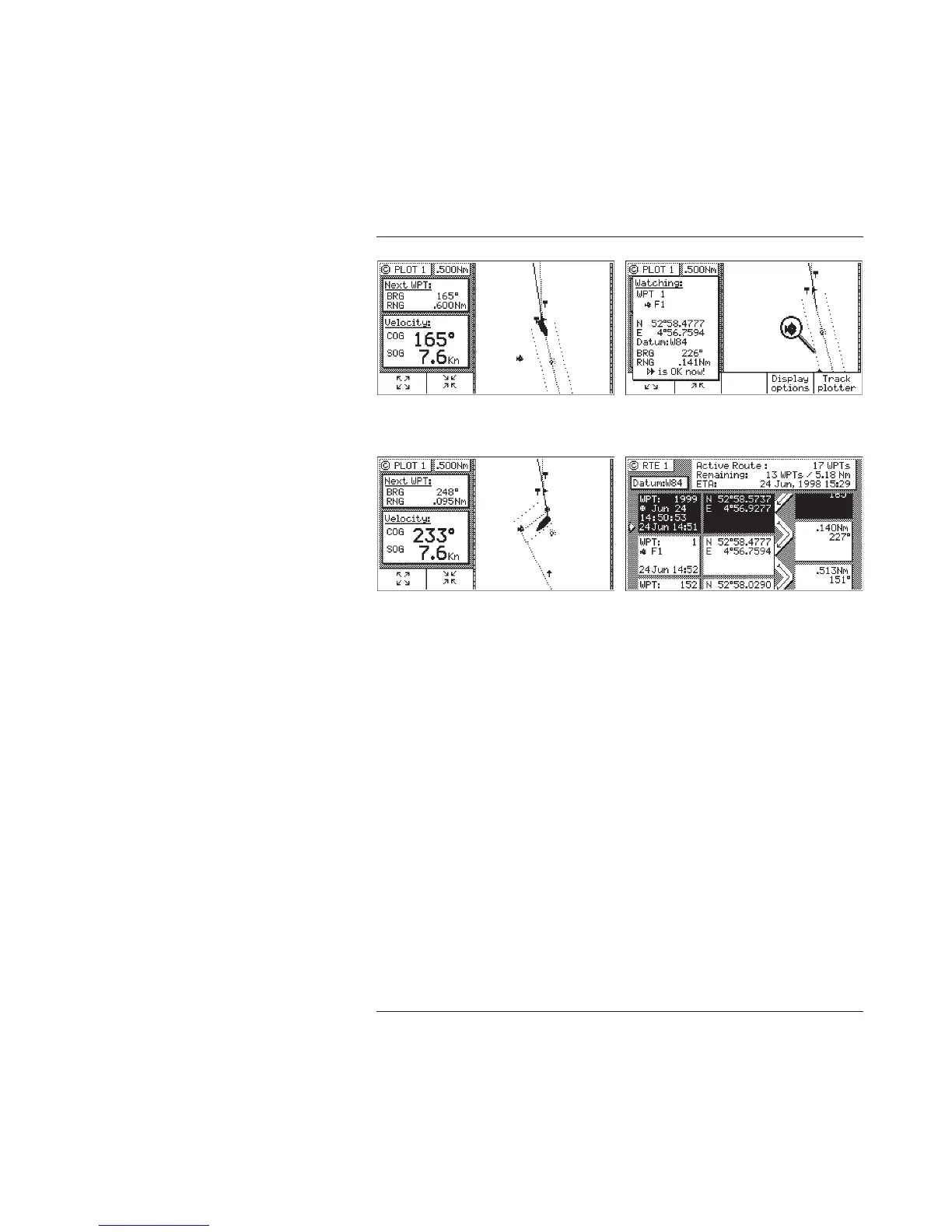
3. Use the cursor key to move the magnifying glass icon over the
waypoint or marker that you want to go to.
Verify that the waypoint number and coordinates are correct in
the left hand window.
4. Press the GOTO function key.
5. Press the E key to exit the edit mode.
Note that RTE1 and PLOT1 are updated with your new waypoint.



 To Next Page