Version 3.3 55
Waypoint Operator’s Manual
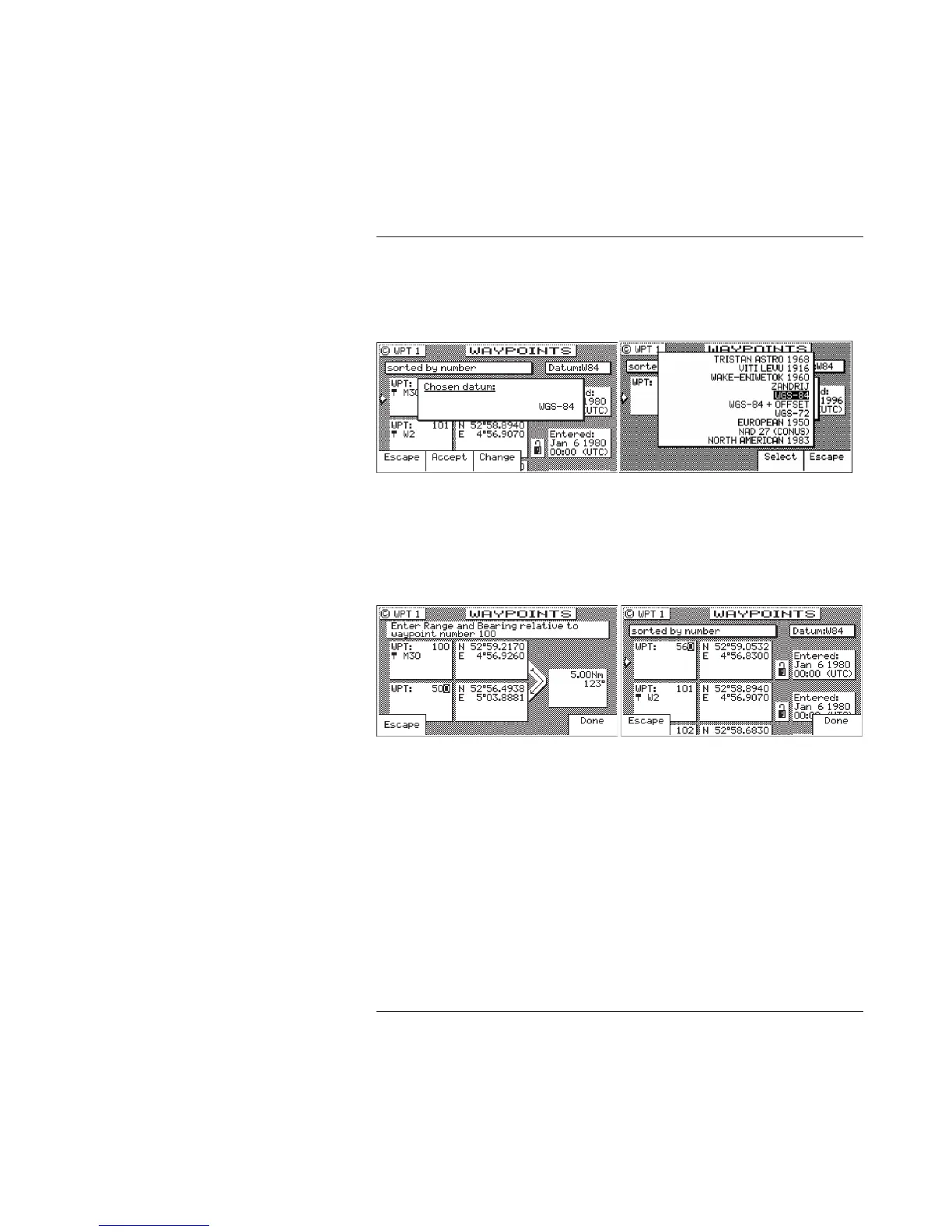
press Change to choose from the more than 110 available
Datums. Highlight the desired datum and press the Select
softkey. Refer to Appendix A - Datum List, for a complete list of
datums and their WGS-84 offset.
5. Enter the appropriate coordinates using the cursor key and
numeric keypad.
6. Move the cursor down, and modify the waypoint number, if you
wish. Otherwise the receiver assigns the next available number,
beginning at 1.
Range & Bearing Lat/Lon
This feature allows you to create a range of waypoints within a
particular area. For example, you could put all of the waypoints
for fishing spots near Catalina Island in the range of 500 to 530,
all the waypoints for Cabo San Lucas in the range of 575 to 600,
etc.
7. Move the cursor down, and enter the symbol and name informa-
tion (optional). Use the techniques described in the Keypad &
Display Description section at the front of this manual.



 To Next Page