5.4002.8501.0 B
Test and Adjustment 7-5
2. Stop the time path to take the machine out of operation (see Start or Stop the Time Path on
page 5-33).
3. In the main menu of the Lely Control app, select Work and push
(three times).
4. Read the safety message and confirm if you have a clear view on the machine.
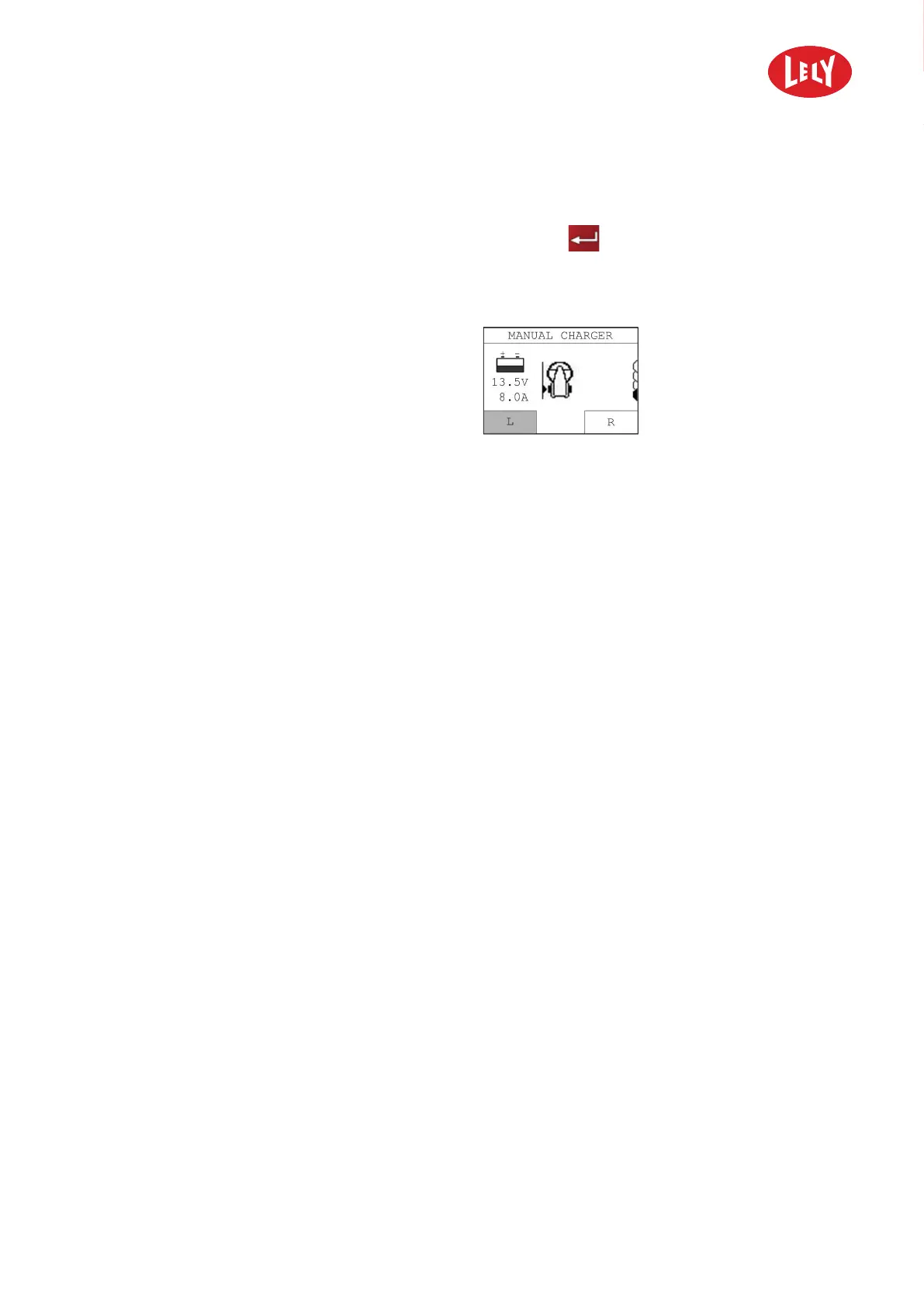
5. Make sure the menu MANUAL CHARGER is displayed.
Figure 48. Charging current
6. Make sure the charging current is more than
10 A.
7. If the charging current is less than 1.0 A, make
sure the orange LED on the charging station is
ON (see Charging Station on page 4-8) .
8. If not, make sure the main power is connected to
the battery charger.
9. If the machine is still not charging, make sure the electrodes are connected to the battery
charger.
10. If the machine is still not charging, Clean the Charging Strips and the Charging Electrodes (see
page 6-2).
11. If the machine is still not charging, make sure all power connection are connected properly.
12. If the machine is still not charging, call the local service provider.
7.3.5 Make sure the Bluetooth Connection is Reliable
1. Start the Lely Control Application (see page 5-5).
2. Connect the smartphone to the machine.
3. Push the button Settings at the right top corner of the smartphone display.
4. Select Signal Strength.
5. Examine the value of the signal of the machine.
• 0 = very good
• -20 - -25 = poor
• < -25 = very bad
in n o vato rs in ag ricu ltu r e



 To Next Page