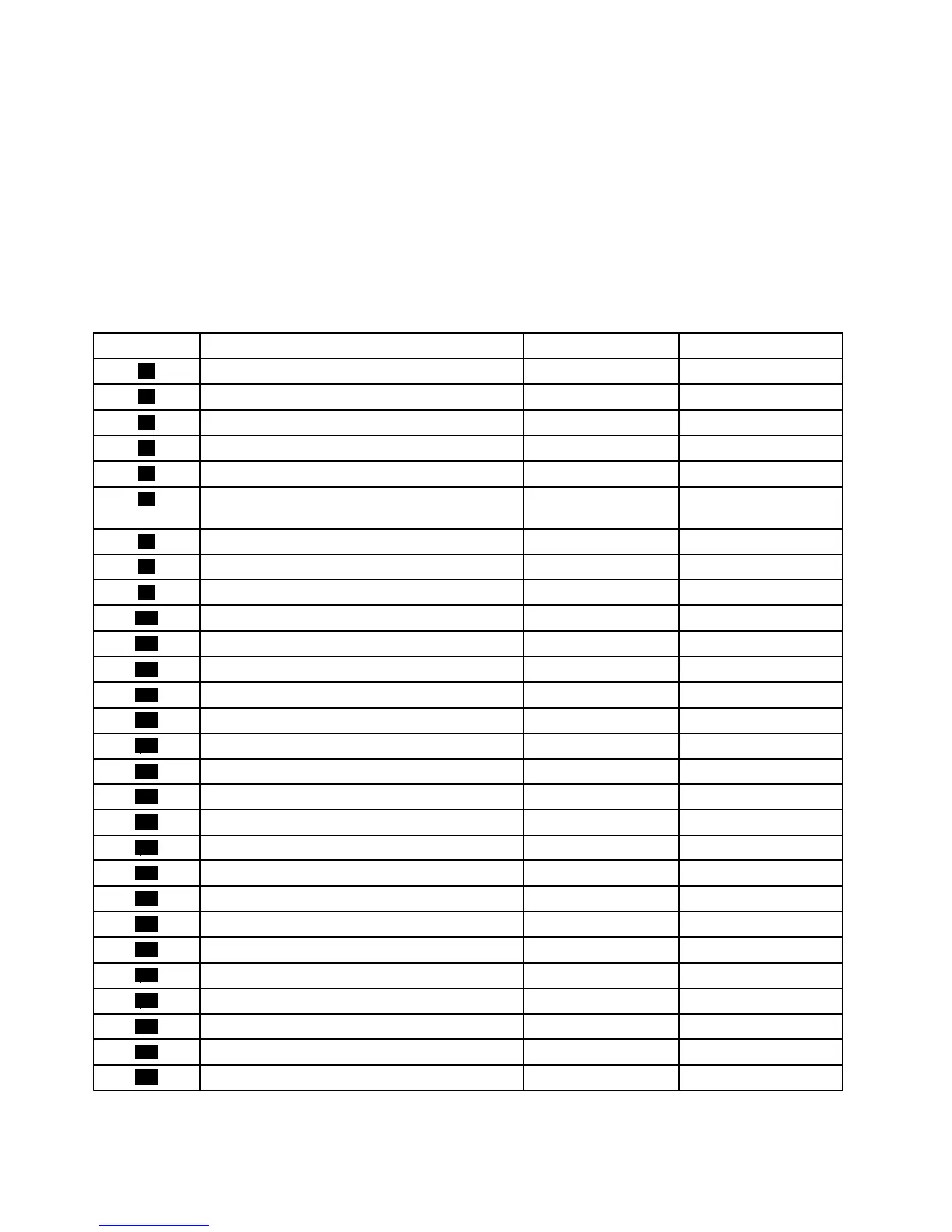
ThefollowingtableliststhemajorFRUsshowninFigure3“LocatingmajorFRUsandCRUs”onpage67and
identieswhichFRUsarealsoself-serviceCRUsoroptional-serviceCRUs.
Notes:
•Self-serviceCRUs:TheseCRUsunplugoraresecuredbynomorethantwoscrews.Examplesof
thesetypesofCRUsincludethekeyboard,themouse,anyUSBdevice,andthepowercord.Other
self-serviceCRUsdependingonproductdesignmightincludememorymodules,adaptercards,hard
diskdrives,andopticaldrives.
•Optional-serviceCRUs:TheseCRUsareisolatedpartswithinthecomputerandareconcealedbyan
accesspanelthatistypicallysecuredbymorethantwoscrews.Oncetheaccesspanelisremoved,the
specicCRUisvisible.
NumberFRUdescription
Self-serviceCRUOptional-serviceCRU
1
FramestandNoYes
2
Computercover
NoYes
3
Systemboardshield
NoNo
4
Microprocessorfan
NoNo
5
HandlebarNoNo
6
Heatsinkassembly(withMicroprocessor
underneath)
NoNo
7
MemorymoduleNoNo
8
BatteryNoNo
9
Systemboard
NoNo
10
LCDbracket
NoNo
11
LCDpanel
NoNo
12
Cardreader
NoNo
13
Wi-FiNoNo
14
FootstandNoYes
15
RearI/Oassembly
NoNo
16
InternalspeakerNoNo
17
PowersupplyNoNo
18
InternalspeakerNoNo
19
FootstandNoNo
20
Controlbuttonboard
NoNo
21
HarddiskdriveNoYes
22
Hard-disk-driveEMIshieldNoNo
23
LCDconverterboard
NoNo
24
Opticaldrive
NoNo
25
VESAmountbracket
NoNo
26
IntegratedcameraNoNo
27
KeyboardYesNo
28
MouseYesNo
68ThinkCentreE73zHardwareMaintenanceManual












 To Next Page