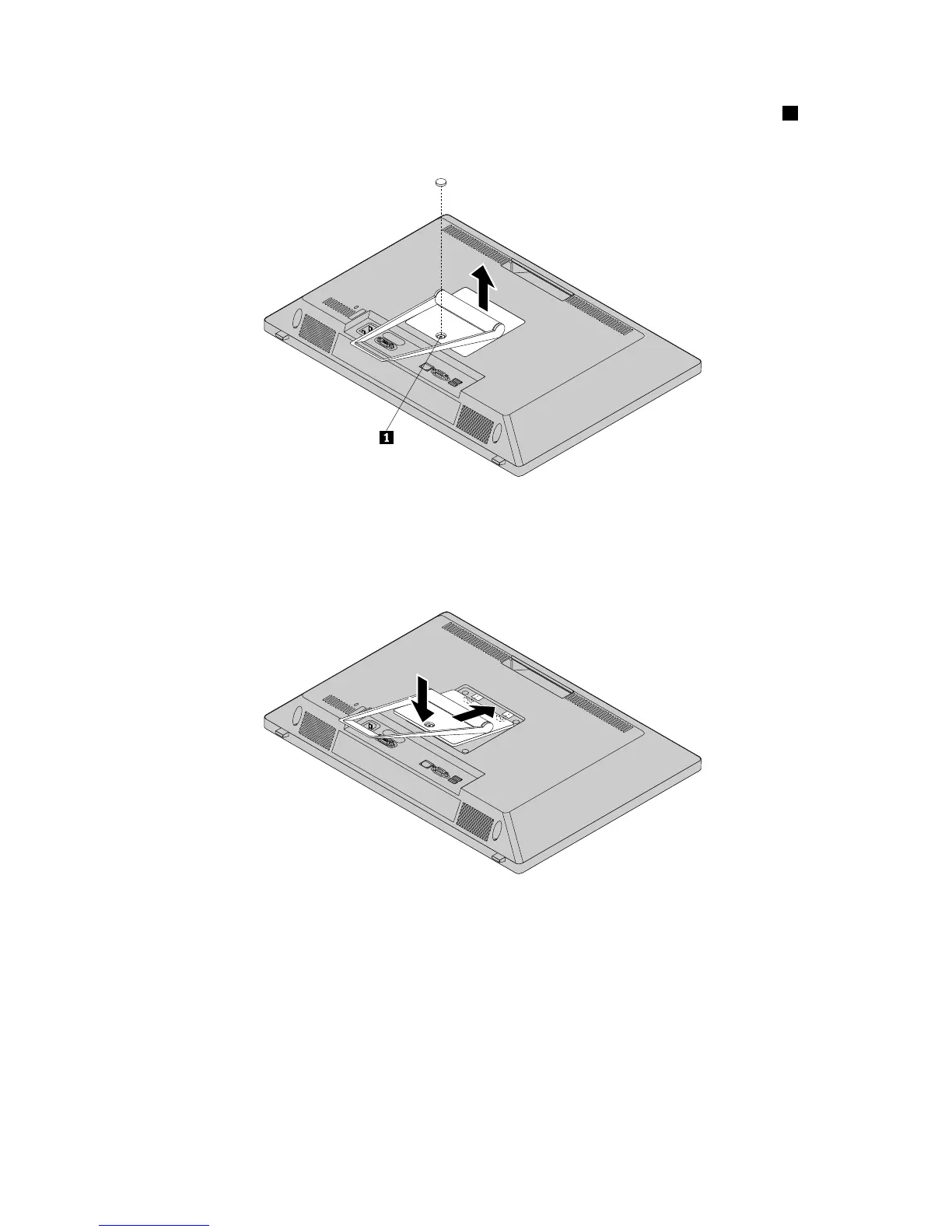
5.Removethesheetmetal.Savethesheetmetalforrecoveringthescrewhole.Loosenthescrew1that
securestheframestand,andthenlifttheframestandupandremoveitfromthecomputer.
Figure5.Removingtheframestand
6.Toinstalltheframestand,positiontheframestandoverthecomputersothatthescrewholeinthe
standalignswiththecorrespondingholeinthecomputercover.
Figure6.Reinstallingtheframestand
72ThinkCentreE73zHardwareMaintenanceManual












 To Next Page