Operation
Key functions
6
59
EDBPM−H310 DE/EN/FR 7.1
6 Operation
6.1 Key functions
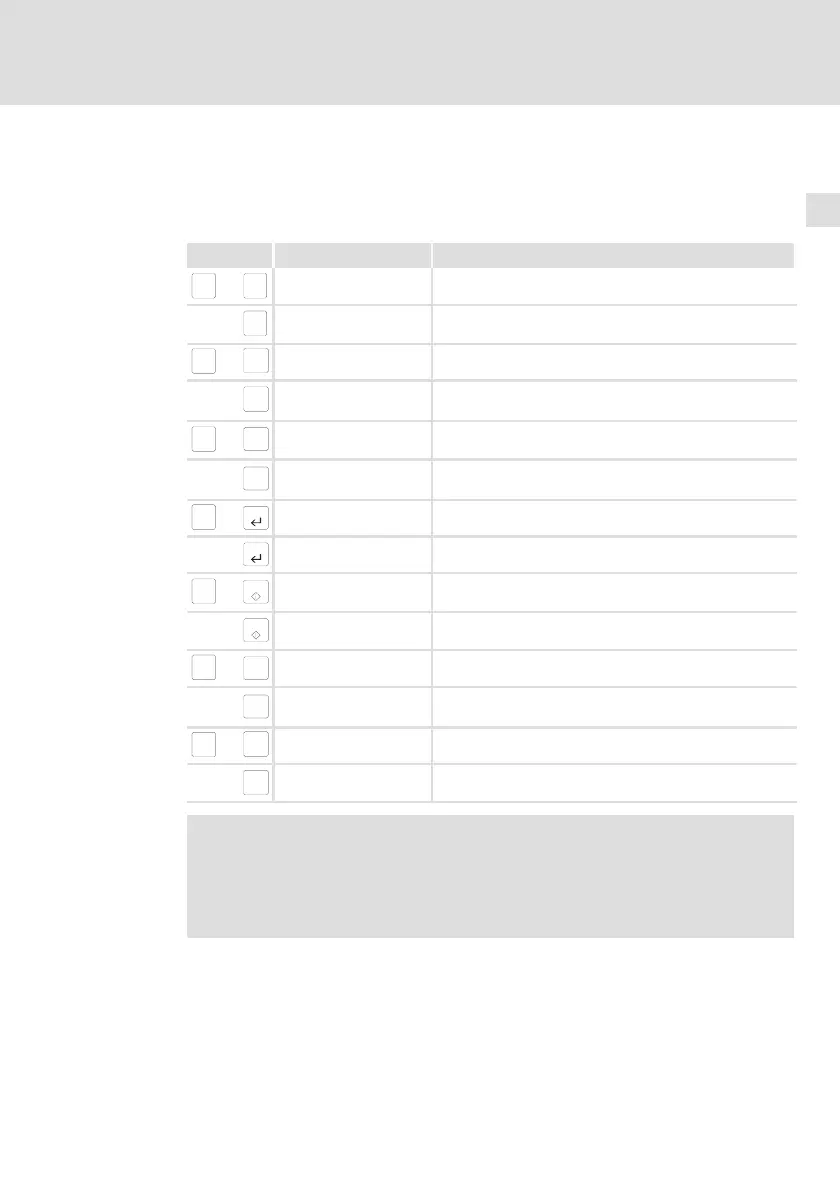
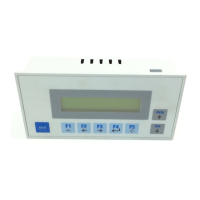
Keys Function Description
shift
+
F1
Esc
<F1> Execute function of F1 (programmable key)
F1
Esc
<Esc> Reset parameter input; quit help or info page
shift
+
F2
ß
<F2> Execute function of F2 (programmable key)
F2
ß
<Left arrow>
Menu level: Place cursor in previous line
Parameter level: Place cursor on previous digit
shift
+
F3
à
<F3> Execute function of F3 (programmable key)
F3
à
<Right arrow>
Menu level: Place cursor in next line
Parameter level: Place cursor on next digit
shift
+
F4
<F4> Execute function of F4 (programmable key)
F4
<Select parameter > Select parameter to enter a value
shift
+
F5
<F5> Execute function of F5 (programmable key)
F5
<Confirm input> Accept the entered value
shift
+
Help
á
<Help> Call up help text (programmable key)
Help
á
<Up arrow>
Menu level: Go to previous page
Parameter level: Input of digits (0 ... 9 ascending)
shift
+
Info
â
<Info> Call up info text (programmable key)
Info
â
<Down arrow>
Menu level: Go to next page
Parameter level: Input of digits (9 ... 0 descending)
Note!
The function keys (Fx) can be programmed using the »HMI
Designer« software.
ƒ Lenze setting: Without function.


 To Next Page