Access Point Setup
15
System Advanced Settings Screen
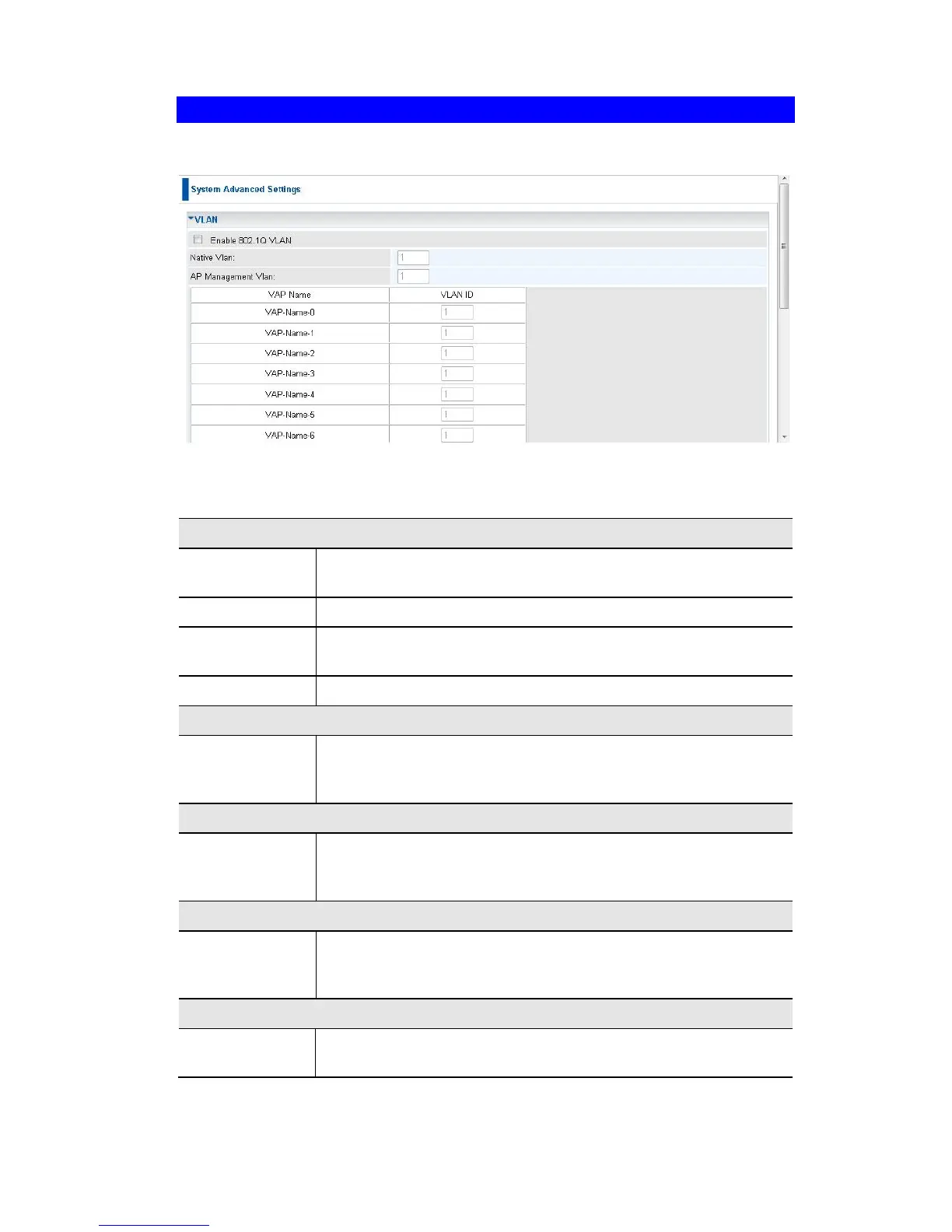
Click Advanced Settings on the System menu to view a screen like the following.
Figure 8: System Advanced Settings Screen
Data - System Advanced Settings Screen
This option is only useful if the hubs/switches on your LAN
support the VLAN standard.
Enter the desired value for the Native VLAN. Default value is 1.
Define the VLAN ID used for management.
Define the unique ID value (1 - 4094) for each VAP.
Network Integrality Check
Enable Net-
work Integrality
Check
If enabled, the AP will disable the wireless connection if the wired
connect of AP is invalid.
Enable Link
Layer Topology
Discovery
Enable this if you want to use Link Layer Topology Discovery
protocol (LLTD) feature.
Enable Span-
ning tree
Protocol
Enable this if you want to use this feature.
Enable this if your network requires this AP to use 802.X authen-
tication in order to operate.















 To Next Page