PC and Server Configuration
55
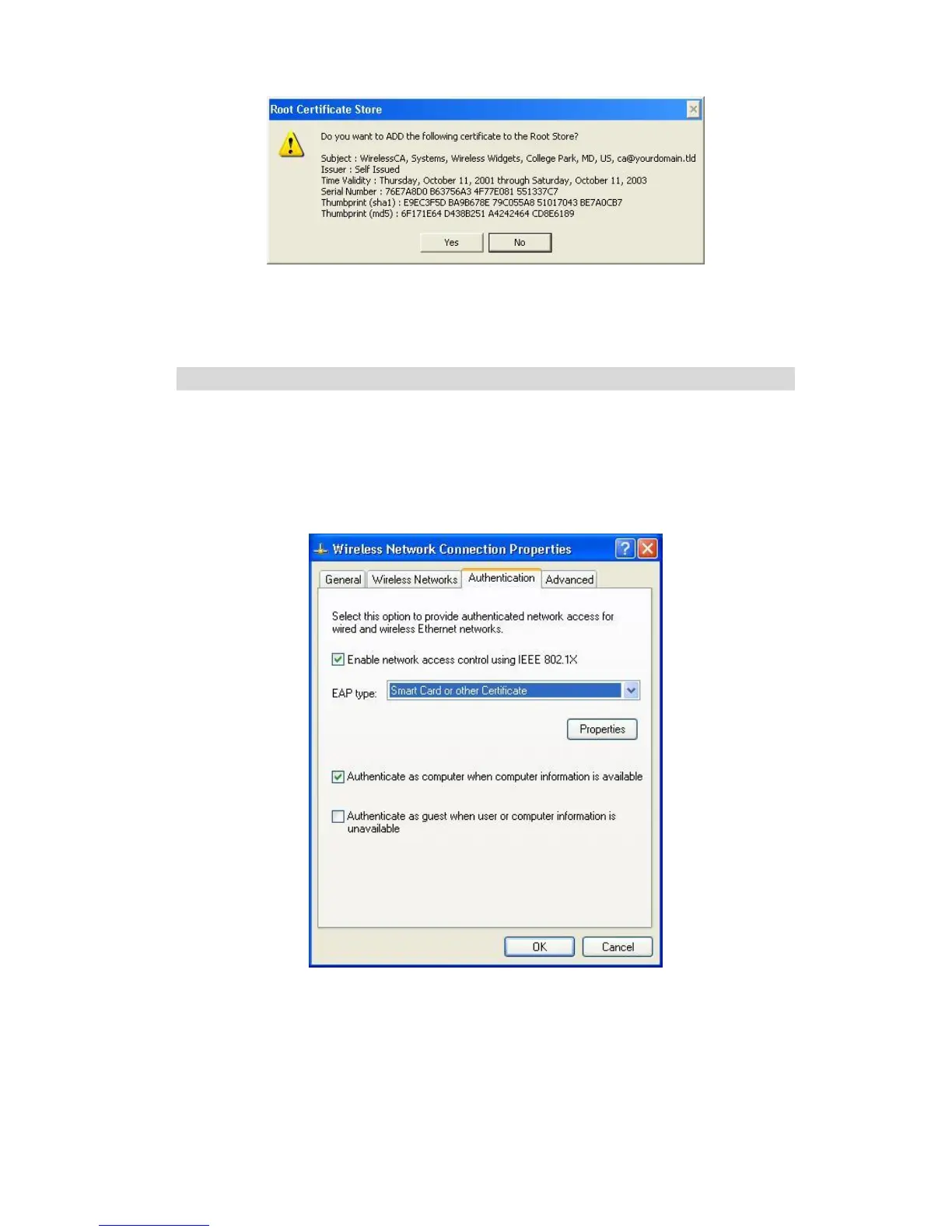
Figure 47: Root Certificate Screen
9. Certificate setup is now complete.
802.1x Authentication Setup
1. Open the properties for the wireless connection, by selecting Start - Control Panel
- Network Connections.
2. Right Click on the Wireless Network Connection, and select Properties.
3. Select the Authentication Tab, and ensure that Enable network access control
using IEEE 802.1X is selected, and Smart Card or other Certificate is selected
from the EAP type.
Figure 48: Authentication Tab
Encryption Settings
The Encryption settings must match the APs (Access Points) on the Wireless network
you wish to join.
Windows XP will detect any available Wireless networks, and allow you to confi-
gure each network independently.















 To Next Page