Access Point Management
71
SNMP
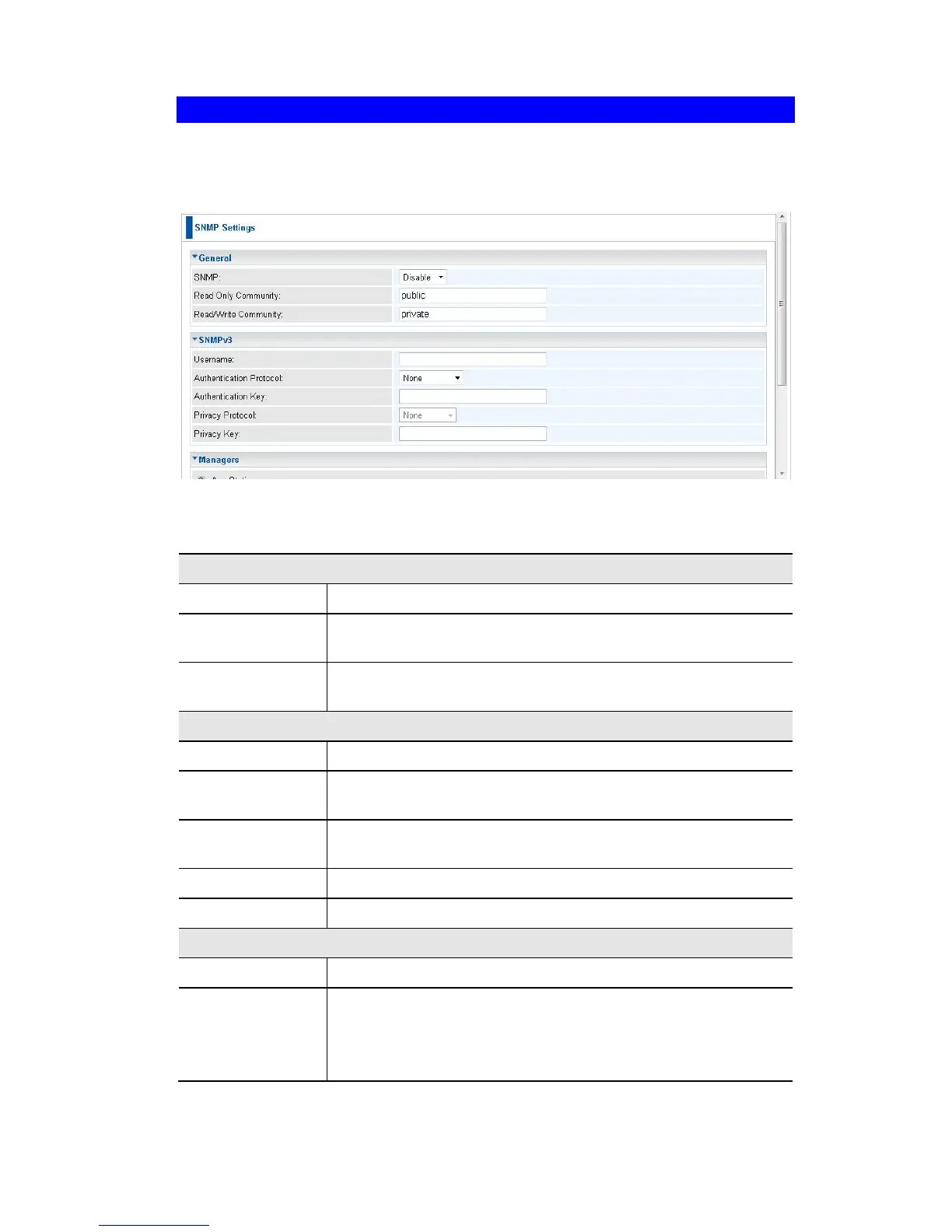
SNMP (Simple Network Management Protocol) is only useful if you have a SNMP
program on your PC. To reach this screen, select SNMP in the Management section
of the menu.
Figure 60: SNMP Screen
Data - SNMP Screen
Use this to enable or disable SNMP as required
Data can be read, but not changed.
Data can be read, and setting changed.
Enter the user name for SNMPv3.
Select the authentication protocol used by SNMPv3.
Enter the authentication key required by SNMPv3.
Select the private protocol as required.
Enter the private key here.
The IP address of the manager station is not checked.
The IP address is checked, and must match the address you
enter in the IP address field provided.
If selected, you must enter the IP address of the required
station.















 To Next Page