1
Chapter 1
Introduction
This Chapter provides an overview of the Wireless Access Point's fea-
tures and capabilities.
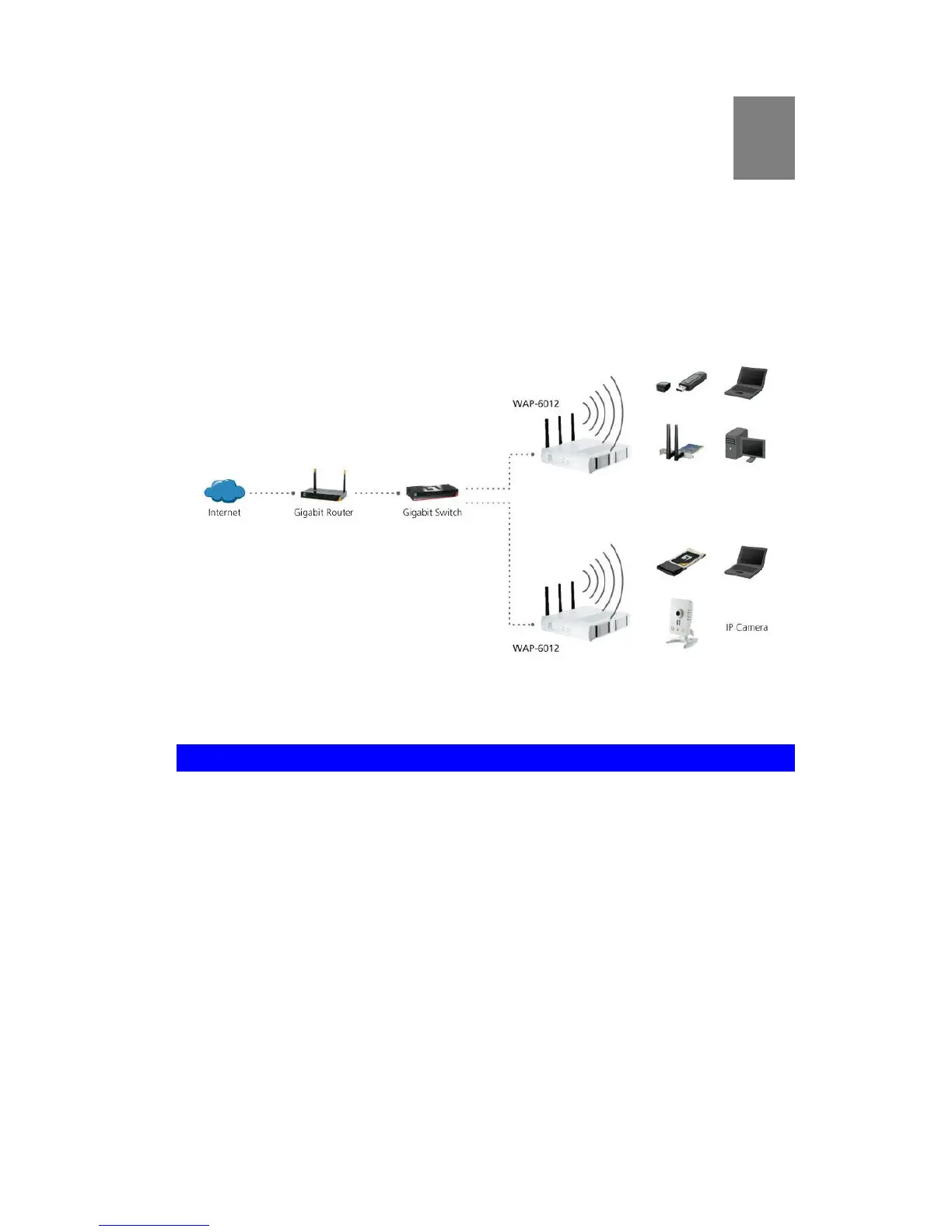
Congratulations on the purchase of your new Wireless Access Point. The Wireless
Access Point links your Wireless Stations to your wired LAN. The Wireless stations
and devices on the wired LAN are then on the same network, and can communicate
with each other without regard for whether they are connected to the network via a
Wireless or wired connection.
Figure 1: Wireless Access Point
Features of your Wireless Access Point
The Wireless Access Point incorporates many advanced features, carefully designed
to provide sophisticated functions while being easy to use.
Standards Compliant. The Wireless Access Point complies with the
IEEE802.11g and IEEE802.11n specifications for Wireless LANs.
Supports 11n Wireless Stations. The 802.11n standard provides for back-
ward compatibility with the 802.11b standard, so 802.11n, 802.11b and 802.11g
Wireless stations can be used simultaneously.
Bridge Mode Support. The Wireless Access Point can operate in Bridge
Mode, connecting to another Access Point. Both PTP (Point to Point) and PTMP
(Point to Multi-Point) Bridge modes are supported.
And you can even use both Bridge Mode and Access Point Mode simulta-
neously!
WPS Support. WPS (Wi-Fi Protected Setup) can simplify the process of con-
necting any device to the wireless network by using the push button configuration
(PBC) on the Wireless Access Point, or entering a 8-digit PIN code if there's no
button.















 To Next Page