Wireless Access Point User Guide
38
Wi-Fi Protected Setup
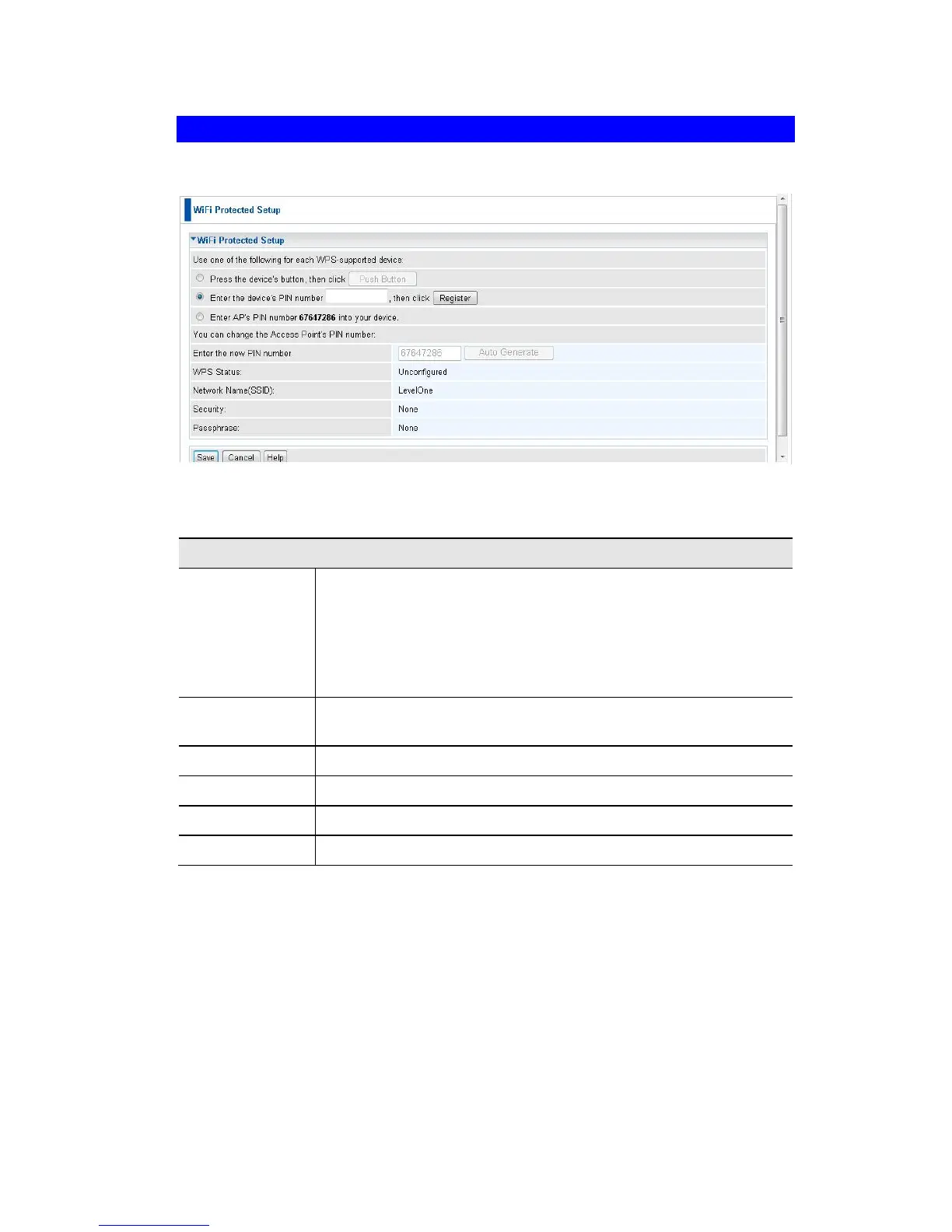
Click WiFi Protected Setup on the Wireless menu to view a screen like the following:
Figure 25: WPS Screen
Data - WPS Screen
Use one of the
following..
If the first option is selected, press the WPS button on the
client device, then click the Push button.
If the second option is selected, enter the PIN code from the
client device in this field and click Register button.
If the third option is selected, enter the displayed PIN code to
the client device.
Enter the desired pin value manually or click the Auto generate
button to have the new pin code displayed in the field.
It displays the current WPS status.
It displays the network name in use.
The current security method is displayed.
The current status of Passphrase is displayed.















 To Next Page