Wireless Access Point User Guide
44
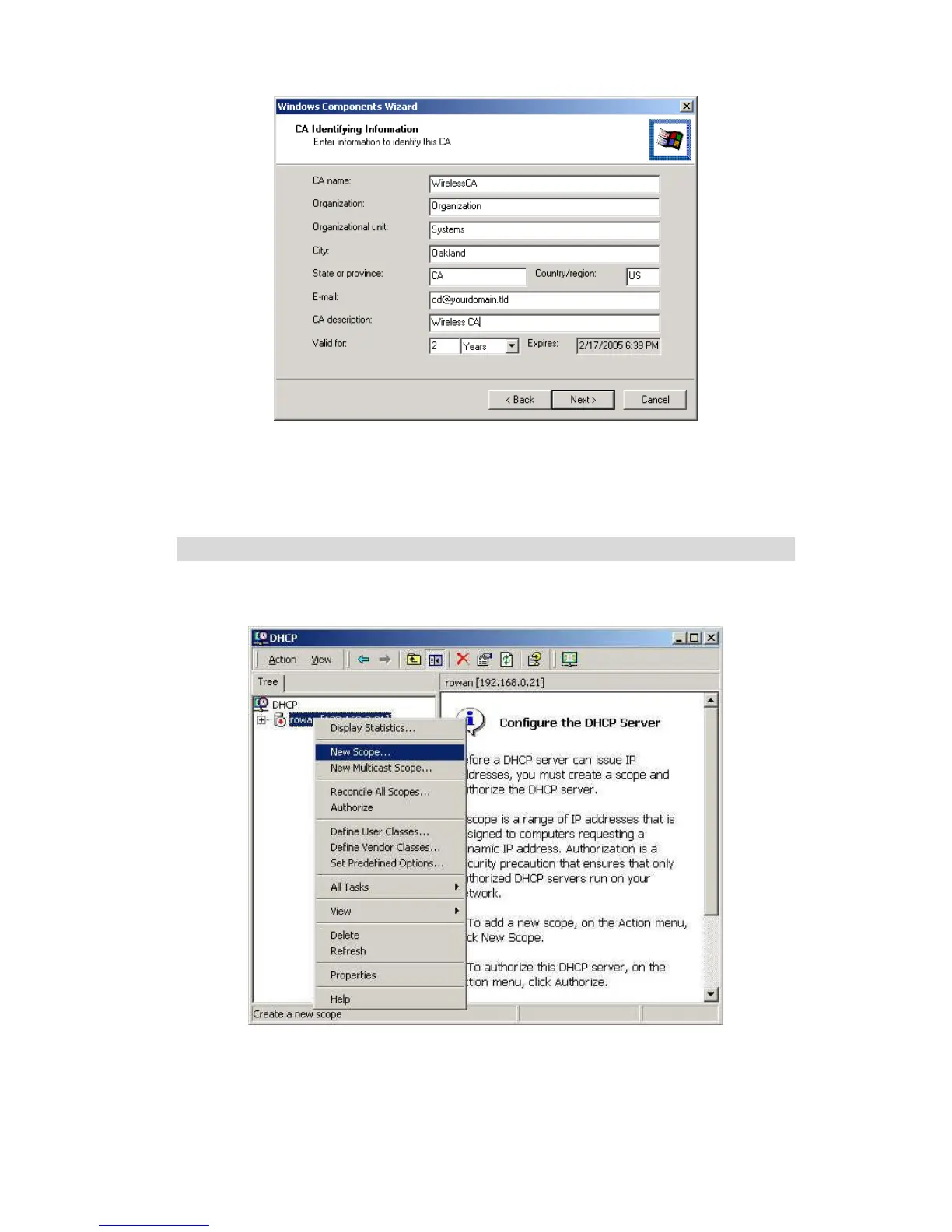
Figure 28: CA Screen
7. Click Next if you don't want to change the CA's configuration data.
8. Installation will warn you that Internet Information Services are running, and must
be stopped before continuing. Click Ok, then Finish.
DHCP server configuration
1. Click on the Start - Programs - Administrative Tools - DHCP
2. Right-click on the server entry as shown, and select New Scope.
Figure 29: DHCP Screen
3. Click Next when the New Scope Wizard Begins.
4. Enter the name and description for the scope, click Next.
5. Define the IP address range. Change the subnet mask if necessary. Click Next.















 To Next Page