Wireless Access Point User Guide
32
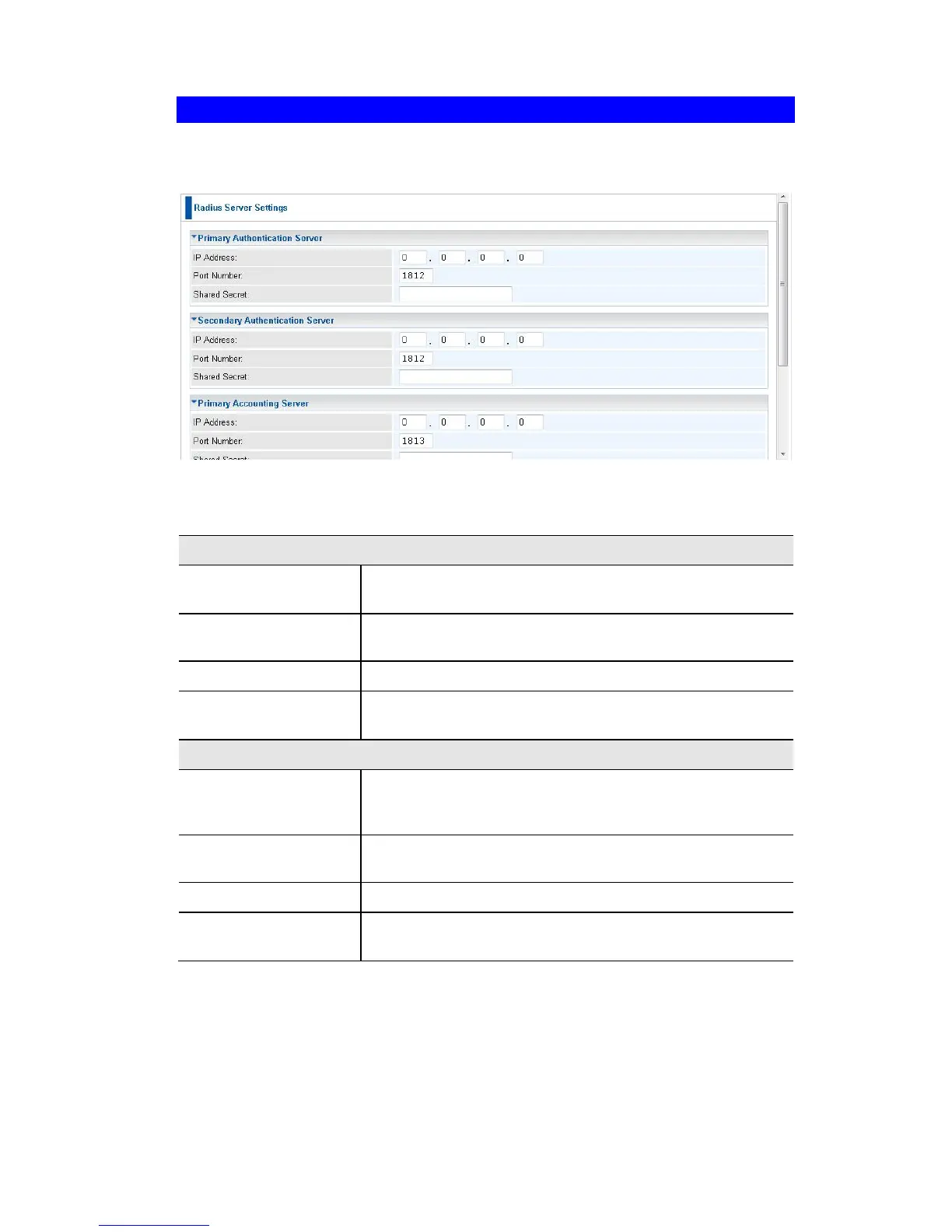
Radius Server Settings
Clicking the Radius Server Settings link on the Wireless menu will result in a screen
like the following.
Figure 21: Advanced Settings
Data - Radius Server Settings Screen
Primary Authentica-
tion Server
Enter the name or IP address of the Radius Server on
your network.
Enter the port number used for connections to the Radius
Server.
Enter the key value to match the Radius Server.
Secondary Authenti-
cation Server
The Secondary Authentication Server will be used when
the Primary Authentication Server is not available.
Primary Accounting
Server
Enter the IP address in the following fields if you want this
Access Point to send accounting data to the Radius Serv-
er.
The port used by your Radius Server must be entered in
the field.
Enter the key value to match the Radius Server.
Secondary Account-
ing Server
The Secondary Accounting Server will be used when the
Primary Accounting Server is not available.















 To Next Page