Access Point Management
69
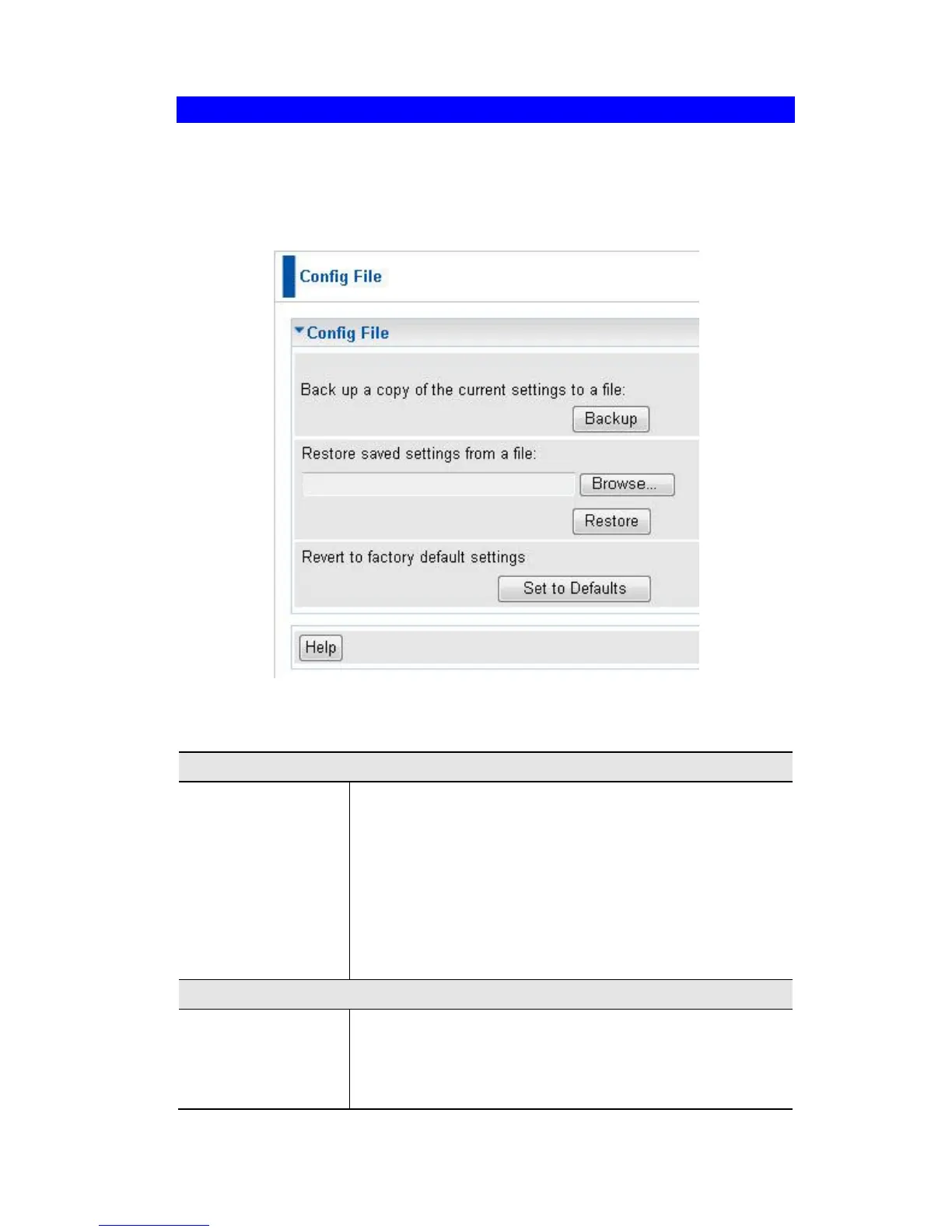
Config File
This screen allows you to Backup (download) the configuration file, and to restore
(upload) a previously-saved configuration file.
You can also set the Wireless Access Point back to its factory default settings.
To reach this screen, select Config File in the Management section of the menu.
Figure 59: Config File Screen
Data - Config File Screen
Once you have the Access Point working properly, you
should back up the settings to a file on your computer. You
can later restore the Access Point's settings from this file, if
necessary.
To create a backup file of the current settings:
Click Backup.
If you don't have your browser set up to save down-
loaded files automatically, locate where you want to
save the file, rename it if you like, and click Save.















 To Next Page