Wireless Access Point User Guide
50
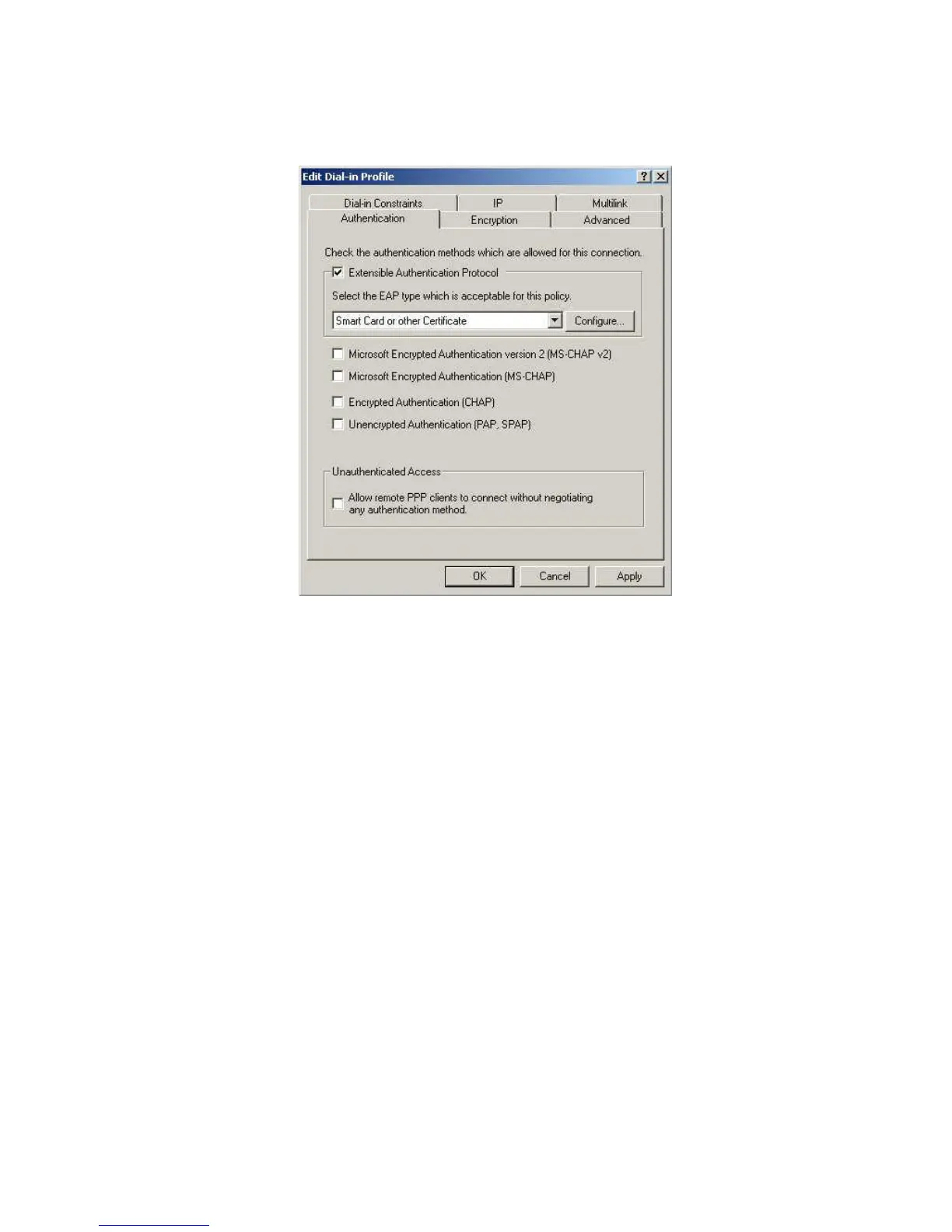
11. Click Edit Profile... and select the Authentication tab. Enable Extensible Authenti-
cation Protocol, and select Smart Card or other Certificate. Deselect other
authentication methods listed. Click OK.
Figure 40: Authentication Screen
12. Select No if you don't want to view the help for EAP. Click Finish.















 To Next Page