Operation and Status
63
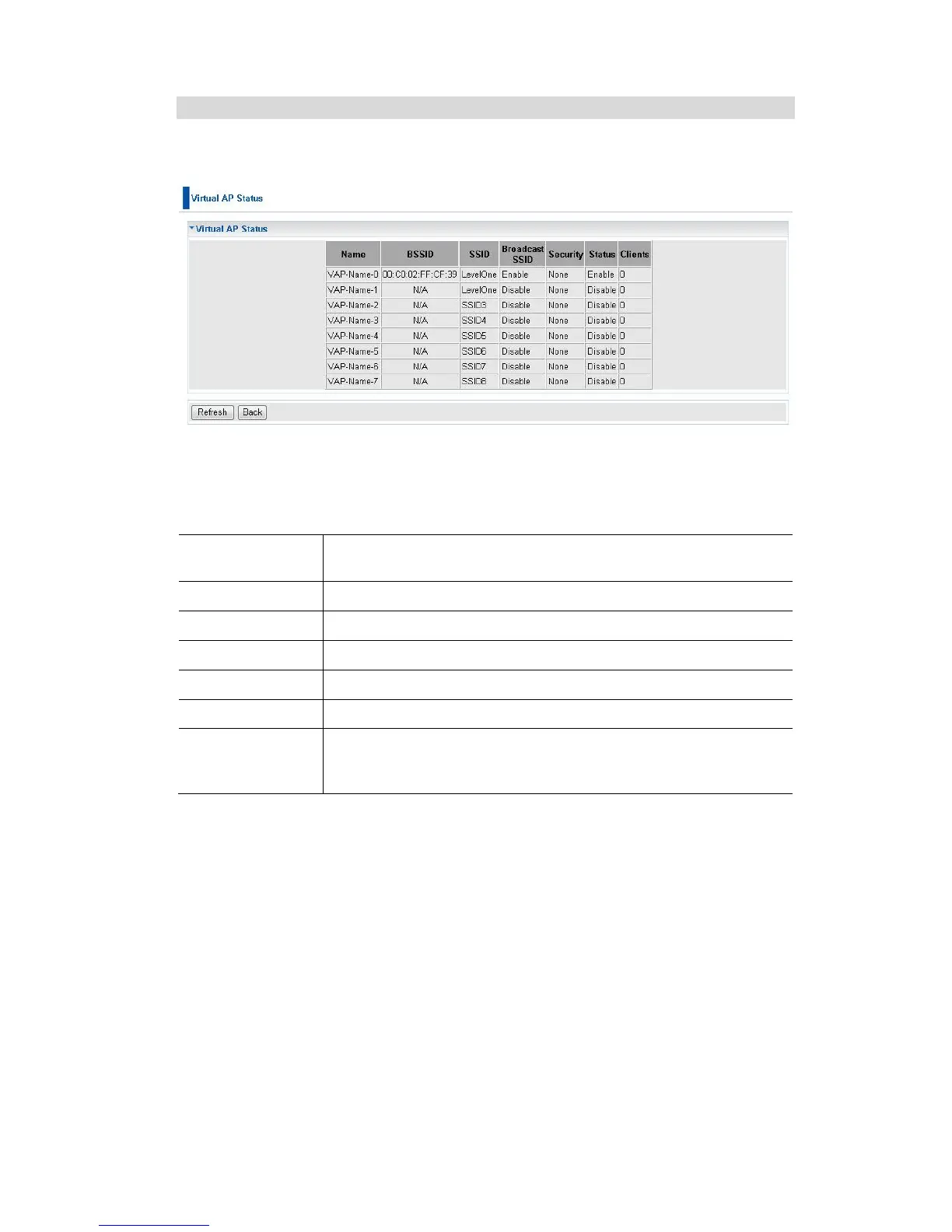
Virtual AP Status
This screen is displayed when the Virtual AP Status button on the Status screen is
clicked.
Figure 54: Virtual AP Status Screen
For each VAP, the following data is displayed:
The name you gave to this VAP; if you didn't change the name,
the default name is used.
The MAC address of the VAP.
The SSID assigned to this VAP.
Indicates whether or not the SSID is broadcast.
The security method used by this VAP.
Indicates whether or not this VAP is enabled or currently used.
The number of wireless stations currently using accessing this
Access Point using this VAP.
If the VAP is disabled, this will always be zero.















 To Next Page