User Guide
Page 28 of 62 Leviton MLC 16D Motorized Lighting Controller
62
6
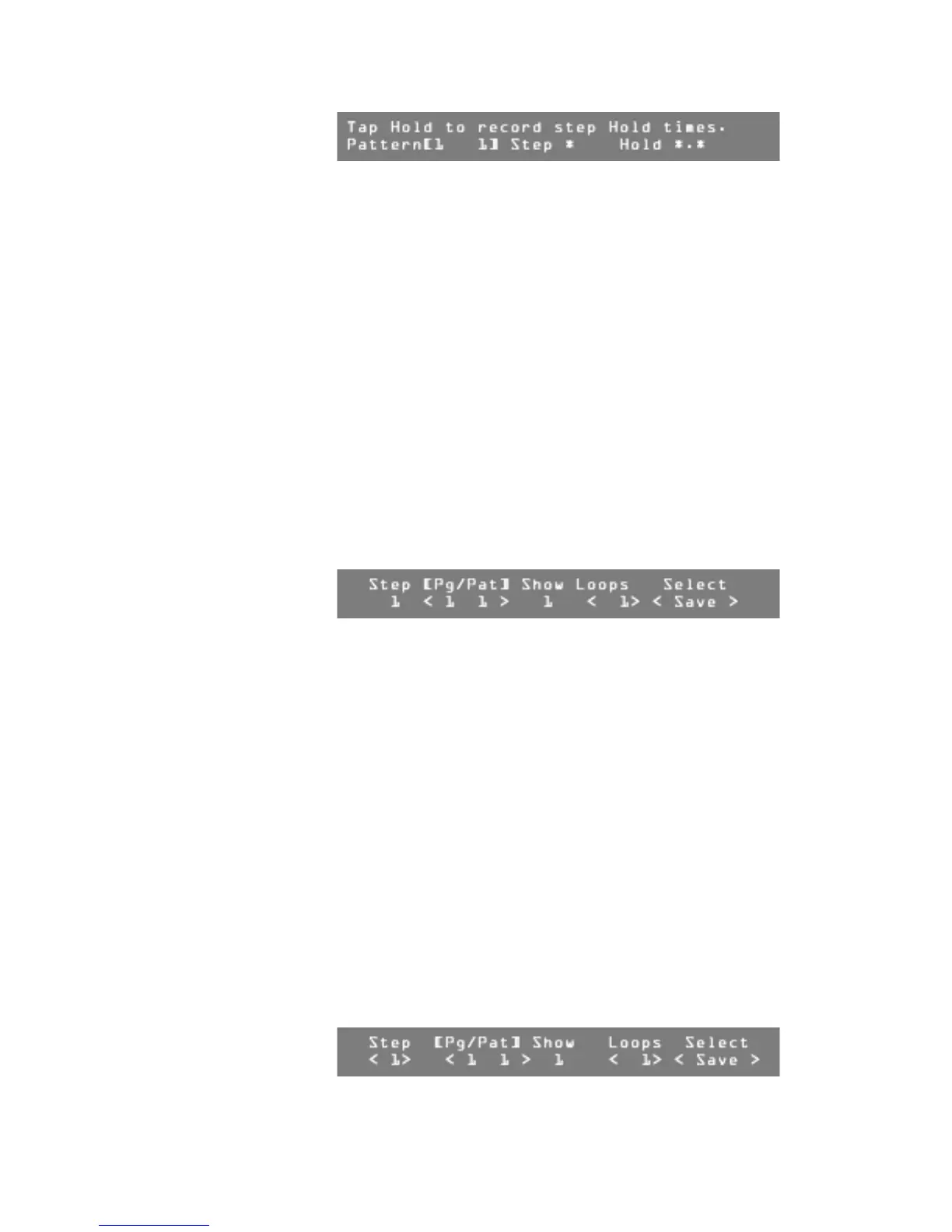
Press the Hold button to start the selected pattern running.
A timer on the LCD display starts to run.
7
When it is time to move to the next step, press the Hold button again.
The elapsed time will be used to relatively modify the stored times.
8
Continue this process until you have gone through all the steps.
The Real Time Recording mode ends once the last step is complete.
Recording Shows
You can link together patterns that have been recorded into the console to form
shows. You can record 256 shows.
To record a show:
1
Press the Record button.
2
Press F3, above Show.
3
Turn Modify wheel 1 to select the Show number.
4
Turn Modify wheel 2 to select the number of loops to be played.
Note:
You can set 1-250 loops, or infinite loops.
5
Turn Modify wheel 4 to select New.
6
Press F4, above Select.
7
Turn Modify wheel 2 to select a pattern for Step 1.
8
Turn Modify wheel 3 to select the number of loops for that pattern.
9
Turn Modify wheel 4 to select Save, Cancel, or Exit.
-
Choose <Save> to save the current show step.
-
Choose <Cancel> to return the values to their original state.
-
Choose <Exit> to return to the previous menu.
10
Press F4, above Select.
Repeat steps 7-10 until you have selected all the desired patterns.
11
Press the Blackout button to exit Record mode.
Editing Shows
To edit a show:
1
Press the Edit button.
2
Press F3, above Show.
3
Turn Modify wheel 1 to select the show to be edited.
4
Turn Modify wheel 4 until the LCD display shows Edit,
or press F4 to view the steps in the pattern.
5
Press F4, above Select <Edit>.
6
Turn Modify wheel 1 to select the show step or pattern to edit.




 To Next Page