User Guide
Page 32 of 62 Leviton MLC 16D Motorized Lighting Controller
62
To activate Pattern 15 of Page 4, send <PC 68><PC 14>.
<PC 68> refers to Pattern page 4; <PC 14> activates
Select
button 15.
Editing Default MIDI Command Sequences
Each scene, pattern, and show, along with the Blackout button, can have one or
two MIDI command sequences assigned to it. The commands can consist of any
combination of Note On, Note Off, Program Change and Control Change
commands. There are separate On and Off sequences for each memory, but only
one sequence for the Blackout button.
To select the item to edit:
1
Press the Edit button.
2
Press F4, above Setup.
3
Press F3, above Console.
4
Press the More button three times.
5
Turn Modify wheel 1 to select the event (scene, pattern, show, or
blackout) to edit.
6
Turn Modify wheel 2 clockwise to view the default second command.
7
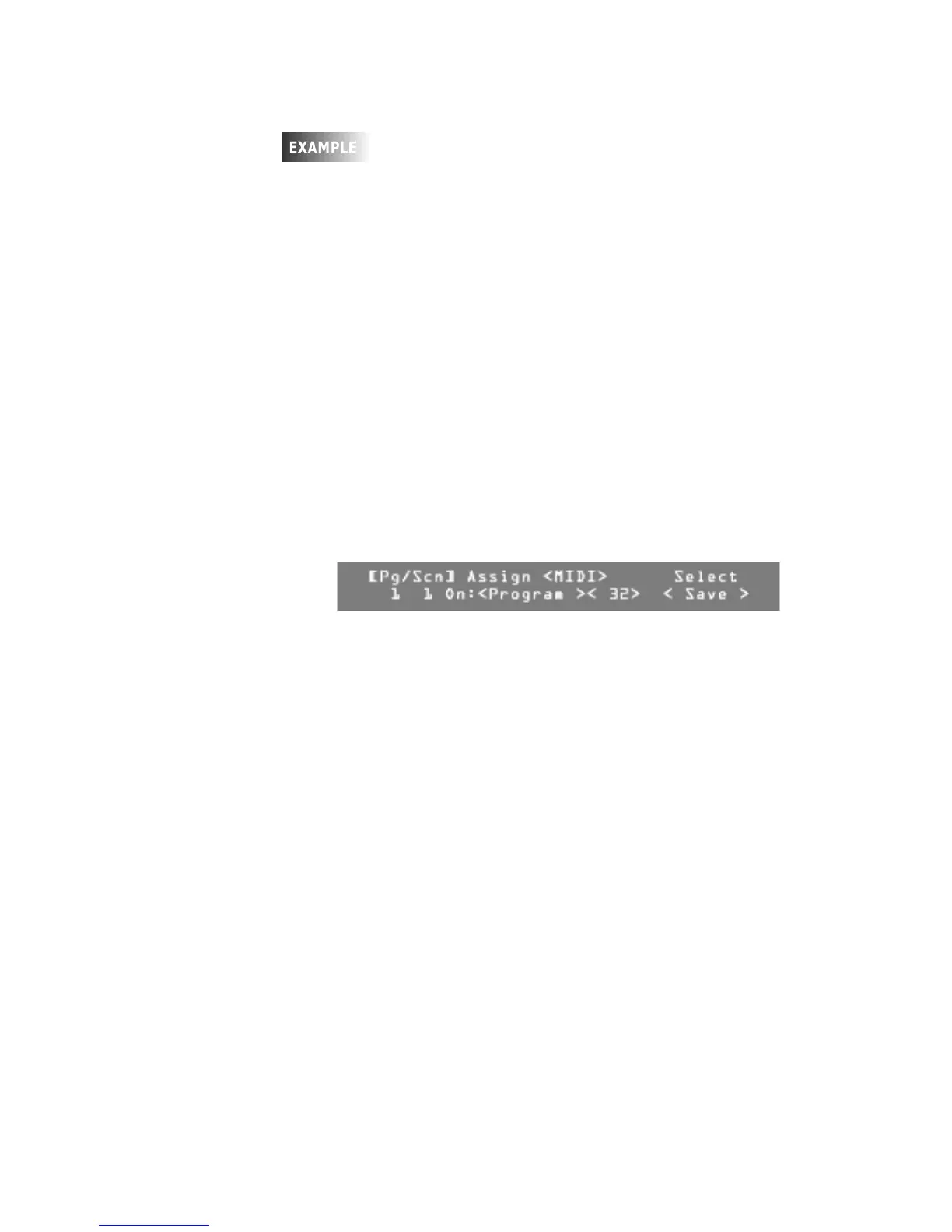
Once you have selected the item to edit, press F4, above Select Edit.
8
Turn Modify wheel 1 to change the command name or to select None so
that no command is used.
Three fields are surrounded by brackets; the Command Name, the
Commands Number, and the value for Note and Control Change
commands.
9
Turn Modify wheel 2 to change the value of the Commands Number to a
value between 0 and 127.
10
Turn Modify wheel 3 to change the value for Note and Control Change
commands to a value between 0 and 127.
Note:
If you rotate past 127, Any is selected, indicating the value is not
used and any value will cause the event to trigger.






 To Next Page