ENGLISH
18
WATCHING TV
Watching TV
1
Press ontheRemotecontrolor onthe
TVtoturntheTVon.
2
PressINPUTandselectAntenna.
3
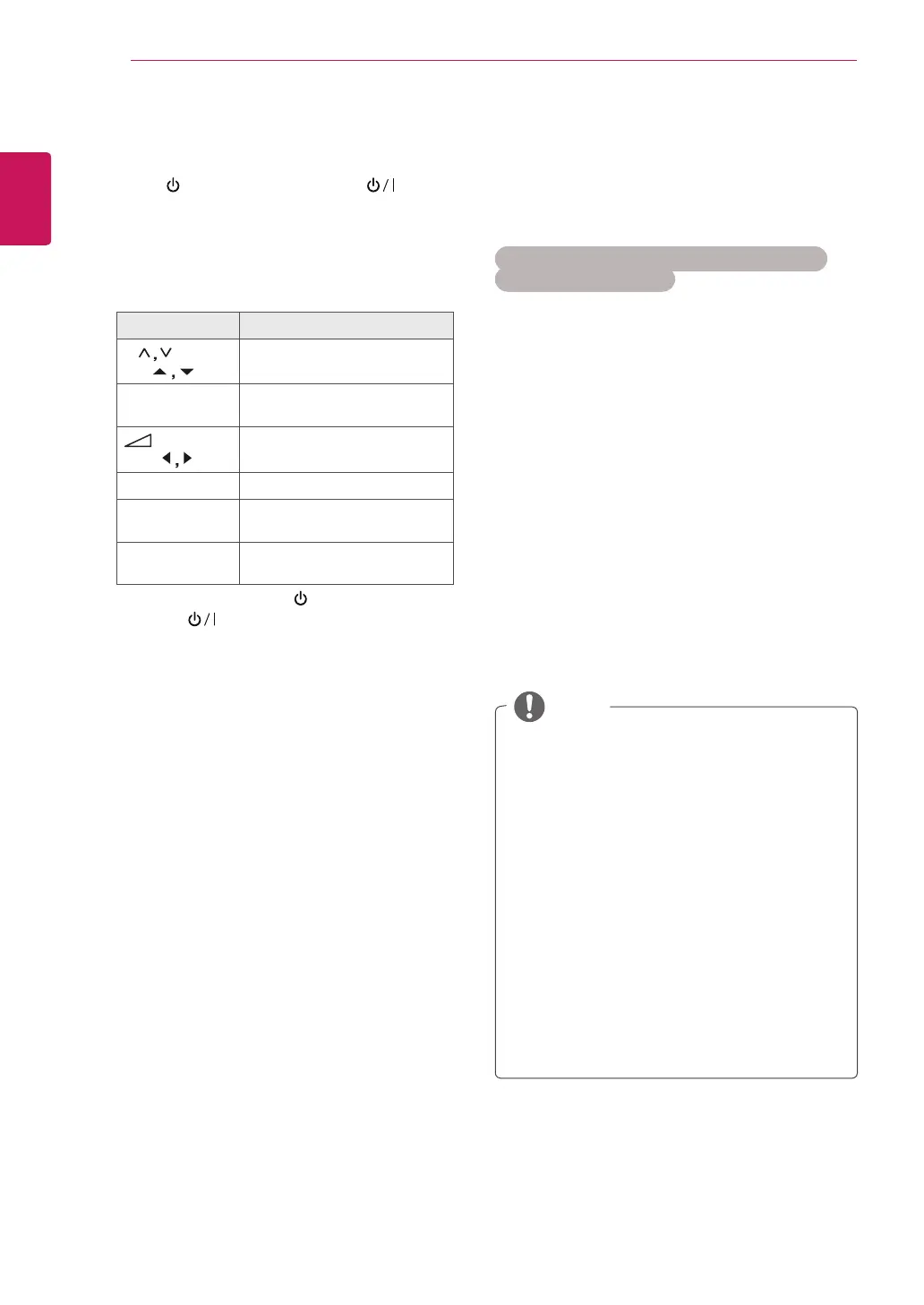
ControltheTVusingthefollowingbuttonsand
menuswhileyouarewatchingTV.
Button / Menu Description
P( ) or
PR (
)
Scrollsthroughthesaved
programmes
Numbers Selectsaprogrammeby
enteringnumbers
(+ , -)or
VOL (
)
Adjuststhevolumelevel
MUTE Mutesallsounds
PICTURE Selectsoneofthepresetimage
modes(Seep.60)
AUDIO Selectsoneofthepresetaudio
modes.(Seep.63)
4
ToturntheTVoff,Press ontheRemote
controlor ontheTV.
Managing programmes
Automatically setting up
programmes
For countries other than Finland, Sweden,
Denmark and Norway)
Usethistoautomaticallyfindandstoreallavailable
programmes.
1
PressMENUtoaccessthemainmenus.
2
PresstheNavigationbuttonstoscrollto
SETUPandpressOK.
3
PresstheNavigationbuttonstoscrollto
Auto TuningandpressOK.
4
SelectStarttostartautomatictuning.
TheTVscansandsavesavailableprogrammes
automatically.
5
Whenyouarefinished,pressEXIT.
Whenyoureturntothepreviousmenu,press
BACK.
NOTE
UseNumberbuttonstoinputa4-digit
passwordinLock System ‘On’.
AutomaticNumbering:Decidewhetherto
usetheprogrammenumbersassentby
broadcastingstationsfortuning.
WhenselectItalyintheCountrymenu,if
thepopupisdisplayedwhentheconflicted
ProgrammeafterAutoTuning,selecta
broadcasterforconflictingprogramme
numbertosolve.
WhenselectUKintheCountrymenu,if
thepopupisdisplayedwhentheconflicted
programmeafterAutoTuning,selecta
regions,countryforconflictingprogramme
numbertosolve.



 To Next Page