ENGLISH
77
DIGITAL TELETEXT (ONLY DTV)
DIGITAL TELETEXT (ONLY DTV)
ThisfunctionworksinUK,Irelandonly.
TheTVgivesyouaccesstodigitalteletextwhichis
greatlyimprovedinvariousaspectssuchastext,
graphicsetc.Thisdigitalteletextcanaccess
specialdigitalteletextservicesandspecific
serviceswhichbroadcastdigitalteletext.
Youshouldselectoffinthesubtitlelanguagemenu
todisplayteletextbypressingtheSUBTITLE
button.
Teletext within digital
service
Teletext in digital service
1
PressthenumericorP
or buttontoselect
adigitalservicewhichbroadcastsdigital
teletext.
2
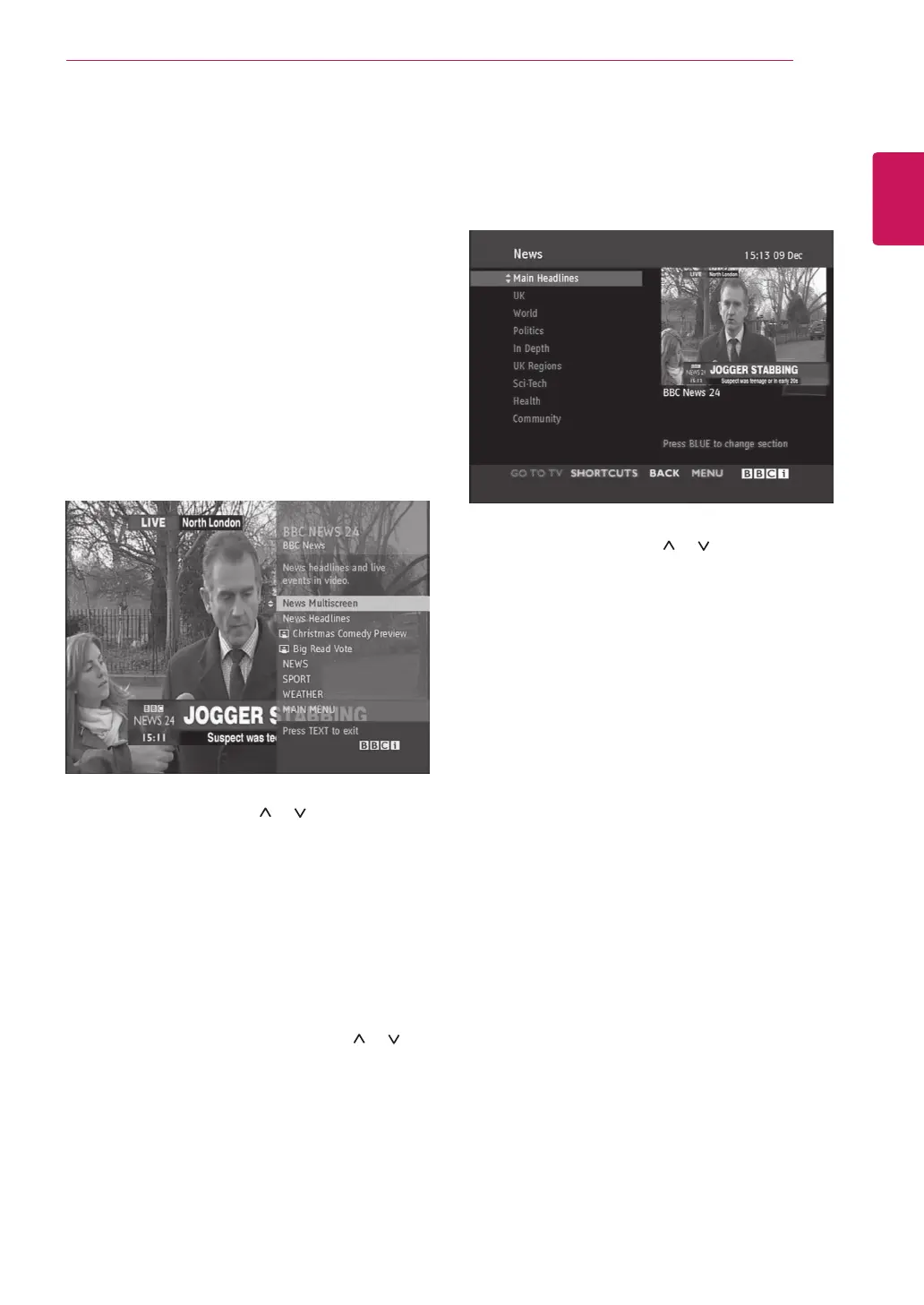
Followtheindicationsondigitalteletextand
moveontothenextstepbypressingTEXT,
OK, Navigation button, Red button, Green
button, Yellow button, Blue button or
Number buttonsandetc.
3
Tochangedigitalteletextservice,selecta
differentservicebythenumericorP
or
button.
1
PressthenumericorP
or buttontoselect
acertainservicewhichbroadcastsdigital
teletext.
2
PresstheTEXTorcolouredbuttontoswitchon
teletext.
3
Followtheindicationsondigitalteletextand
moveontothenextstepbypressingOK,
Navigation button, Red button, Green
button, Yellow button, Blue button or
Number buttonsandsoon.
4
PresstheTEXTorcolourbuttontoswitchoff
digitalteletextandreturntoTVviewing.
Someservicesmayallowyoutoaccesstext
servicesbypressingtheRedbutton.



 To Next Page