ENGLISH
33
WATCHING TV
Subtitle Language Selection
Whentwoormoresubtitlelanguagesare
broadcast,youcanselectthesubtitlelanguage
withtheSUBTITLEbuttonontheremotecontrol.
PresstheNavigationbuttonstoselectasubtitle
language.
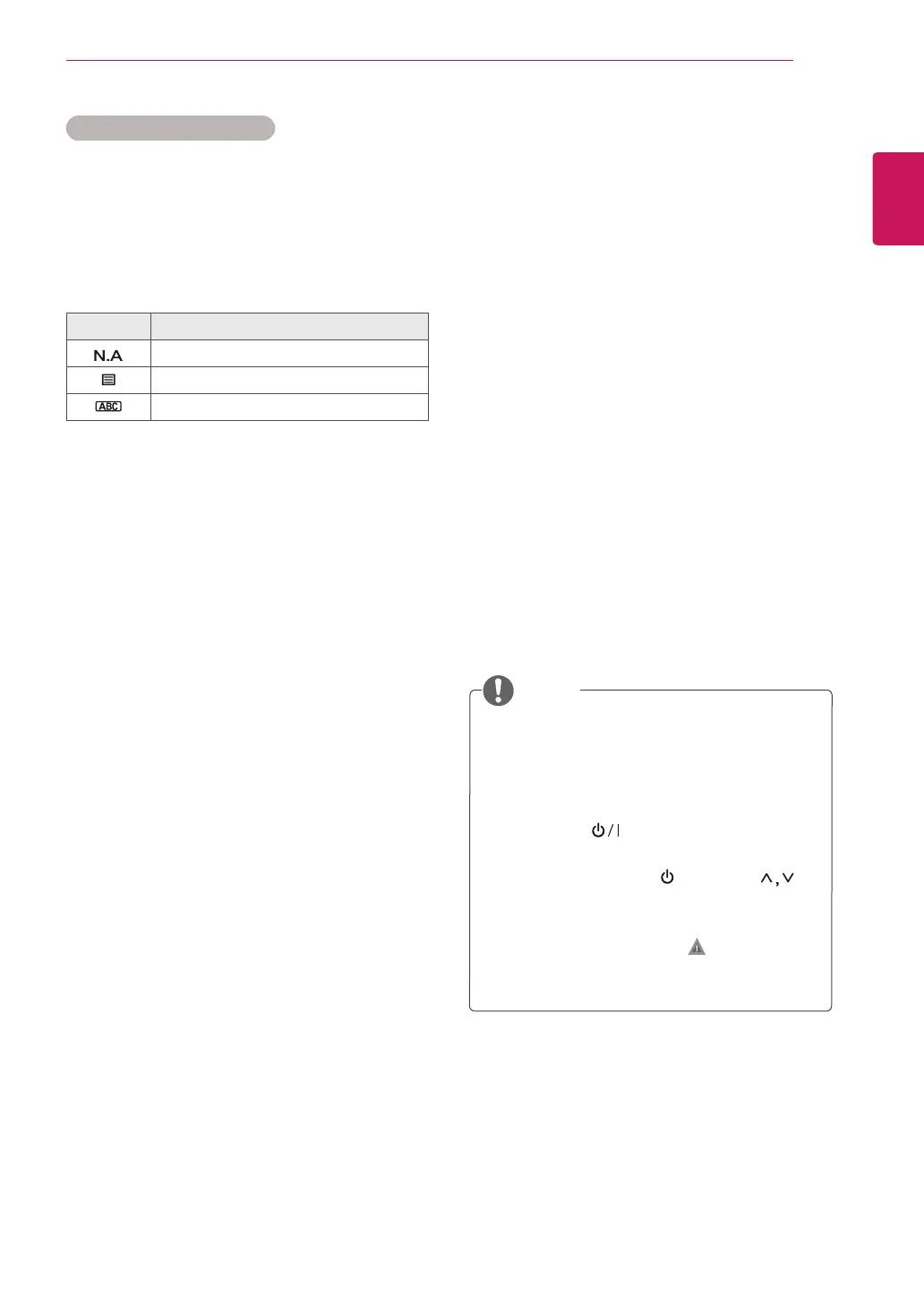
Subtitle Language OSD Information
Display Status
NotAvailable
TeletextSubtitle
Subtitlefor“HardofHearing”
Theaudio/subtitlescanbedisplayedina
simplerformwith1to3charactersbroadcast
bytheserviceprovider.
WhenyouselectsupplementaryAudio(Audio
for“Visual/HearingImpaired”)theTVmay
outputapartoftheMainaudio.
Using the Lock options
Locking the buttons on the TV.
Enterthepassword,press‘0’, ‘0’, ‘0’, ‘0’onthe
remotecontrolhandset.
WhenFranceisselectedforCountry,passwordis
not‘0’, ‘0’, ‘0’, ‘0’but‘1’,’2’,’3’,’4’.
LockthebuttonsontheTVtopreventany
unwantedoperationsoraccidentsbychildren.
1
PressMENUtoaccessthemainmenus.
2
PresstheNavigationbuttonstoscrolltoLOCK
andpressOK.
3
PresstheNavigationbuttonstoscrollto
Key LockandpressOK.
4
PresstheNavigationbuttons
toscrolltoOn
andpressOKtoactivatetheKeylockfeature.
-TodeactivatetheKeylockfeature,selectOff.
5
Whenyouarefinished,pressEXIT.
Whenyoureturntothepreviousmenu,press
BACK.
TheTVisprogrammedtorememberthelast
settingafteryouturntheTVoff.
IfyouturntheTVoffwhilethekeylock
featureisactivatedandwishtoturnitback
on,pressthe ontheTV.Youcanalso
switchthedeviceonusingtheremote
controlbypressingthe , INPUT ,P or
Numberbuttons.
IfyoupressanybuttonontheTVwiththe
Keylockfeatureactivated, Key Lock On
appearsonthescreen.
NOTE



 To Next Page