ENGLISH
75
TELETEXT
P
A
G
E
P
1 2 3
4 5
0
6
7 8 9
LIST
Q.VIEW
TV / PC INPUT
TV/
RAD
ENERGY
SAVING
MARK
FAV
3D
MUTE
OK
MENU
GUIDE
Q.MENU
INFO
Auto Config.
EXIT
3D SETTING
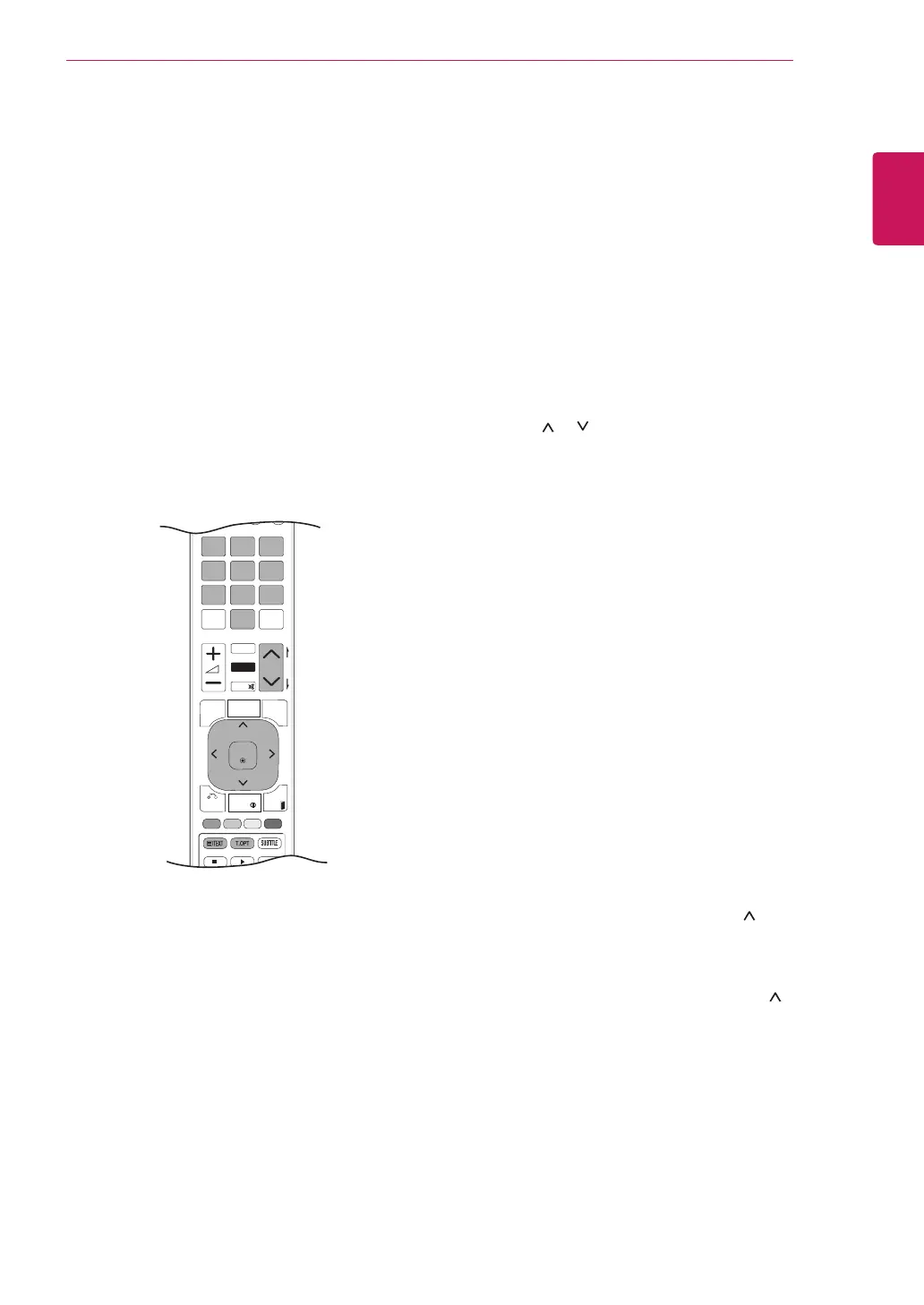
TELETEXT
Thisfeatureisnotavailableinallcountries.
TeletextisafreeservicebroadcastbymostTV
stationswhichgivesup-to-the-minuteinformation
onnews,weather,televisionprogrammes,share
pricesandmanyothertopics.Theteletextdecoder
ofthisTVcansupporttheSIMPLE,TOPand
FASTEXTsystems.SIMPLE(standardteletext)
consistsofanumberofpageswhichareselected
bydirectlyenteringthecorrespondingpage
number.TOPandFASTEXTaremoremodern
methodsallowingquickandeasyselectionof
teletextinformation.
Switch On/Off
Simple Text
Page selection
1
Enterthedesiredpagenumberasathree-digit
numberwiththeNumberbuttons.Ifduring
selectionyoupressawrongnumber,youmust
completethethree-digitnumberandthenre-
enterthecorrectpagenumber.
2
TheP
or buttoncanbeusedtoselectthe
previousornextpage.
Top Text
Theuserguidedisplaysfourfields-red,green,
yellowandblueatthebottomofthescreen.The
yellowfielddenotesthenextgroupandtheblue
fieldindicatesthenextblock.
Block / Group / Page Selection
1
WiththeBluebuttonyoucanprogressfrom
blocktoblock.
2
UsetheYellowbuttontoproceedtothenext
groupwithautomaticoverflowtothenextblock.
3
WiththeGreenbuttonyoucanproceedtothe
nextexistingpagewithautomaticoverflowto
thenextgroup.Alternatively,theP button
canbeused.
4
TheRedbuttonpermitsyoutoreturnto
previousselection.Alternatively,theP button
canbeused.
Direct Page Selection
AswithSIMPLEteletextmode,youcanselecta
pagebyenteringitasathreedigitnumberusing
theNumberbuttonsinTOPmode.
PresstheTEXTbuttontoswitchtoteletext.The
initialpageorlastpageappearsonthescreen.
Twopagenumbers,TVstationname,dateand
timearedisplayedonthescreenheadline.The
firstpagenumberindicatesyourselection,while
thesecondshowsthecurrentpagedisplayed.
PresstheTEXTorEXITbuttontoswitchoff
teletext.Thepreviousmodereappears.



 To Next Page