ENGLISH
76
TELETEXT
Fastext
Theteletextpagesarecolourcodedalongthe
bottomofthescreenandareselectedbypressing
thecorrespondingcolouredbutton.
Page selection
1
PresstheT.OPTbuttonandthenusethe
Navigationbuttontoselect menu.Display
theindexpage.
2
Youcanselectthepageswhicharecolour
codedalongthebottomlinewithcorresponding
colouredbuttons.
3
ASwithSIMPLEteletextmode,youcanselect
apagebyenteringitsthreedigitpagenumber
withtheNUMBERbuttonsinFastextmode.
4
TheP
^
or
v
buttoncanbeusedtoselectthe
precedingorfollowingpage.
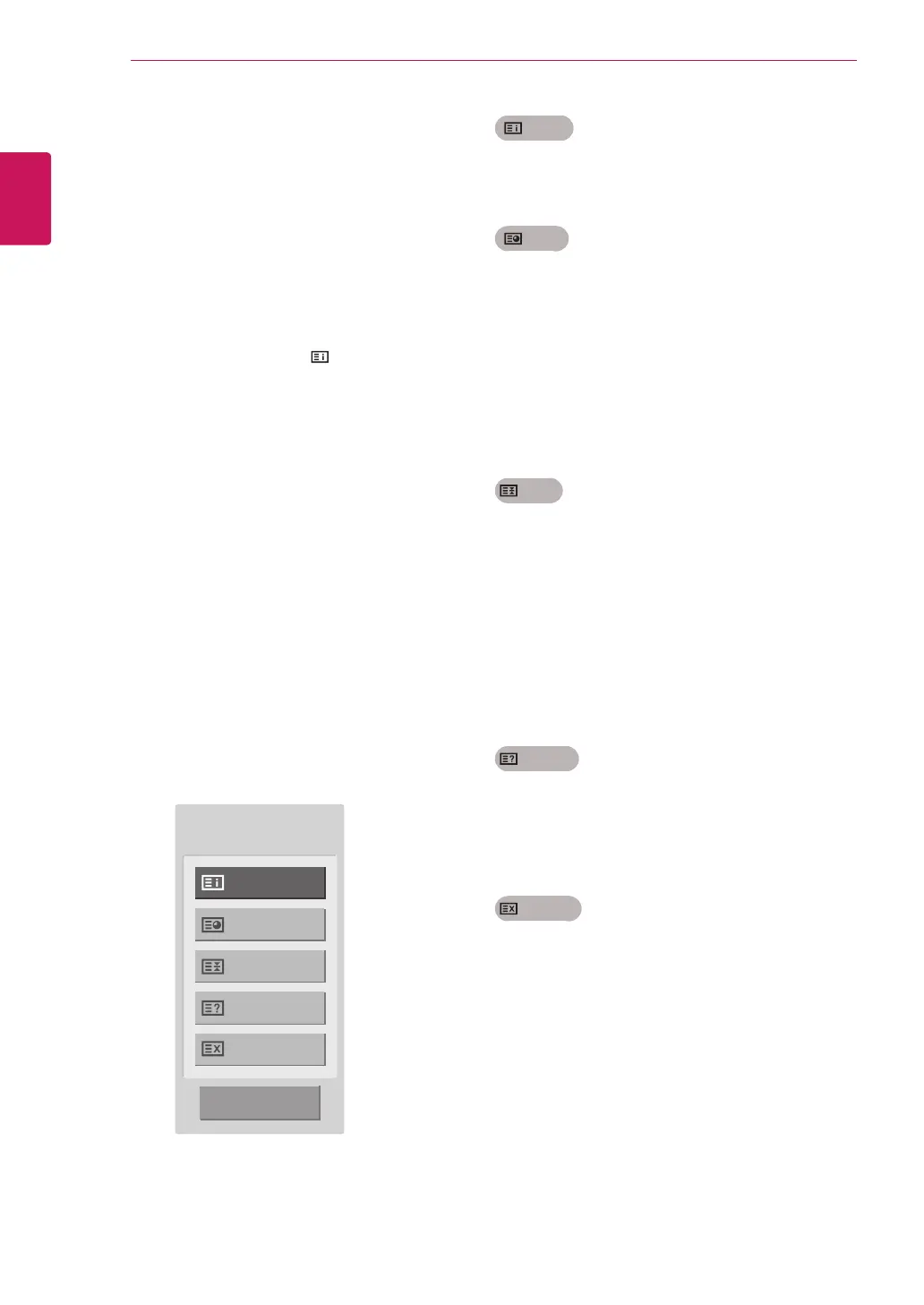
Special Teletext Function
Index
Selecttheeachindexpage.
Time
WhenviewingaTVprogramme,selectthis
menutodisplaythetimeatthetoprighthand
cornerofthescreen.
Intheteletextmode,pressthisbuttontoselect
asubpagenumber.Thesubpagenumberis
displayedatthebottomofthescreen.Tohold
orchangethesubpage,presstheRedbuttons
/Greenbuttons,<>orNumberbuttons.
Hold
Stopstheautomaticpagechangewhichwill
occurifateletextpageconsistsof2ormore
subpages.
Thenumberofsubpagesandthesubpage
displayedis,usually,shownonthescreen
belowthetime.Whenthismenuisselectedthe
stopsymbolisdisplayedatthetopleft-hand
cornerofthescreenandtheautomaticpage
changeisinactive.
Reveal
Selectthismenutodisplayconcealed
information,suchassolutionstoriddlesor
puzzles.
Update
DisplaystheTVpictureonthescreenwhile
waitingforanewteletextpage.Thedisplay
willappearatthetoplefthandcornerofthe
screen.Whentheupdatedpageisavailable
thendisplaywillchangetothepagenumber.
Selectthismenuagaintoviewtheupdated
teletextpage.
Index
Time
Hold
Reveal
Update
Close
Text Option



 To Next Page