ENGLISH
89
EXTERNAL CONTROL DEVICE SETUP
Set ID
SetIDnumber."Real Data Mapping"onSeep.95
1
PressMENUtoaccessthemainmenus.
2
PresstheNavigationbuttonstoscrollto
OPTIONandpressOK.
3
PresstheNavigationbuttonstoscrolltoSet ID
andpressOK.
4
ScrollleftorrighttoselectasetIDnumberand
selectClose.Theadjustmentrangeis1-99.
5
Whenyouarefinished,pressEXIT.
Whenyoureturntothepreviousmenu,press
BACK.
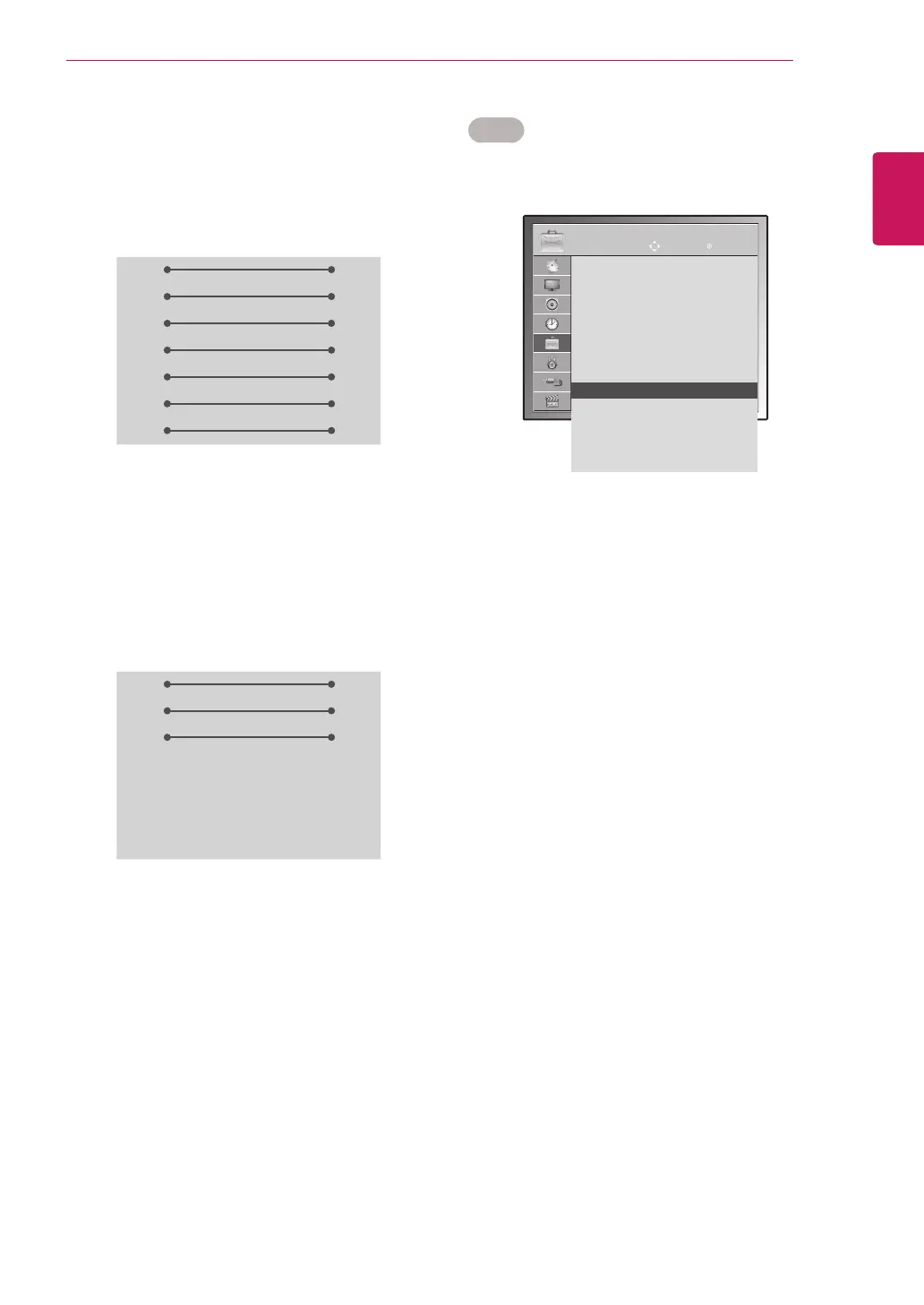
RS-232C configurations
7-WireConfiguration
(Serialfemale-femaleNULLmodemcable)
3-WireConfigurations(Notstandard)
PC TV
RXD 2 3 TXD
TXD 3 2 RXD
GND 5 5 GND
DTR 4 6 DSR
DSR 6 4 DTR
RTS 7 8 CTS
CTS 8 7 RTS
D-Sub 9 D-Sub 9
PC TV
RXD 2 3 TXD
TXD 3 2 RXD
GND 5 5 GND
DTR 4 6 DSR
DSR 6 4 DTR
RTS 7 8 CTS
CTS 8 7 RTS
D-Sub 9 D-Sub 9
OPTION
MOVE OK
Menu Language : English
Audio Language : English
Subtitle Language : English
Disabled Assistance
Data Service : MHEG
Country : UK
Input Label
Set ID : 1 ꔉ
Power Indacator : On
Demo Mode : Off
Mode Setting : Home Use
Factory Reset
ImageshownmaydifferfromyourTV.



 To Next Page