ENGLISH
30
WATCHING TV
NOTE
IfyouwanttouseHDMI-PCmode,you
mustsettheinputlabeltoPCmode.
NOTE
Using the input list
Selecting an input source
1
PressINPUTtoaccesstheinputsourcelist.
-Theconnecteddevicedisplaysoneachinput
source.
2
PresstheNavigationbuttonstoscrolltooneof
theinputsourcesandpressOK.
Input source Description
Antenna or
Cable
WatchTVovertheair,cable,and
digitalcablebroadcast
RGB ViewaPCdisplayonthescreen
AV 1/2 WatchthecontentsinaVCRor
otherexternaldevices
Component WatchthecontentsinaDVDor
otherexternaldevices,orthrough
adigitalset-topbox
HDMI 1/2 WatchcontentsinaPC,DVD
orDigitalsettopboxotherhigh
definitiondevices
Theconnectedinputsourcesdisplayinblack
andthedisconnectedinputsourcesingrey.
-Ifyouaddaninputlabeltoeachinput
sources,youcaneasilyidentifyadevice
connectedtoeachinputsource.
Adding an Input label
1
PressMENUtoaccessthemainmenus.
2
PresstheNavigationbuttonstoscrollto
OPTION andpressOK.
3
PresstheNavigationbuttonstoscrollto
Input LabelandpressOK.
4
PresstheNavigationbuttonstoscrolltooneof
theinputsources.
5
PresstheNavigationbuttonstoscrolltooneof
theinputlabelandpressOK.
6
Whenyouarefinished,press EXIT.
Whenyoureturntothepreviousmenu,press
BACK.
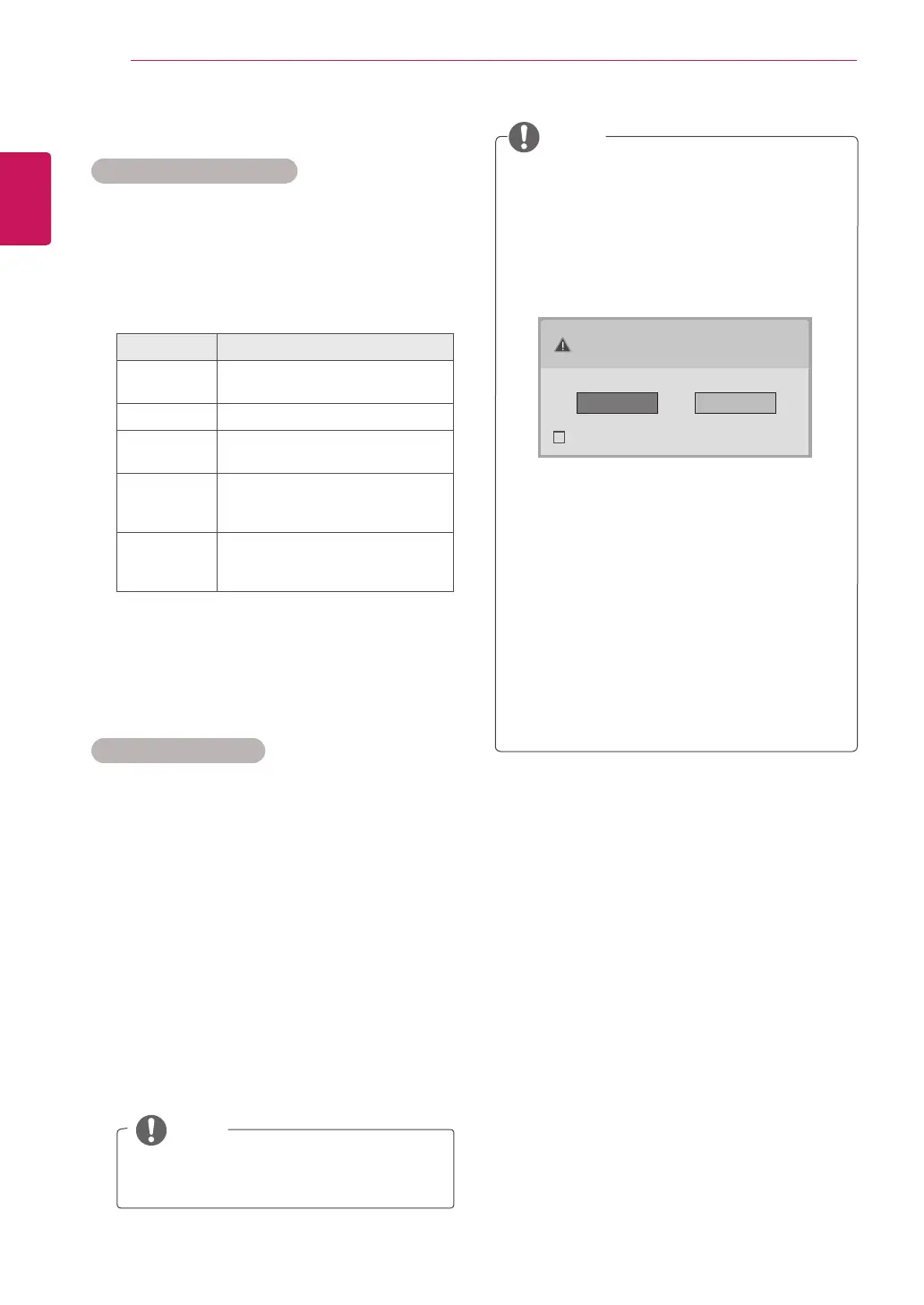
Ifyouselect"Yes"thesizeandimagequality
areoptimisedforyourPC.
Ifyouselect"No"thesizeandimagequality
areoptimisedfortheAVdevice (DVD
player, set-top box, gaming device).
Ifyouselect"Do not show message again"
thismessagedoesnotappearuntiltheTV
isreset.Youcanchangethesetvaluein
MENU ► OPTION ► Input Label.
ThevaluessetforHDMI1/HDMI2aresaved
independently.
TheOSD (On Screen Display)isdisplayed
onthescreenasshownbelow.
»
WhenturningtheproductoninHDMIinput.
»
WhenswitchingtoHDMIinput.
»
WhenconnectinganHDMIcablewithno
signal.
Is the input connected to your PC?
Do not show message again.
Yes No



 To Next Page