ENGLISH
28
WATCHING TV
Using additional options
Adjusting aspect ratio
Resizetheimagetoviewtheimageatitsoptimal
sizebypressingQ.MENU whileyouarewatching
TV.
Ifafixedimagedisplaysonthescreenfora
longperiodoftime,itwillbeimprintedand
becomeapermanentdisfigurementonthe
screen.Thisis“imageburn”or“burn-in”and
notcoveredbythewarranty.
Iftheaspectratioissetto4:3foralong
periodoftime,imageburnmayoccuron
theletterboxedareaofthescreen.
CAUTION
Youcanalsochangetheimagesizeby
pressingQ. MENUoraccessingAspectRatio
inthe PICTUREmenu.
NOTE
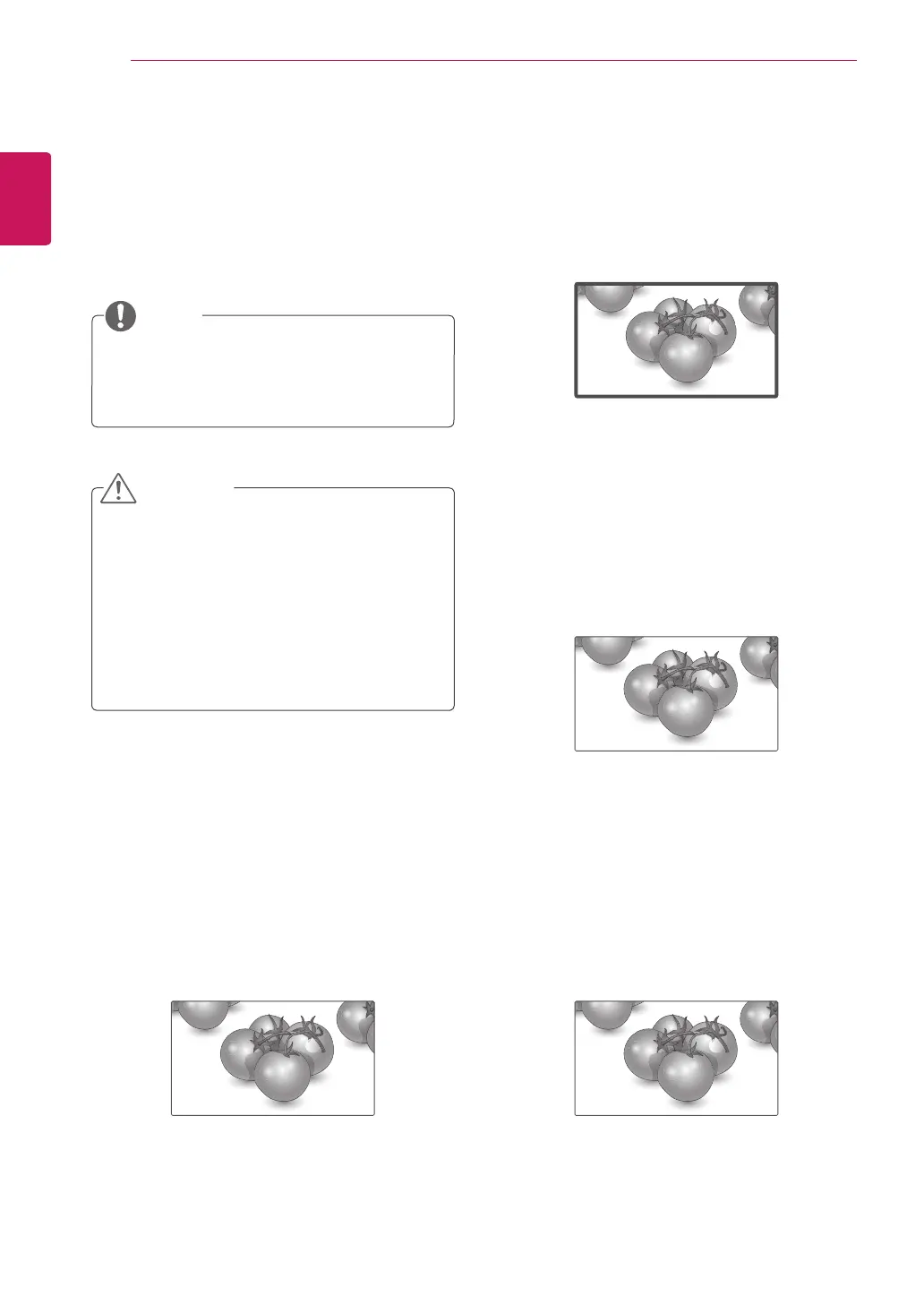
-16:9:Thefollowingselectionwillallowyou
toadjustthepicturehorizontally,inlinear
proportion,tofilltheentirescreen(usefulfor
viewing4:3formattedDVDs).
Just Scan
-Just Scan:FollowingSelectionwillleadtoyou
viewthepictureofbestqualitywithoutlossof
originalpictureinhighresolutionimage.
Note:IfthereisnoiseinoriginalPicture,You
canseethenoiseattheedge.
-Original:WhenyourTVreceivesawidescreen
signalitwillautomaticallychangetothepicture
formatbroadcast.
-Full Wide:WhenTVreceivesthewidescreen
signal,itwillleadyoutoadjustthepicture
horizontallyorvertically,inalinearproportion,to
filltheentirescreenfully.
Original
Full Wide



 To Next Page