ENGLISH
48
ENTERTAINMENT
Music
S003
0:27 / 3:67
Option
Adamagedorcorruptedfilewillnotplayand
thedurationofthefiledisplayas00:00.
Acopy-protectedfilewillnotplay.
IftheTVisnotinuseforsometime
duringplayback,theinformationboxasa
screensaverwillappeartopreventimage
burn.
ToreturntotheMusiclistscreen,pressOK
orBACK.
NOTE
7
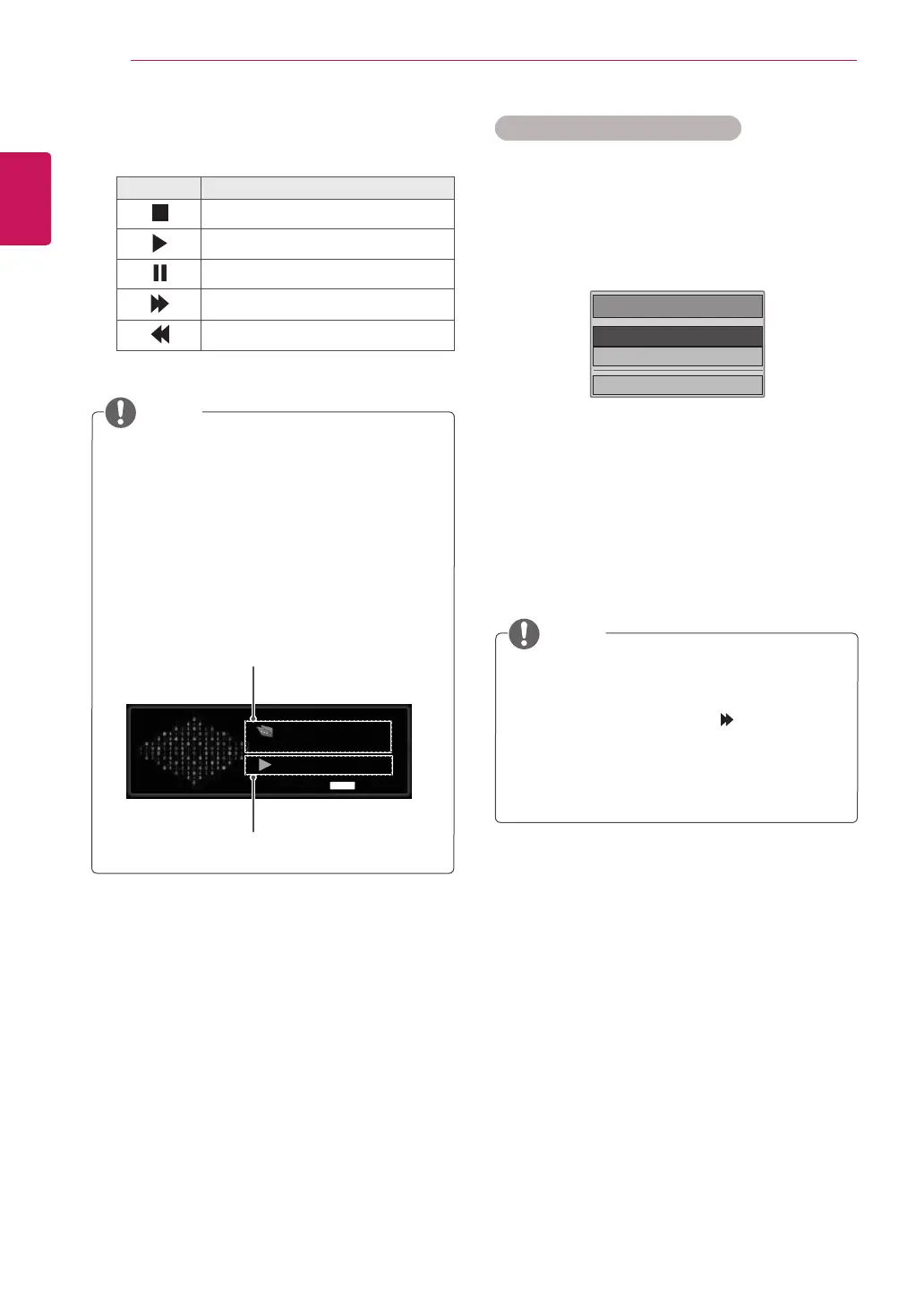
Controlplaybackbyusingthefollowing
buttons.
Button Description
Stopsplayback
Playsamusicfile
Pausesorresumesplayback
Skipstothenextfile
Skipstothepreviousfile
Time elapsed / Duration
Folder name / file name
Q.MENU
Q.MENU options for Music List
1
PressQ. MENUtoaccessthePop-Upmenus.
2
PresstheNavigationbuttonstoscrolltoSet
Audio Play or Set AudioandPressOK.
Whenyouselectthe Set Audio Play.
1
PresstheNavigationbuttonstoshowtheSet
Audio Play.
2
PresstheNavigationbuttonstomake
appropriateadjustments.
WhenyouselecttheSet Audio.
1
PresstheNavigationbuttonsto
toshowthe
Sound Mode, Auto Volume, Clear Voice II,
Balance.
2
PresstheNavigationbuttonsto tomake
appropriateadjustments.(Seep.63)
When“Off”isselectedinRepeatmenu,
replaywillstoponcethelastfileinthelist
finishesplaying.But,when“ ”buttonis
pressedwhilethelastfineinthelistisin
themiddleofreplayand“Repeat”isin“Off”
position,thefirstfileinthelistwillbeplay.
NOTE
Choose Options.
Set Audio Play.
Set Audio.
ꕉ Previous



 To Next Page