ENGLISH
71
MAKING CONNECTIONS
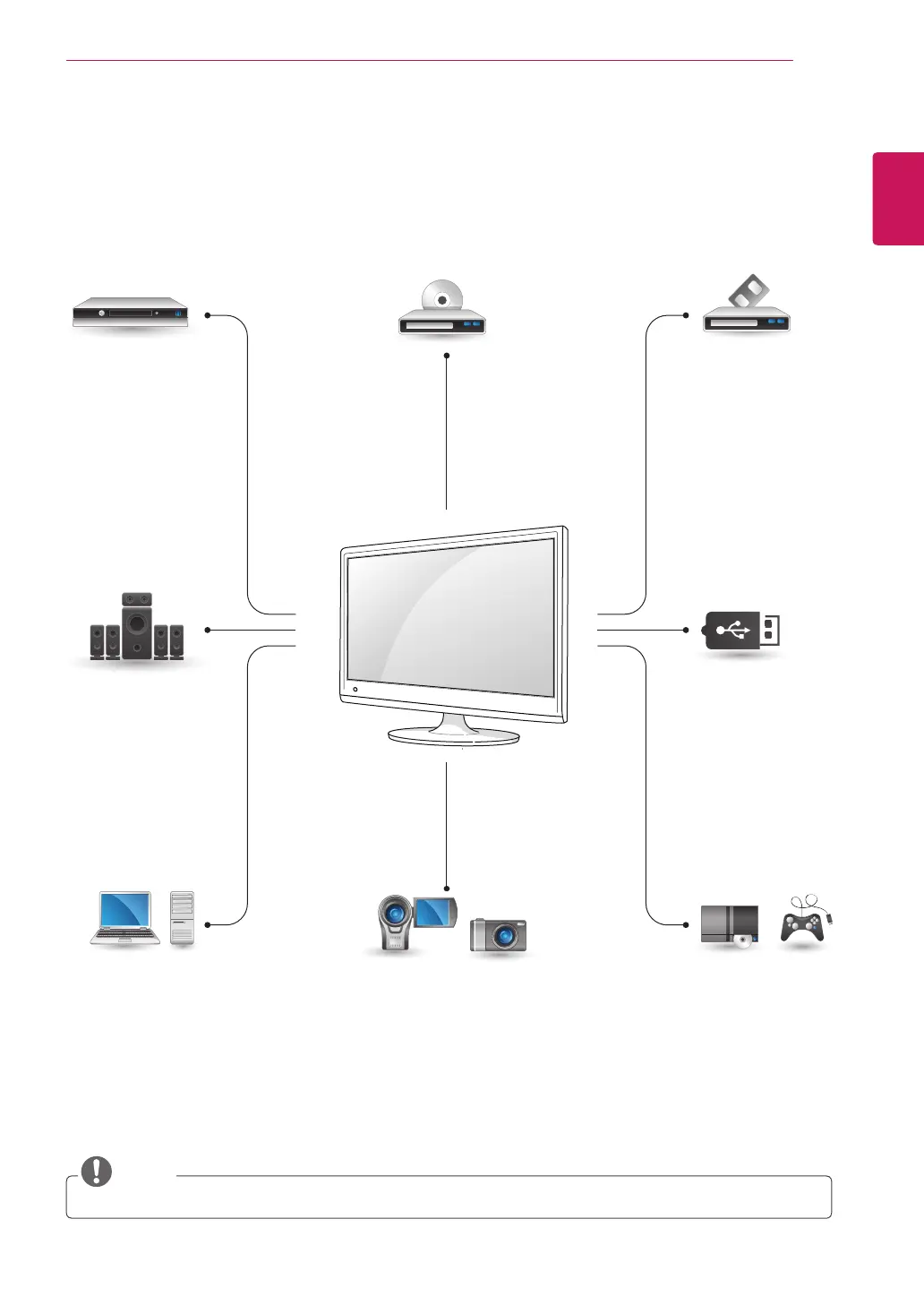
ConnectvariousexternaldevicestotheportsontheTV’sbackpanel.
1
FindanexternaldeviceyouwanttoconnecttoyourTVshownonthefollowingillustration.
2
Checktheconnectiontypeoftheexternaldevice.
3
Gototheappropriateillustrationandchecktheconnectiondetails.
NOTE
IfyouconnectagamingdevicetotheTV,usethecablesuppliedwiththegamingdevice.
HDMI – See p.72
DVI – See p.72
Component – See p.72
Composite – See p.73
Euro Scart – See p.73
Digital optical audio
– See p.73
Headphone
– See p.74
HDMI – See p.38
DVI – See p.39
RGB – See p.39
HDMI – See p.72
DVI – See p.72
Component – See p.72
Composite – See p.73
Euro Scart – See p.73
HDMI – See p.72
DVI – See p.72
Component – See p.72
Composite – See p.73
Component – See p.72
Composite – See p.73
Euro Scart – See p.73
Memory storage
– See p.74
Memory card reader
– See p.74
HDMI – See p.72
Component – See p.72
Composite – See p.73
HD Receiver
Speaker
PC Camcorder/Camera Gaming device
DVD VCR
USB



 To Next Page