● DIGITAL KEY TELEPHONE / USER’S GUIDE KD, KD/E, LKD Series
Storing Dial by Name
digital display phone can enter the called party
’
s name so they can dial by name instead
Procedures
● Press TRANS/PGM button.
● Press SPEED button and speed number bin.
● Dial the desired phone number.
● Press HOLD/SAVE button.
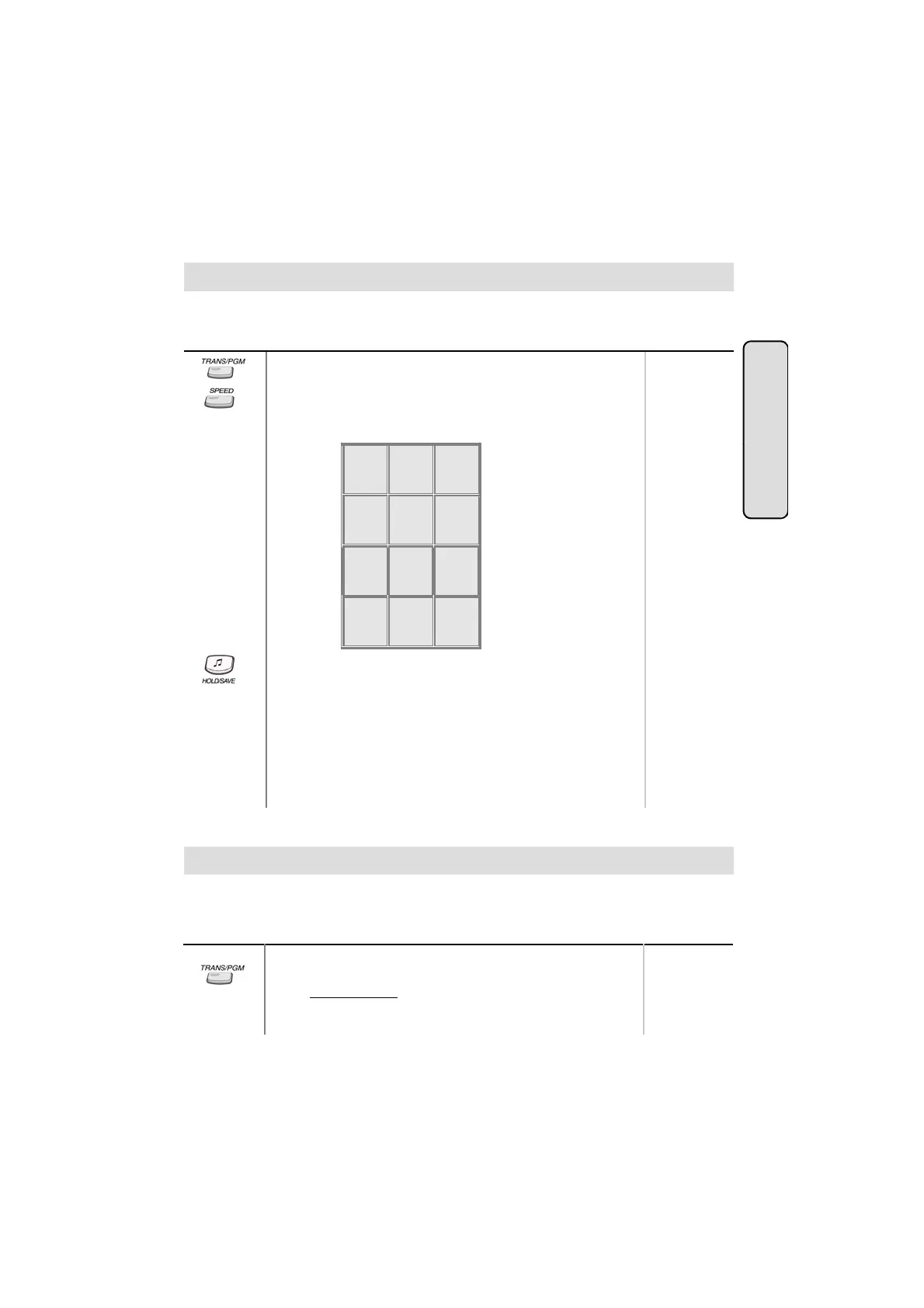
● Enter the name up to 16 letters using the code below;
Range
of dialing the phone number.
Button
CO Line F
Q - 11
Z - 12
. - 13
1 - 10
A - 21
B - 22
C - 23
2 - 20
D - 31
E - 32
F - 33
3 - 30
G - 41
H - 42
I - 43
4 - 40
J - 51
K - 52
L - 53
5 - 50
M - 61
N - 62
O - 63
6 - 60
P - 71
R - 72
S - 73
Q - 7*
T - 81
U - 82
V - 83
W - 91
X - 92
Y - 93
Z - 9#
atures
● Press HOLD/SAVE button.
In GDK-16,
● Pressing [▼] key while entering name, the last character will be
7 - 70
-
9 - 90
*1 - Blank
*2 - :
*3 - ,
0-00 #
.
● While entering a name, you may press ‘4,5,6’ or ‘7,8,9’ as a
second digit instead of ‘1,2,3’.
(Ex. To enter ‘J”, you may press ‘5 1’, ‘5 4’ or ‘5 7’.)
Button Procedures
While connected to an outside call,
● Press TRANS/PGM button.
● Dial parking location.
Range
186 : 601~619
100 : 601~610
34i : 601~605
A call can be parked in a parking location and the call will be retrieved by dialing the location
number. Also, the call can be picked up by other extension with making a page announcement
to inform parking location.
13



 To Next Page