● DIGITAL KEY TELEPHONE / USER’S GUIDE KD, KD/E, LKD Series
Ran
e
Answering an Intercom Call
● With your intercom answer mode setting,
- in TN mode, intercom ring is heard. Lift handset to talk.
- in PV mode, 3 bursts of tone and one-way announcement is
heard. Lift handset to talk.
- in HF mode, 3 bursts of tone and announcement is heard.
Reply with handsfree mode or lift handset for privacy.
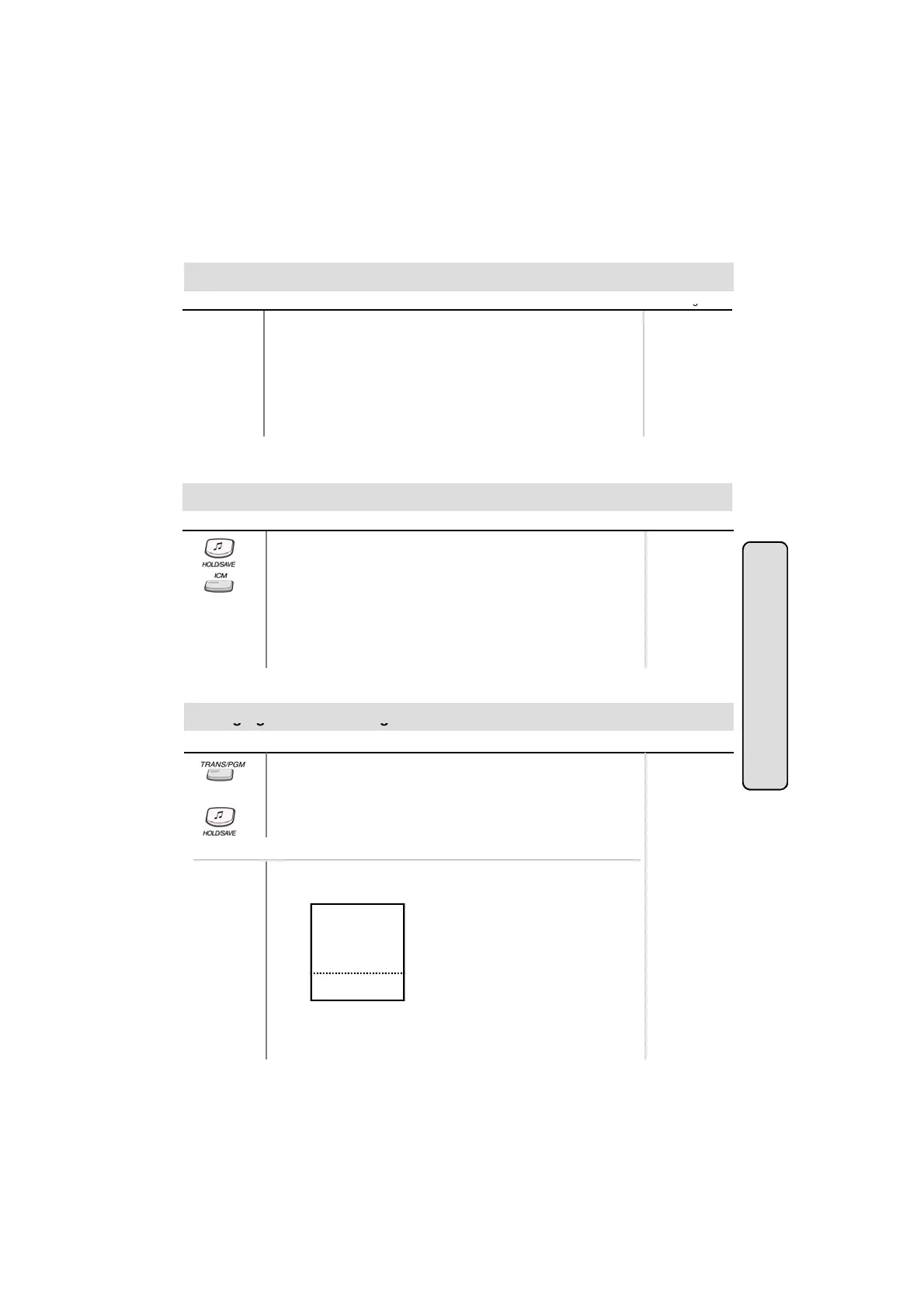
● If your phone has ICM button, you may put an intercom call on
hold by pressing HOLD/SAVE button.
● Or, while on an intercom call, press ICM button.
Button Procedures
Range
Placing an Intercom on Hold (*)
Intercom Featu
● The ICM button flashes and intercom dial tone will be heard.
To retrieve intercom call on hold,
● Press the flashing ICM button and lift handset.
Chan
in
Differential Rin
es
Button Procedures
Or using display, (Only in KD-33LD, KD/E-36LD, LKD-30LD)
● Press TRANS/PGM button.
● Dial 5 0 .
● Select the ring type by dialing 1~4.
● Press HOLD/SAVE button.
Range
● Press the 5th menu key from main menu to select PROGRAM.
and you’ll see the following on the display.
ATD PROGRAM
STATIONPROGRAM
LCD BRIGHTNESS
RING VOLUME
SPEAKER VOLUME
STA 102 (T)
NOV 02 01:40pm
■
■
■
■
■
■
■
■
■
■
▲
▼
▣
16
● Select STATION PROGRAM.
On the display, you will see the following.



 To Next Page