● DIGITAL KEY TELEPHONE / USER’S GUIDE KD, KD/E, LKD Series
If you dial a station that is busy you can leave a callback indication
Call Back
Button Procedures
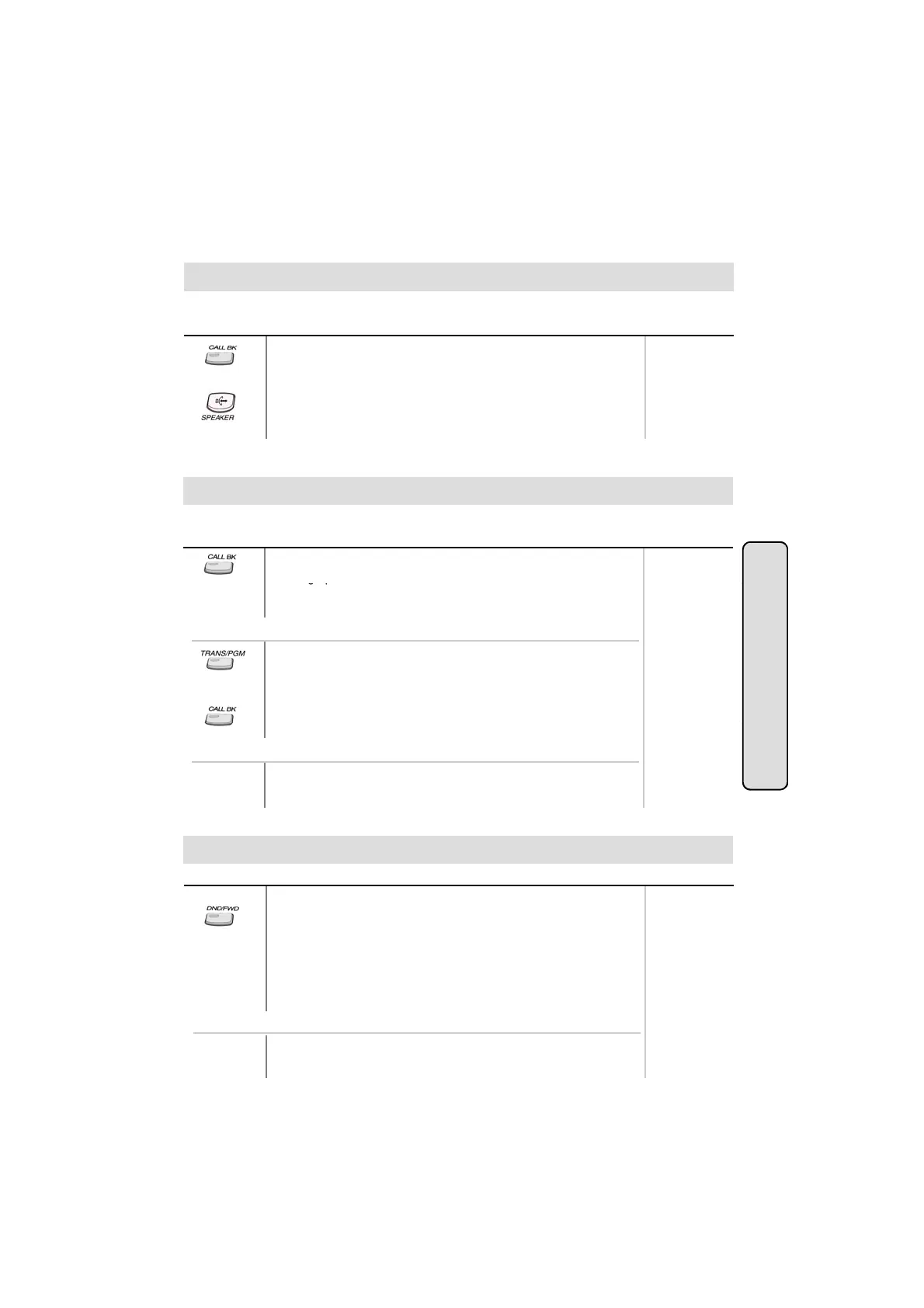
● After receiving intercom busy tone, press CALLBK button.
● Hang up.
● When the busy station hangs up, you will be signaled.
● Answer the signal by lifting handset or by pressing
MON/SPEAKER button, the station you called will be signaled.
Range
,
.
Button Procedures
● If a called party does not answer, press CALLBK button.
● Han
u
.
Range
Message Waiting
When the called extension does not answer the call, you can leave a message wait to the station.
● At that time, the LED of CALLBK button in the called station is
flashing.
On LKD-2N/S, 8D/S,
● If a called party does not answer, press TRANS/PGM button
and dial 5 6 .
To answer a message waiting indication,
● Press flashing CALLBK button.
Intercom Featu
● Station that left message will be signaled with tone ring.
On LKD-2N/S, 8D/S,
● Dial 5 7 .
Do Not Disturb
es
Button Procedures
If your phone has been programmed to have Do Not Disturb,
● Press DND/FWD button while on-hook or your phone is ringing.
● The LED is lighting and your phone is in DND.
To remove Do Not Disturb,
● Press DND/FWD button while on-hook.
● The LED is extinguished and DND at your phone is removed.
Range
19
On LKD-2N/S, 8D/S,
● Dial 5 3 instead of pressing DND/FWD button (Toggle setting).



 To Next Page