● DIGITAL KEY TELEPHONE / ATTENDANT OPERATION KD, KD/E, LKD Series
CO Outgoing Disable (*)
A
To disable outgoing calls a CO line,
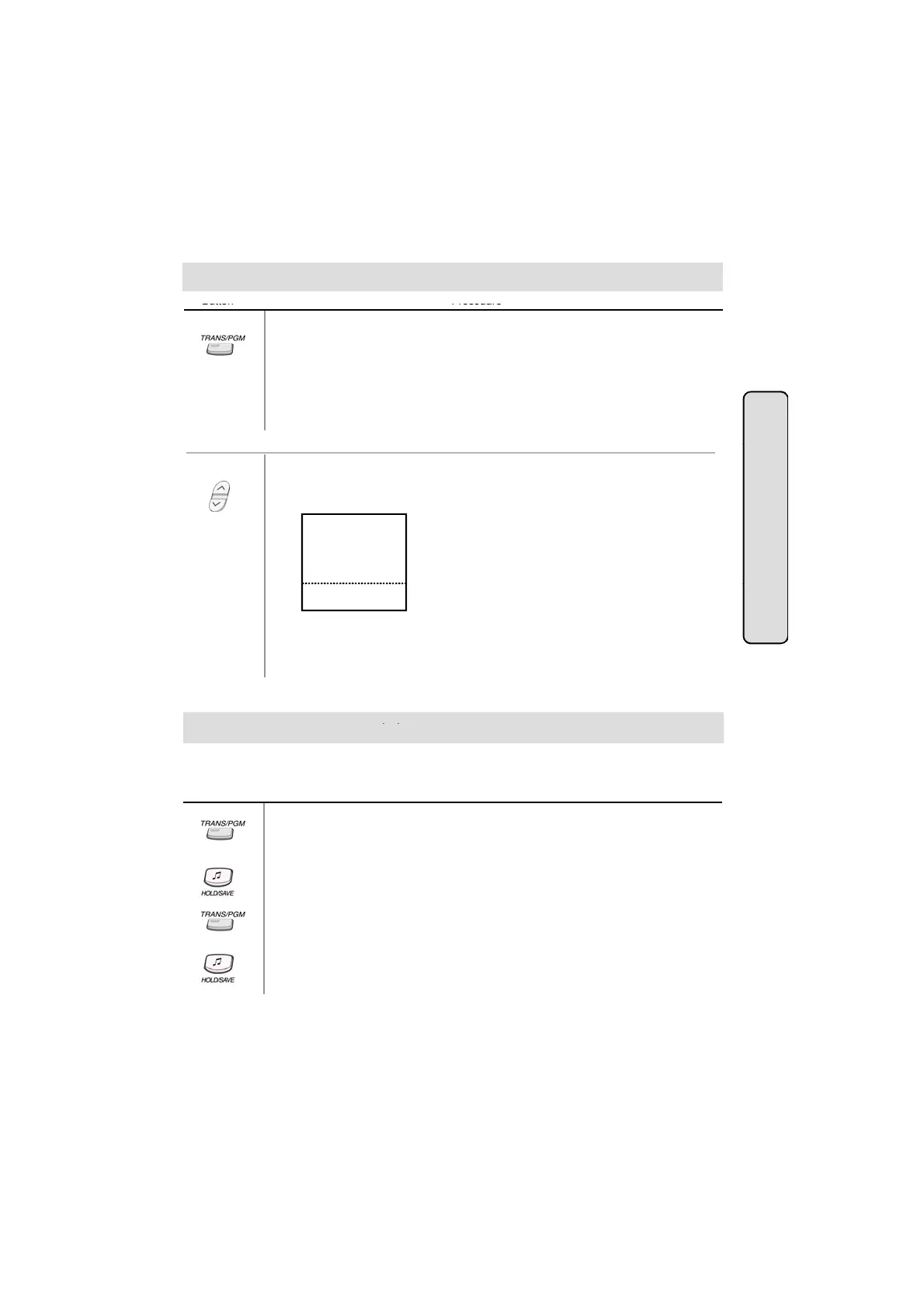
● Press TRANS/PGM button.
● Dial * 8.
● Press the desired outside line button. (Confirmation tone is heard.)
● After hearing confirmation tone, selected outside line button is disabled.
● Repeat the process to enable the CO line.
tendant Operat
● Press the 5th menu key from the main menu to select PROGRAM.
● Select the ATD PROGRAM key.
● Press PAGE down key(▼) once. On the display, you'll see the following.
A>DISABLE CO OUT
A>STA MSG ERASE
A>SET ICMBOX MSC
A>CLOCK SET
A>INTERCOM ONLY
■
■
■
■
■
■
■
■
■
■
,
,
,
ion
STA 102 (T)
NOV 02 01:40pm
▣
▲
▼
● Select the DISABLE CO OUT key.
● Press the desired outside line button. (Confirmation tone is heard.)
To activate temporary COS change,
● Press TRANS/PGM button.
● Dial # 2.
Button Procedures
A station user can change the class of service to lower class temporarily to prevent unauthorized
use of the station by others.
emporary
ange
.
● Press HOLD/SAVE button.
To remove temporary COS change,
● Press TRANS/PGM button.
● Dial # 3.
● Enter the station range.
● Press HOLD/SAVE button.
52



 To Next Page