● DIGITAL KEY TELEPHONE / USER’S GUIDE KD, KD/E, LKD Series
Universal Night Answer (Cont’d)
CO Line F
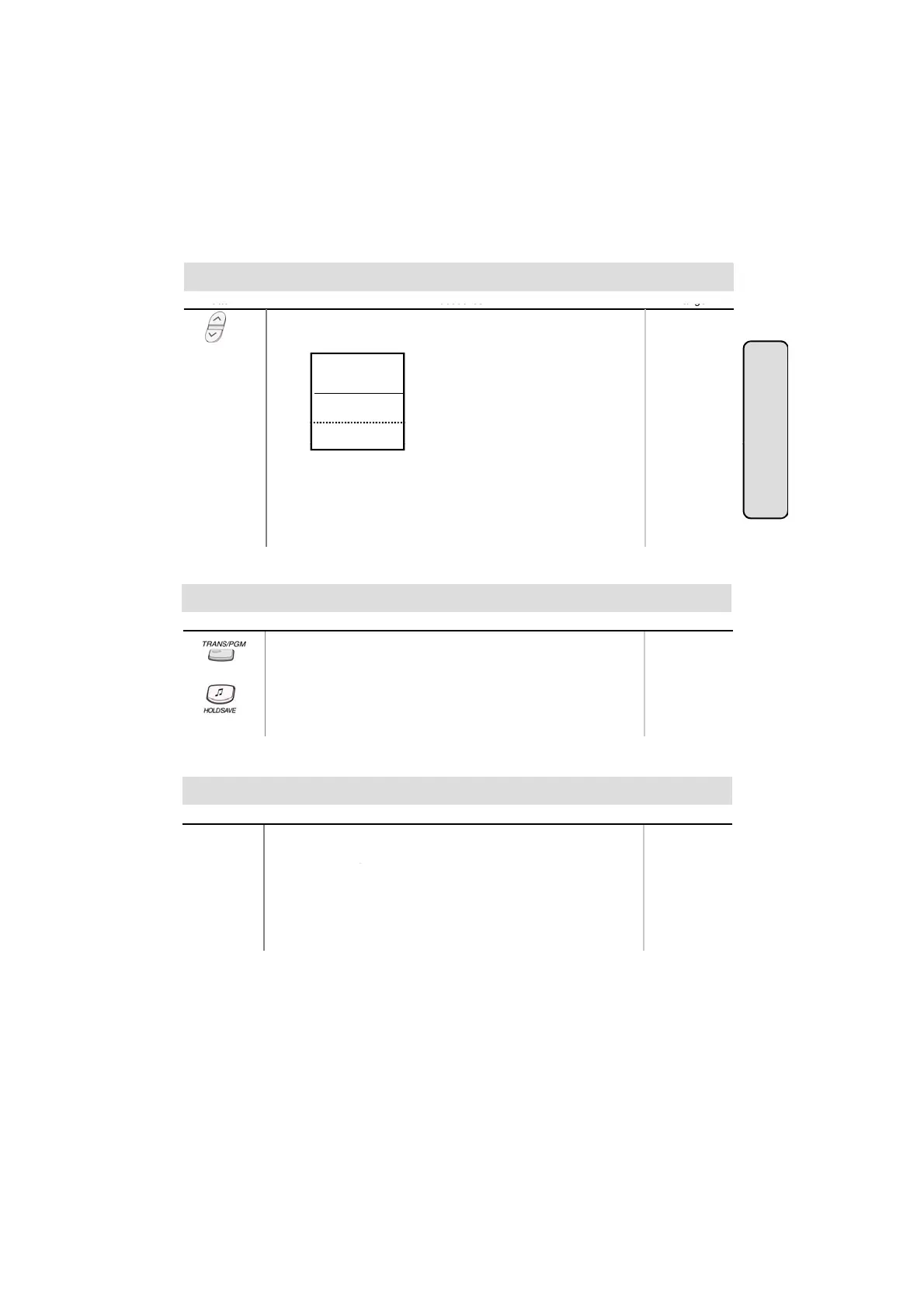
● Press PAGE down(▼) key twice, and you will see the
following on the display.
ACC CO-GR (01-48)
ACC 1 CO (01-96)
UNIV NITE ANSWER
TIE ROUTE (01-30)
ALARM RESET
STA 102 (T)
■
■
■
■
■
■
■
■
■
■
▲
atures
● Select UNIV ANSWER key.
If an outside line is assigned for UNA and the attendant
station is placed into night service mode, you will be
connected to ringing outside line.
● Press TRANS/PGM button.
● Dial 4 9.
● Dial 1 for Handsfree, 2 for Tone ring, or 3 for Privacy announce.
● Press HOLD/SAVE button.
Button
Procedures
Range
Changing Intercom Answer Mode
Placing an Intercom Call
Button Procedures
Range
● Dial intercom number or press programmed DSS button.
● You will hear
- Ring back tone in TN (Tone) mode. Wait for called station
to answer the ringing.
- 3 bursts of tone in HF(Handsfree) or PV(Privacy) mode.
Begin your announcement after the tone.
15



 To Next Page