● DIGITAL KEY TELEPHONE / USER’S GUIDE KD, KD/E, LKD Series
Y d l i di l h ill i t d f
Programming Your Name into Display
Range
Button Procedures
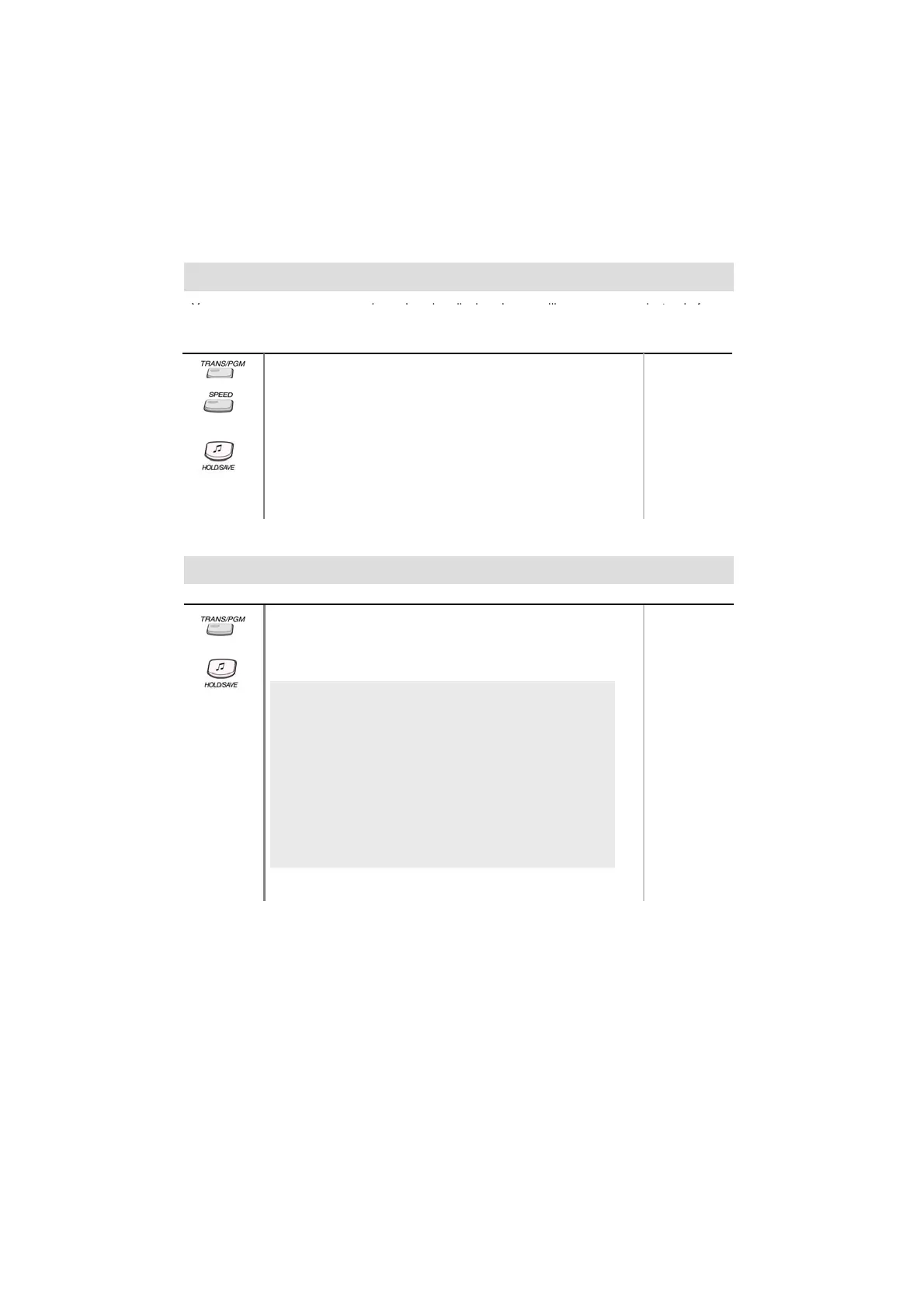
● Press TRANS/PGM button.
● Press SPEED button and dial 0 0.
● Press SPEED button.
● Enter your name. (up to 7 letters using the code in “Storing Dial
by name.)
ou can program your name an
peop
e us
ng
sp
ay p
ones w
see your name
ns
ea
o
you
station number.
●
ress
u
on.
● In GDK-16/20W, pressing [▼] key while entering station name,
the last character will be erased.
Pre-selected Message (*)
Button Procedures
● Press TRANS/PGM button and dial 7 7.
● Dial the number of desired message. Date, Time or Station
Number if required.
● Press HOLD/SAVE button. (DND/FWD button is flashing.)
0 1 LUNCH, RETURN HH:MM
0 2 ON VACATION / RETURN AT MM:DD
0 3 OUT OF OFFICE / RETURN TIME (HH:MM)
Range
0 4 OUT OF OFFICE / RETURN AT MM:DD
0 5 OUT OF OFFICE / RETURN UNKNOWN
0 6 CALL : XX.... (Telephone no: max.17 digits)
0 7 IN OFFICE/STA XXXX
0 8 IN A MEETING/RETURN TIME (HH:MM)
0 9 AT HOME
1 0 AT BRANCH OFFICE
# to cancel
1 1 ~ 2 0 are used for customized messages which are
programmed by attendant. (See “Creating Customized Message”)
31



 To Next Page