● DIGITAL KEY TELEPHONE / USER’S GUIDE KD, KD/E, LKD Series
Using Dial By Name (in KD-33LD, KD/E-36LD, LKD-30LD) (Cont'd)
Intercom Call
(Intercom name should be programmed by attendant.)
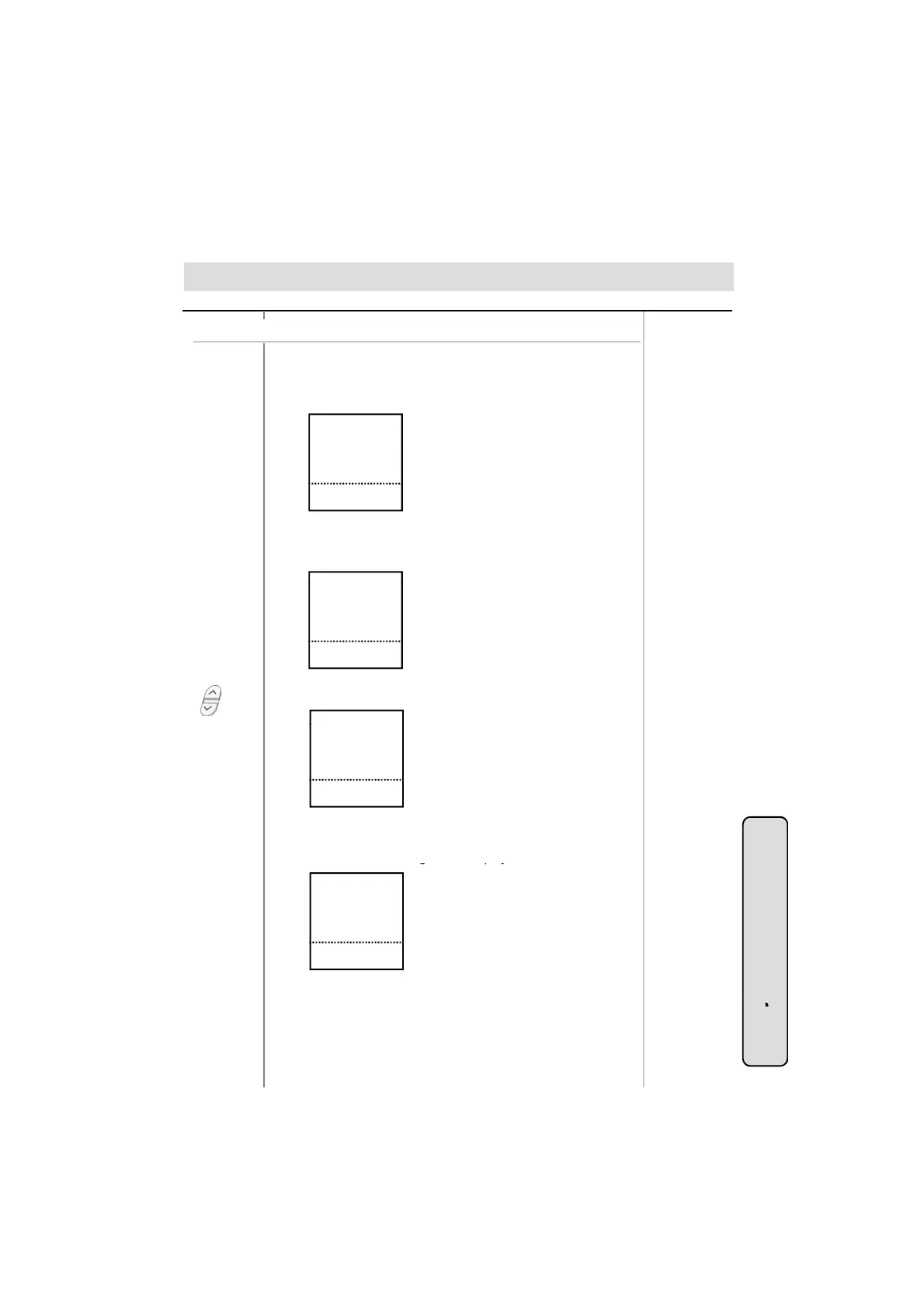
● Press the 1st menu key from the main menu.
If it is programmed, you will see the following on the display.
AB LMN
CD OPQ
■
■
■
■
Or using display, (Only in KD-33LD, KD/E-36LD, LKD-30LD)
● Select the key according to the first letter of the desired party’s
name. (Ex. Selecting the first letter with HI, you will see the
sorted subscriber’s name as follows.)
EFG RST
HI UVW
JK XYZ
STA 102 (T)
NOV 02 01:40pm
■
■
■
▣
■
■
■
▲
▼
● Press PAGE(▲/▼) key until you find the desired name.
.
.
JANG W.H.
KIM Y.J.
LEE M.S.
LEE S.H.
STA 102 (T)
NOV 02 01:40pm
■
■
■
■
■
▣
■
■
■
■
■
▲
▼
.
.
STA 102 (T)
NOV 02 01:40pm
■
■
■
■
▣
■
■
■
■
▲
▼
Station Speed Dial
● Press the 2nd menu key from the main menu.
You will see the followin
on the dis
la
.
STA 102 (T)
NOV 02 01:40pm
■
■
■
■
■
▣
■
■
■
■
■
▲
▼
AB LMN
CD OPQ
EFG RST
HI UVW
JK XYZ
● Follow the procedure as described in Intercom Call.
System Featu
30
System Speed Dial
● Press the 3rd menu key from the main menu.
● Follow the procedure as described in Station Speed Dial.
es



 To Next Page