● DIGITAL KEY TELEPHONE / USER’S GUIDE KD, KD/E, LKD Series
i d t b di l d th LCD f th h lli th t ti
Pre-selected Message (*)
Button Procedures
Range
ou can se
ec
a pre-ass
gne
message
o
e
sp
aye
on
e
o
e p
one ca
ng
e s
a
on.
Or using display, (Only in KD-33LD, KD/E-36LD, LKD-30LD)
ATD PROGRAM
STATION PROGRAM
LCD BRIGHTNESS
■
■
■
■
■
■
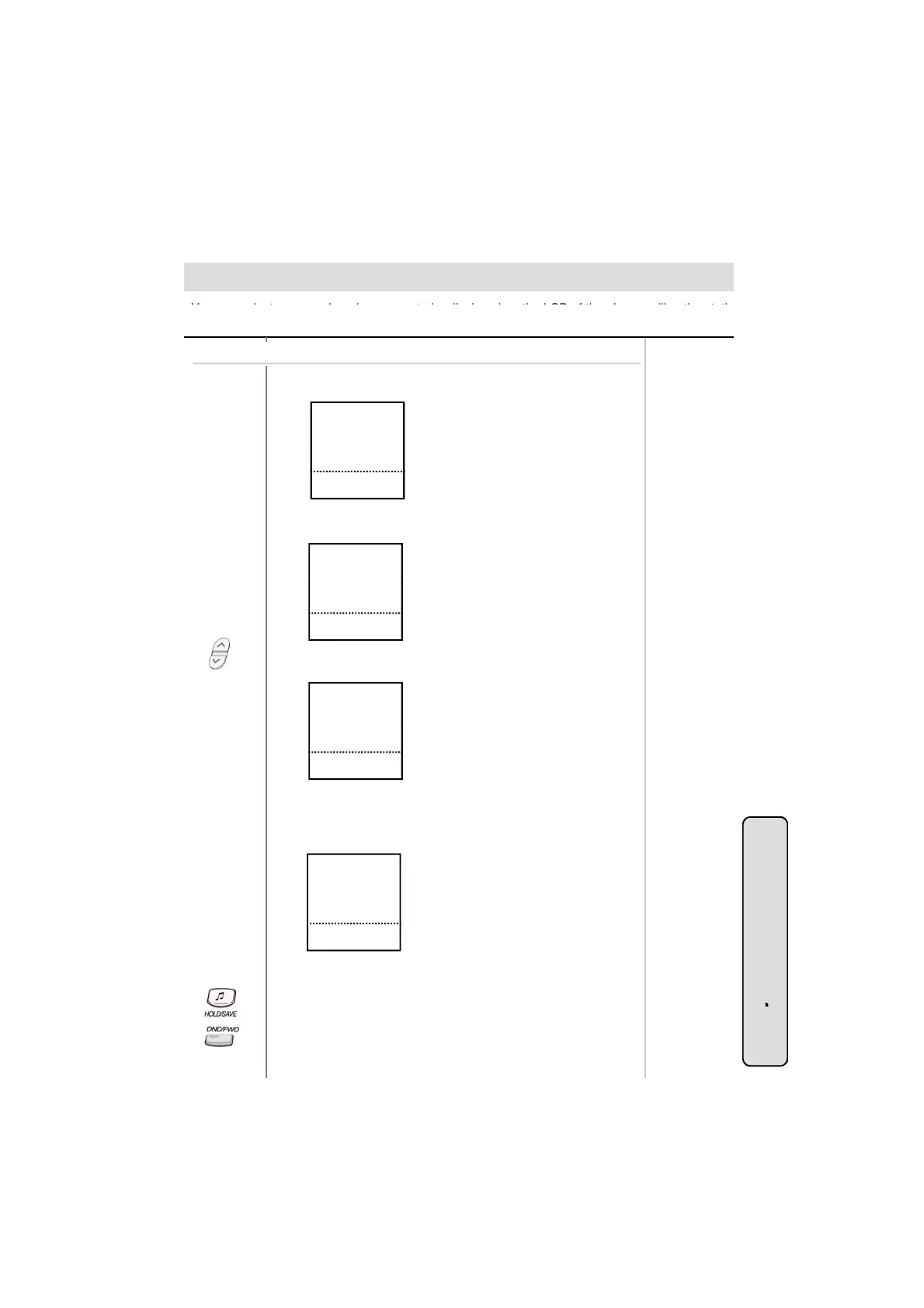
● Press the 5th menu key from main menu and you will see
the following on the display.
RING VOLUME
SPEAKER VOLUME
STA 102 (T)
NOV 02 01:40pm
■
■
■
■
▲
▼
▣
S>WAKE-UP SET
S>WAKE-UP ERASE
S>REG PASSWORD
■
■
■
■
■
■
S>CHG PASSWORD
S>INTERCOM ONLY
STA 102 (T)
NOV 02 01:40pm
■
■
■
■
▲
▼
▣
● Press PAGE down(▼) key and you will see the following
on the display.
S>RESTORE COS
S>MSG PROGRAM
S>ICM INS MODE
■
■
■
■
■
■
● Select STATION PROGRAM key.
On the display, you will see the following.
S>MUSIC CHANNEL
S>PRESELECT MSG
STA 102 (T)
NOV 02 01:40pm
■
■
■
■
▲
▼
▣
● Select PRESELECT MSG.
● On the display, you will see the following.
System Featu
LUNCH (TIME)
VACATION (DATE)
OUT (TIME)
OUT (DATE)
OUT ( ? )
STA 102 (T)
NOV 02 01:40pm
■
■
■
■
■
■
■
■
■
■
▲
▼
▣
● Select desired message key, date, time or station number, if
required.
● Press HOLD/SAVE button. (DND/FWD button is flashing.)
32
es
To turn off message display,
● Press flashing DND/FWD button.



 To Next Page