● DIGITAL KEY TELEPHONE / USER’S GUIDE KD, KD/E, LKD Series
Changing Differential Ring
Ran
e
S>WAKE-UP SET
S>WAKE-UP ERASE
S>REG PASSWORD
S>CHG PASSWORD
S>INTERCOM ONLY
STA 102 (T)
NOV 02 01:40pm
■
■
■
■
■
■
■
■
■
■
▲
▼
▣
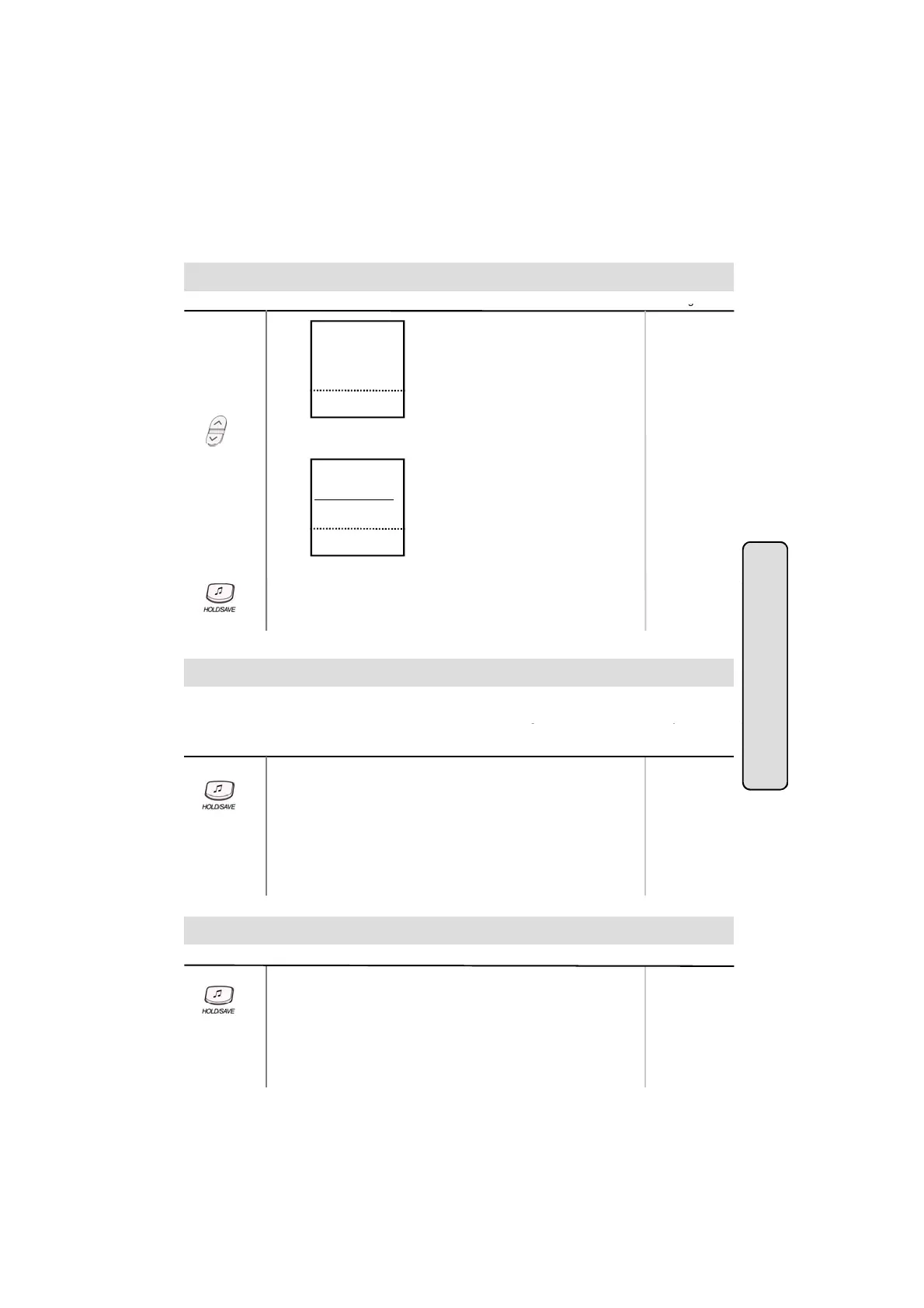
● Press PAGE down(▼) key twice.
On the display you will see the following
,
.
S>DIFFER RING
LGE/GS86P-5.5Ca
STA 102 (T)
NOV 02 01:40pm
■
■
■
■
■
■
■
■
■
■
▲
▼
▣
● Select DIFFER RING key.
Select the ring type (1~4) by pressing dial button 1~4
Intercom Featu
●
.
● Press HOLD/SAVE button.
Voice Over (*)
This feature provides voice announcement to a busy station without interrupting the existing
conversation. The announcement is received over the existin
conversation so that onl
the
es
Button Procedures
● When a busy keyset engaged in an internal or external call is
called through camp-on by a caller, HOLD/SAVE button of
busy keyset is flashing.
After tone, the busy keyset can be connected to both parties.
● Press HOLD/SAVE button in the busy keyset to converse with
new call.
button again to alternate the call
busy station hears both incoming parties.
Range
●
.
Answering a Call Wait with Voice Over
Button Procedures
● You hear camp-on tone and HOLD/SAVE button is flashing.
● Press HOLD/SAVE button to talk with the second caller.
GDK-16/20W:
The previous
Range
17
The first caller is placed on hold.
● You will be connected to the first caller when the second caller
hangs up.
w
be disconnected.
The previous
external call will
be on hold.



 To Next Page