● DIGITAL KEY TELEPHONE / USER’S GUIDE KD, KD/E, LKD Series
Pressing an outside line button a speed button a station button or dialing a station number will
Speakerphone
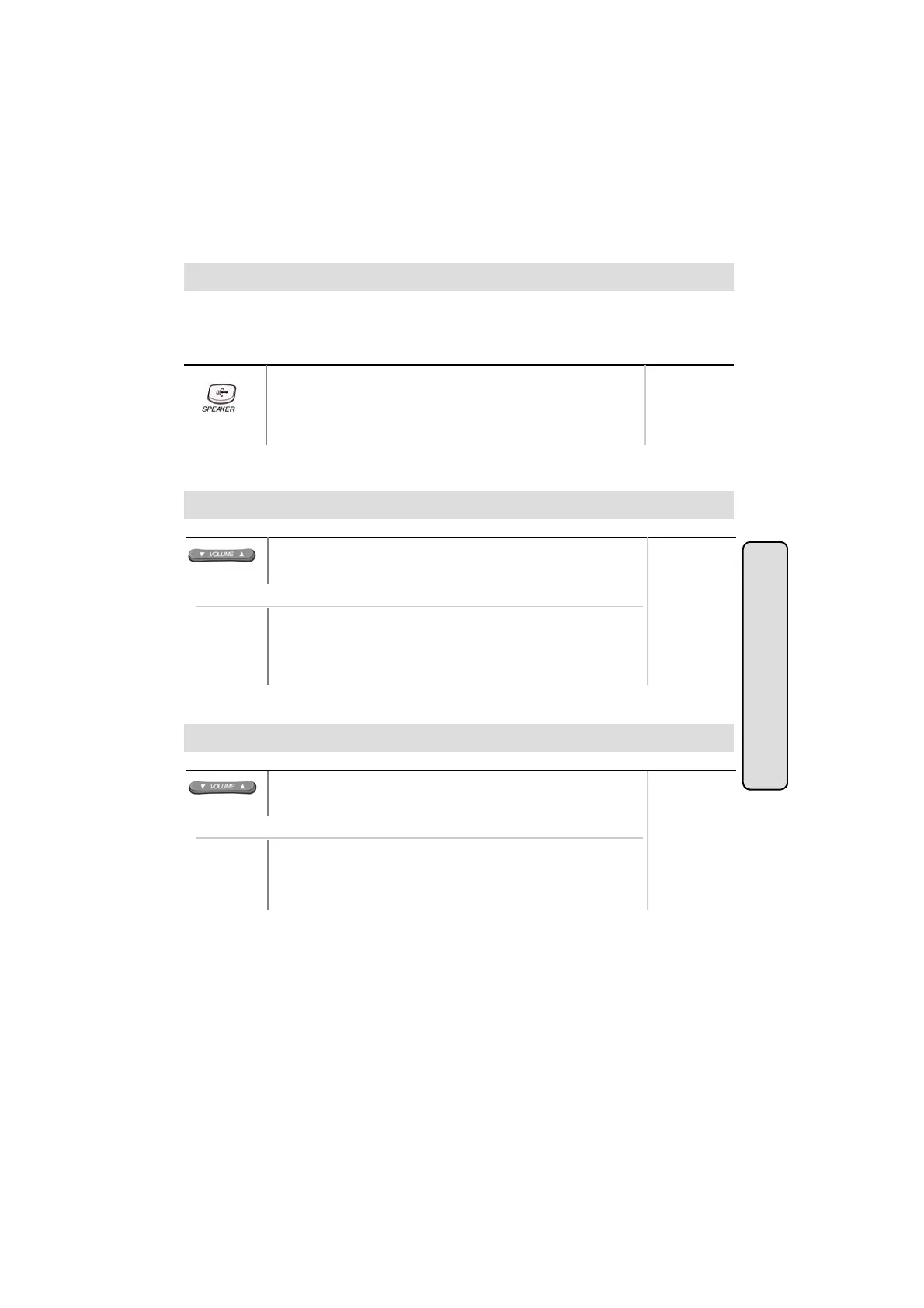
To activate speakerphone,
● Press MON/SPEAKER button.
● Dial outside line number or intercom number to talk.
Button Procedures
Range
,
,
automatically activate the speakerphone. (LKD-2N/S has no microphone and doesn’t function
as handsfree unit.)
Button Procedures
● In speakerphone mode, press VOLUME (▲/▼) button to
control the speakerphone volume..
Range
Speaker Volume Control
● Press the 5th menu key from main menu to select PROGRAM.
● Select SPEAKER VOLUME.
● Press VOLUME (▲/▼) button to control speaker volume.
Or using display, (Only in KD-33LD, KD/E-36LD, LKD-30LD)
Intercom Featu
Button Procedures
● When bell rings, press VOLUME (▲/▼) button to control
ring volume.
Range
● Press the 5th menu key from main menu to select PROGRAM.
Or using display, (Only in KD-33LD, KD/E-36LD, LKD-30LD)
Ring Volume Control
es
Range
●
.
● Press VOLUME (▲/▼) button to control ring volume.
23



 To Next Page