● DIGITAL KEY TELEPHONE / USER’S GUIDE KD, KD/E, LKD Series
: An access authorization code should be registered
Blocking Outside Calls (*)
Button Procedures
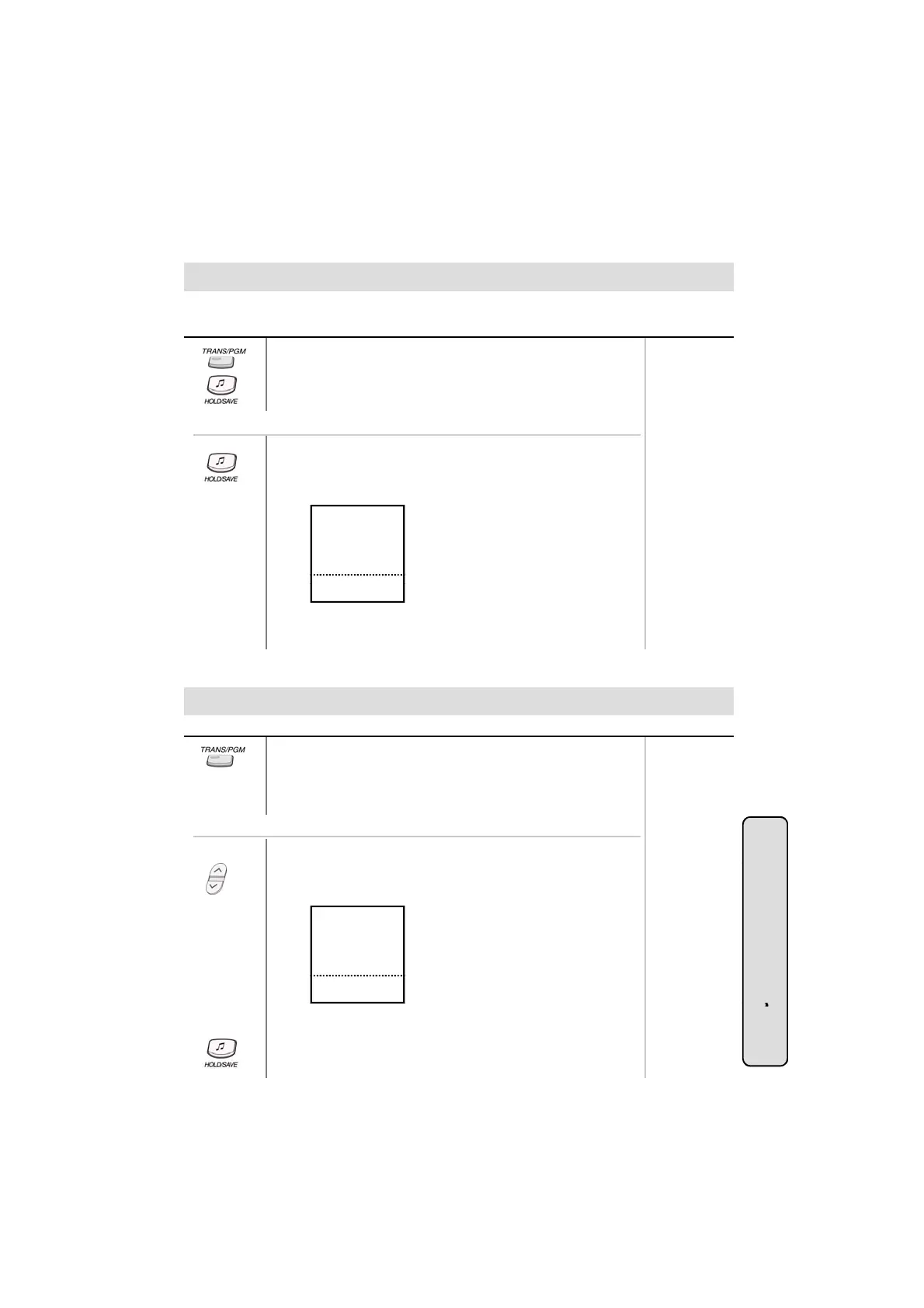
● Press TRANS/PGM button and dial 4 6. (MON/SPEAKER
button is lighting.)
● Press HOLD/SAVE button. (Confirmation tone is heard.)
● MUTE button will flash until restored to normal.
Range
.
Or using display, (Only in KD-33LD, KD/E-36LD, LKD-30LD)
Press the 5th menu key from the main menu
●
.
● Press HOLD/SAVE button. (Confirmation tone is heard.)
● MUTE button will flash until restored to normal.
● Select the STATION PROGRAM and you will see the following.
S>WAKE-UP SET
S>WAKE-UP ERASE
S>REG PASSWORD
S>CHG PASSWORD
S>INTERCOM ONLY
■
■
■
■
■
■
■
■
■
■
▲
NOV 02 01:40pm
● Select INTERCOM ONLY.
Restoring Outside Calls (*)
▼
▣
Button Procedures
● Press TRANS/PGM button and dial 4 7.
● Dial your current access authorization code.
(Confirmation tone is heard.)
● MUTE button will be extinguished.
ange
Or using display, (Only in KD-33LD, KD/E-36LD, LKD-30LD)
● Press the 5th menu key from the main menu.
Press STATION PROGRAM key
.
● Press PAGE down(▼) key.
● On the display, you will see the following.
S>RESTORE COS
S>MSG PROGRAM
S>ICM ANS MODE
S>MUSIC CHANNEL
S>PRESELECT MSG
STA 102 (T)
NOV 02 01:40pm
■
■
■
■
■
■
■
■
■
■
▲
▼
▣
System Featu
27
● Select RESTORE COS key.
● Enter your current access authorization code.
● Press HOLD/SAVE button.
es



 To Next Page