● DIGITAL KEY TELEPHONE / USER’S GUIDE KD, KD/E, LKD Series
LCD Language Change (*)
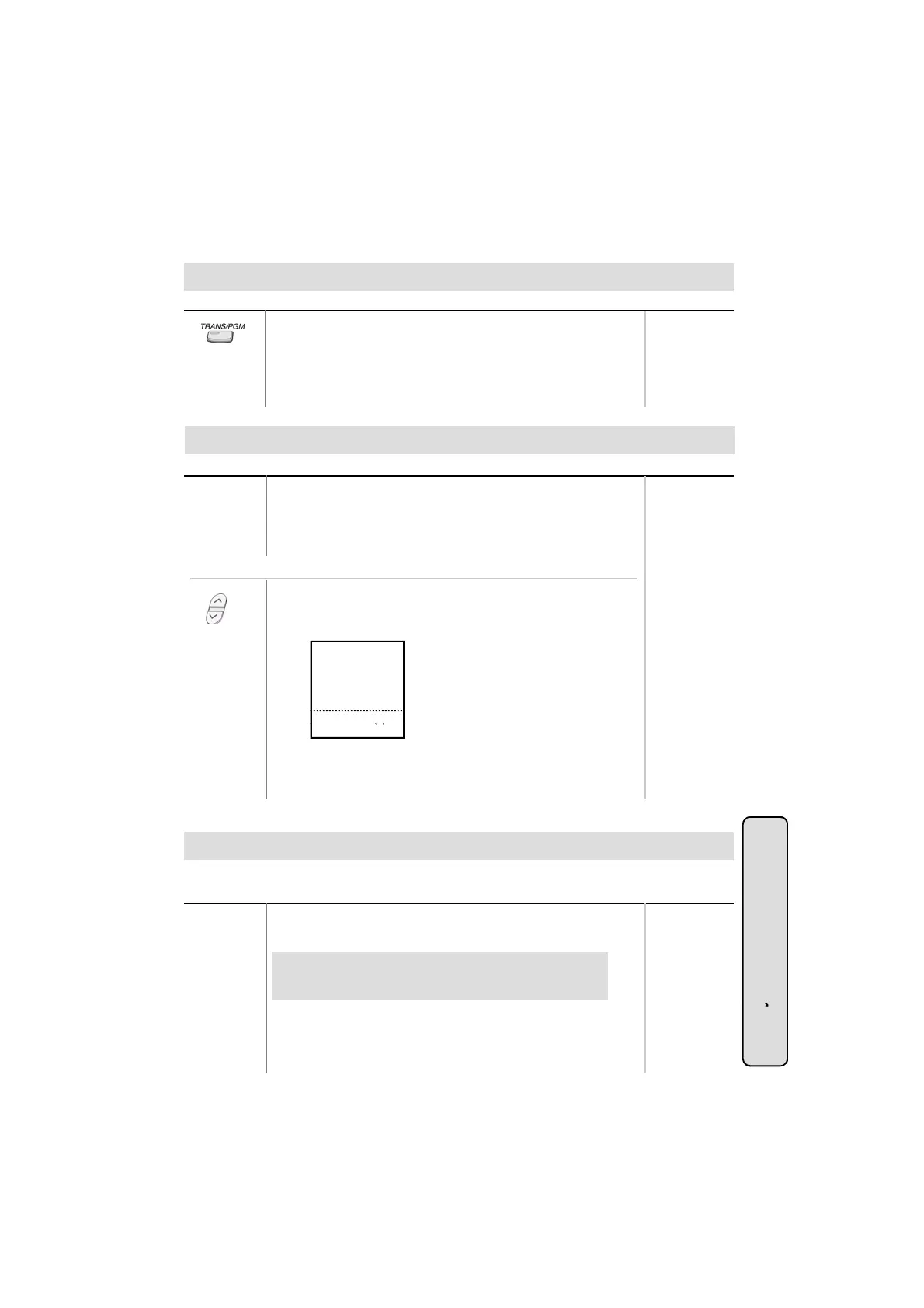
● Press TRANS/PGM button and dial 5 1 .
● The language in LCD is changed into default value.
● If pressing TRANS/PGM + 5 1 , the language in the LCD is
changed to the nation’s language.
Button Procedures
Range
To terminate alarm signal while idle state,
● Dial 6 5.
● Confirmation tone is heard and the alarm signal is terminated
at all assigned stations.
Or using display, (Only in KD-33LD, KD/E-36LD, LKD-30LD)
● Press the 4th menu key from main menu to select FEATURE.
● Press PAGE down(▼) key twice.
On the display, you will see the following.
ACC CO-GR(01-48)
ACC 1 CO(01-96)
UNIV NITE ANSWER
TIE ROUTE (01-30)
ALARM RESET
STA 102
T
■
■
■
■
■
■
■
■
■
■
▲
NOV 02 01:40pm
▼
▣
● Select ALARM RESET key.
● Ring is stopped.
Two-way Recording (Only in GDK-16/20W)
To record the conversation,
● Press the programmed {RECORD} button.
To program the {RECORD} button,
[TRANS/PGM] + Flex. BTN + [TRANS/PGM] + # 4 +
[HOLD/SAVE]
Button Procedures
While a CO line call, you can record the conversation and it will be saved in its own mailbox.
Range
System Featu
38
To finish the recording,
● Press the programmed {RECORD} button again. Or, replace
the handset.
es



 To Next Page