● DIGITAL KEY TELEPHONE / ATTENDANT OPERATION KD, KD/E, LKD Series
Dial by Name (for ICM) (*)
A
● Press TRANS/PGM button.
● Dial # 8.
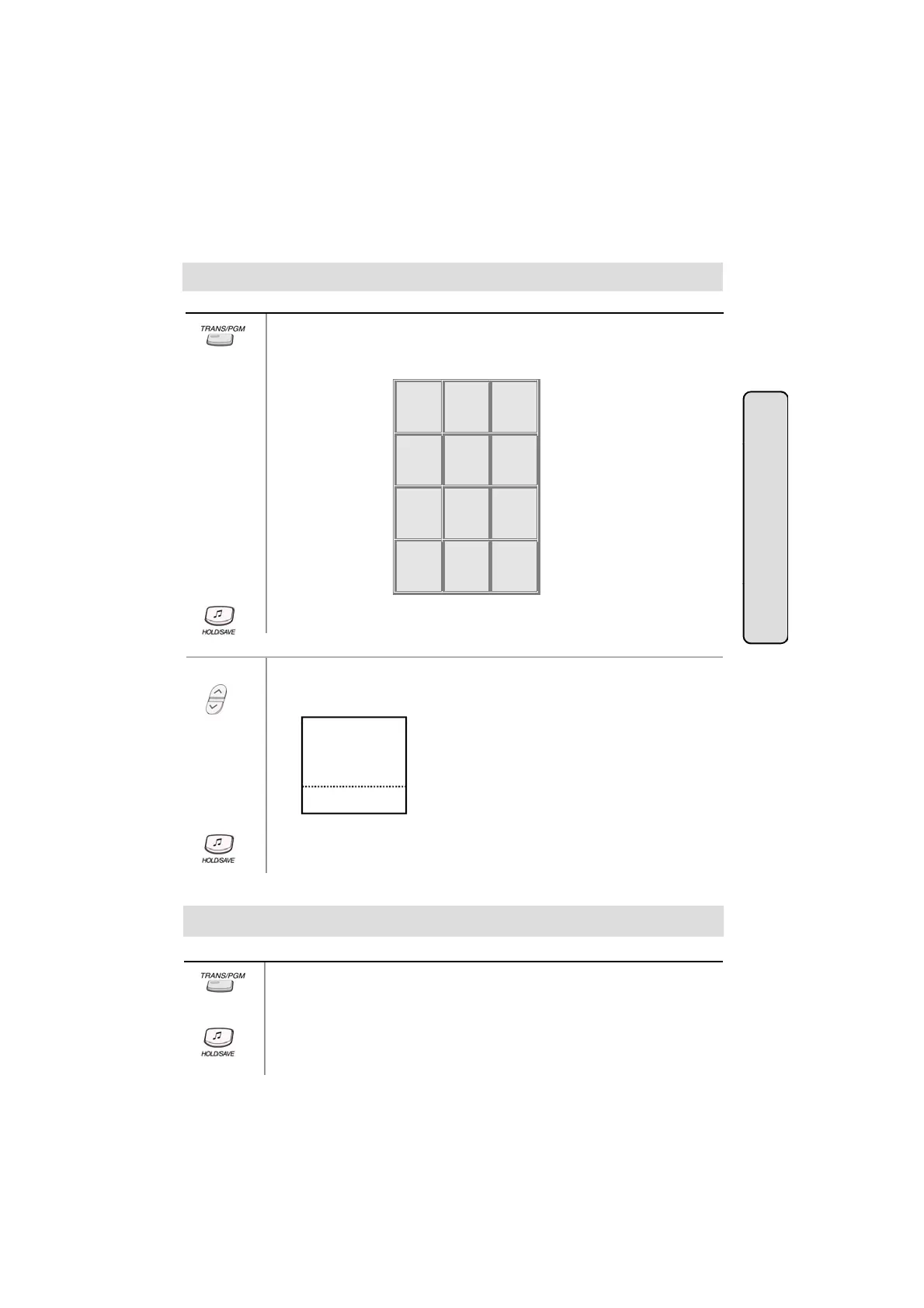
● Dial the station number and enter the name using the code shown below.
Q - 11
Z - 12
. - 13
1 - 10
A - 21
B - 22
C - 23
2 - 20
D - 31
E - 32
F - 33
3 - 30
tendant Operat
-
H - 42
I - 43
4 - 40
-
K - 52
L - 53
5 - 50
-
N - 62
O - 63
6 - 60
P - 71
R - 72
S - 73
Q - 7*
7 - 70
T - 81
U - 82
V - 83
8 - 80
W - 91
X - 92
Y - 93
Z - 9#
9 - 90
*1 - Blank
*2 - :
*3 - ,
0-00 #
ion
● Press HOLD/SAVE button.
● Press the 5th menu key from the main menu to select PROGRAM.
● Select the ATD PROGRAM key.
● Press PAGE down key (▼) 3 times. On the display, you'll see the following.
Or using display, (Only in KD-33LD, KD/E-36LD, LKD-30LD)
A>USER DIAL NAME
A>AUTO DAY-NIGHT
STA 102 (T)
NOV 02 01:40pm
■
■
■
■
■
▣
■
■
■
■
■
▲
▼
● Dial the station number and enter the name using the code.
● Press HOLD/SAVE button.
Customized Message (*)
Button
Procedure
● Press TRANS/PGM button.
● Dial * 7.
51
● Dial the number of the desired message. (11~20)
● Enter the desired message using the code in Dial by Name.
● Press HOLD/SAVE button.


 To Next Page
 Loading...