● DIGITAL KEY TELEPHONE / USER’S GUIDE KD, KD/E, LKD Series
Button Procedures
Ran
e
Voice Announcement (in GDK-16/20W)
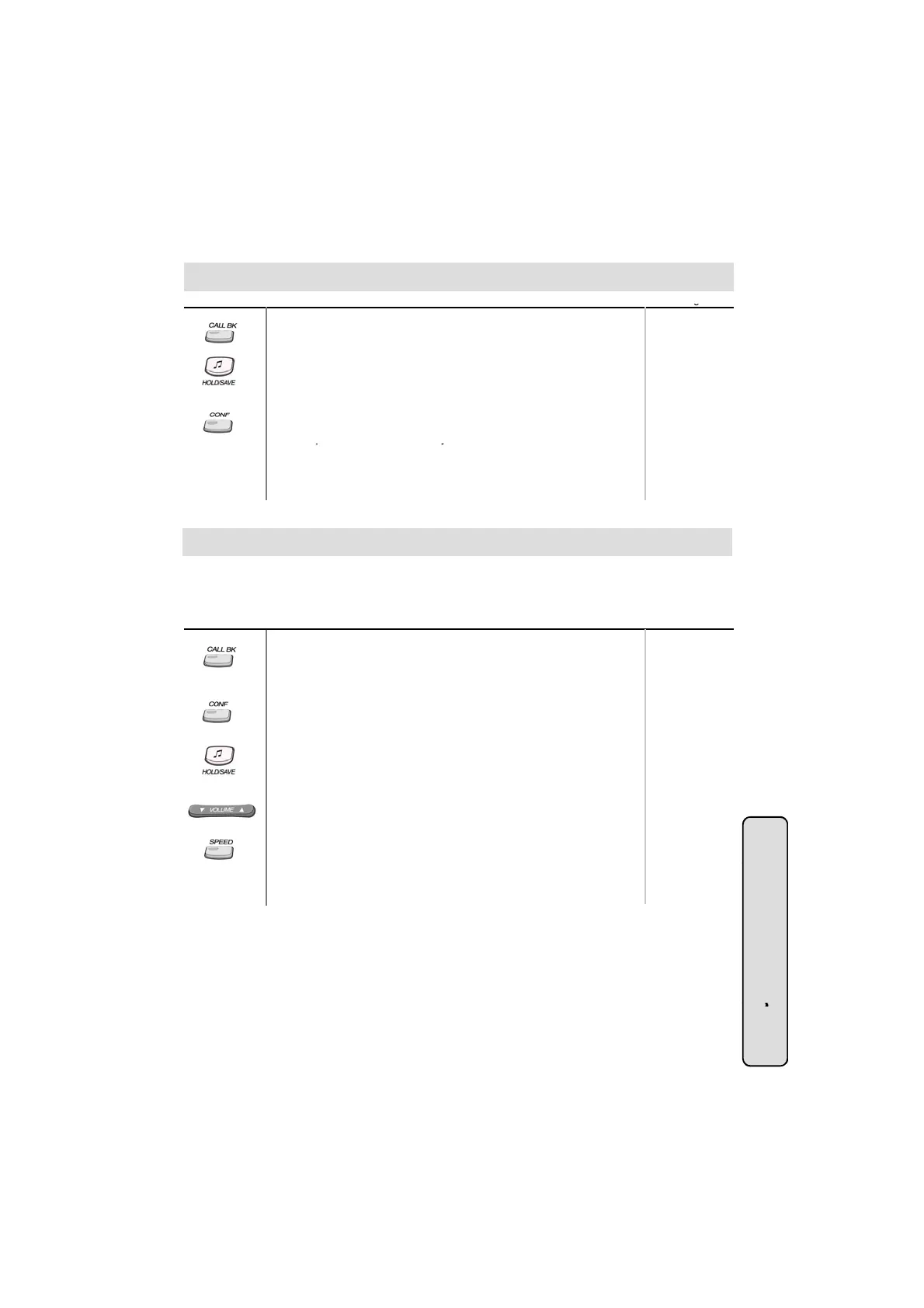
To listen to the recorded message,
● Press the flashing CALLBK button.
● The recorded message is heard with the time and date.
● Pressing HOLD/SAVE button, the current message is saved
and the next message is heard.
● Pressing CALLBK button, the recorded message is heard from
the first.
● Pressing CONF button, the current message is deleted.
* The o
eration of 2/8 BTN ke
set is the same with other GDK
CO Message Wait
When a call is received with DISA/DID, the Calling Line Identification (CLI) of the incoming call is
displayed on the LCD of the station If the DISA/DID external party hangs up the call before
systems. (Refer to p.34)
※ The max. user recording time is about 250sec. (Default: 20sec: it can be
programmable with admin programming - Main Menu 6-1-24)
Button Procedures
Range
.
answered, the CLI will be stored in the CO message wait queue in the called party.
To retrieve CLI Message,
● Press CALLBK button.
● The stored message will be shown on the LCD.
To delete the current CLI message and see the next one,
● Press CONF button.
To make a callback,
● Press HOLD/SAVE button.
● The stored number is dialed as speed dialing.
To see the next/previous CLI message,
● Press VOLUME button.
To delete all CLI messages,
(Not available in GDK-16/20W)
● Press SPEED button twice.
If DVU message is stored with CLI message the CLI message
●
,
will not be deleted by pressing SPEED button.
System Featu
37
es



 To Next Page